When a Wi-Fi connection needs a closer security check, Wifislax provides a Linux environment centered on wireless network testing. It is a separate operating system that Windows users typically start from bootable media, not a utility that runs inside Windows.
What does Wifislax include for wireless testing?
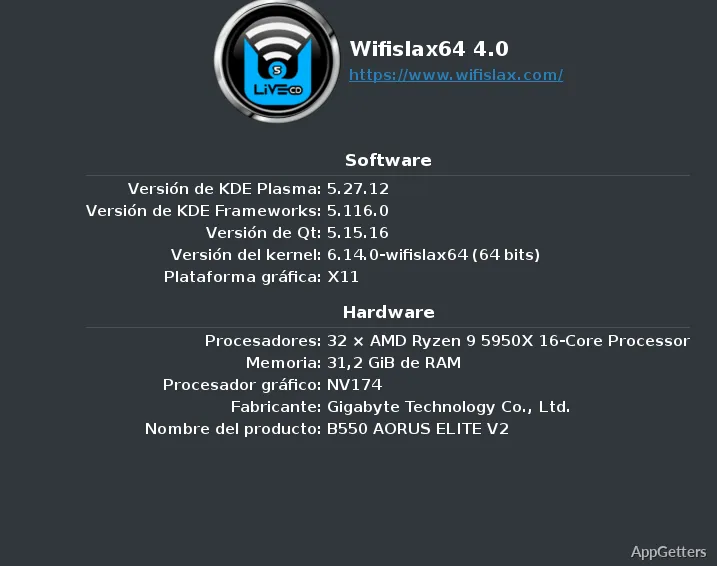
Wifislax is a GNU/Linux distribution based on Slackware, with packages for testing wireless networks. Drivers and firmware are included alongside those tools, and the distribution supports WPA3. That combination gives network auditors a dedicated environment for examining wireless security and diagnosing connectivity problems.
Because Wifislax runs as its own operating system, a Windows user generally starts it from bootable media or a virtual machine. It does not operate as a standard Windows application.
Which desktop can you use?
The distribution includes KDE Plasma and XFCE desktop options. This gives users a graphical desktop for working with the included software, while the wireless testing packages remain the main focus.
Can you add other software?
Wifislax supports optional software modules. Available examples include printer and scanner drivers, office software, and media applications. These additions let users tailor the live system without treating every extra program as part of the wireless toolkit.
Pros
- Wireless network testing tools are bundled in one Linux distribution
- Includes wireless drivers and firmware alongside testing packages
- Supports WPA3 and offers KDE Plasma and XFCE desktops
- Optional modules add software such as printer drivers or office tools
Does Wifislax run directly in Windows?
No. Wifislax is a Linux distribution, typically started from bootable media or a virtual machine.
What is Wifislax used for?
It provides a Linux environment for wireless network testing, security audits, and connectivity troubleshooting.
Can Wifislax support WPA3 networks?
Yes. WPA3 support is included.