When a scanner’s original software stops working, VueScan can provide another way to keep scanning with that device. VueScan for Windows supports flatbed, document, and film scanners, with tools for digitizing photos, processing documents, and working with film and slides.
Scan photos and restore faded color
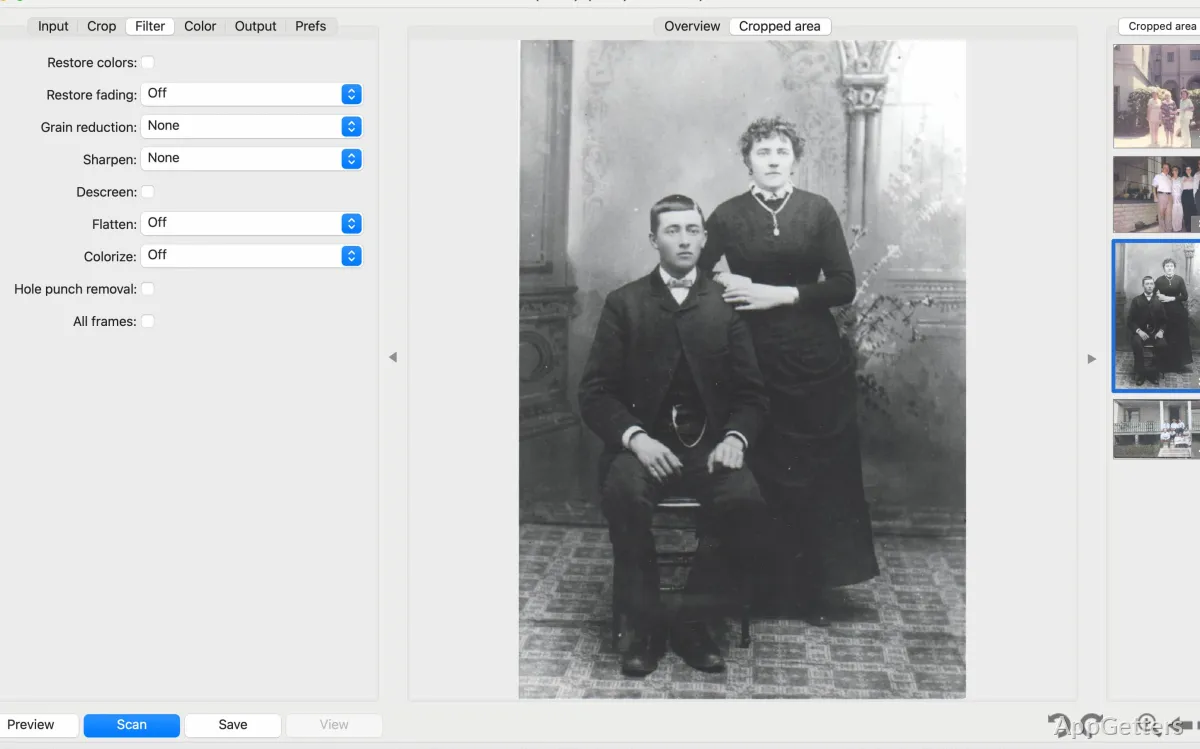
VueScan can detect several photos placed on a flatbed, crop them individually, and save them as separate scans. Orientation detection can turn photos upright automatically. The photo workflow also covers prints in albums, Polaroids, and mounted photos.
For film and slides, VueScan supports negatives and transparencies in formats including 35mm, medium format, and large format. Infrared Clean removes dust and scratches from compatible film scans, while Restore Fading corrects faded colors. Multi-exposure scanning can capture more tonal detail; multi-pass scanning reduces noise. IT8 calibration and histogram controls give additional ways to tune color and image output.
Turn paper stacks into searchable PDFs
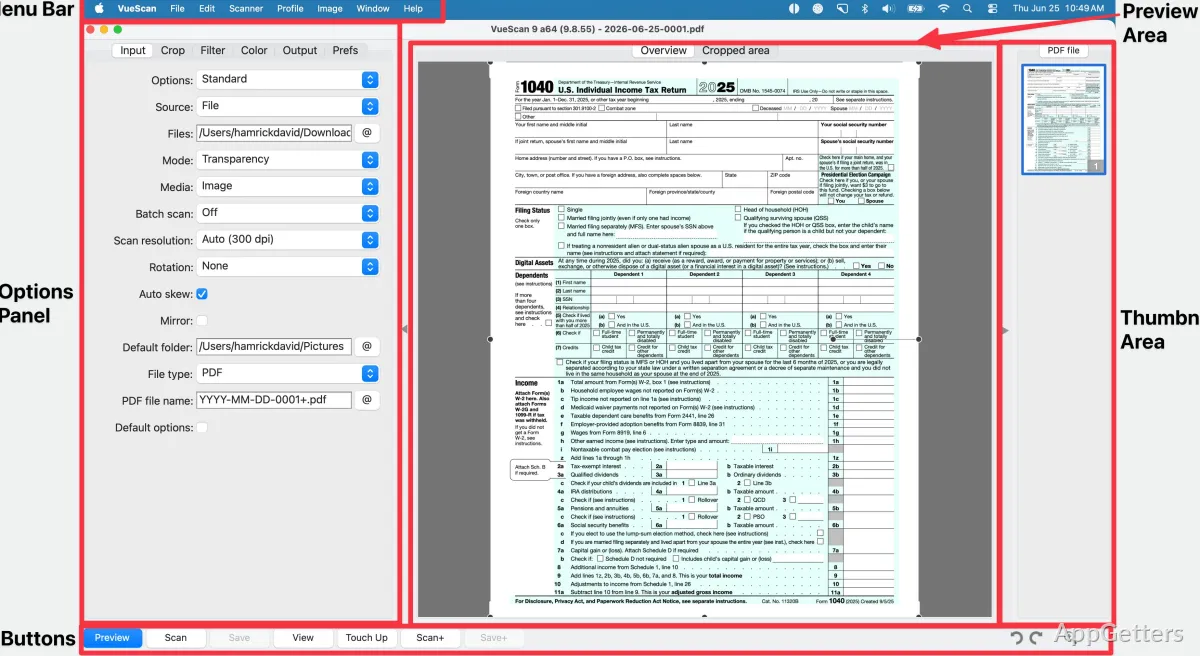
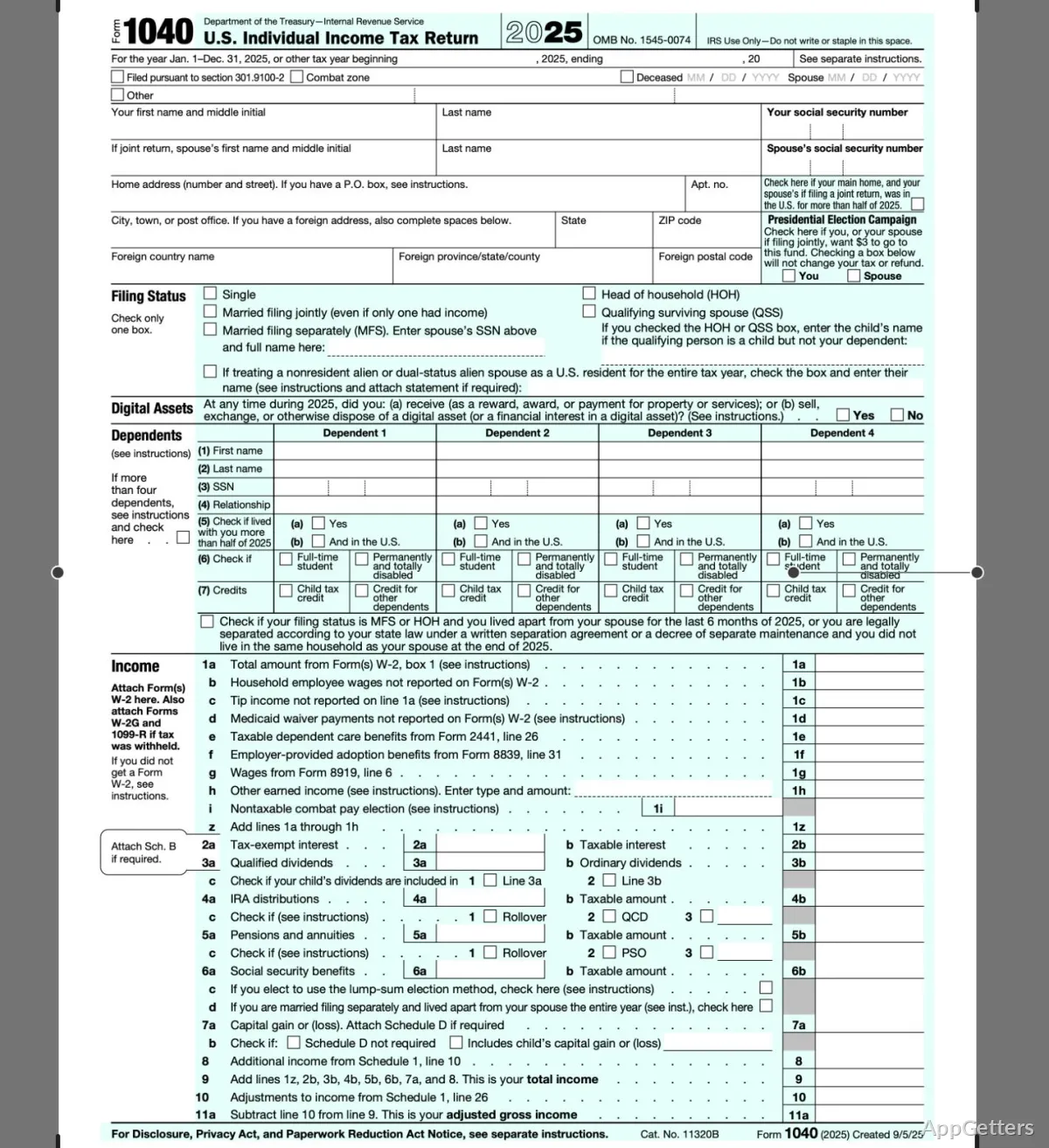
VueScan works with flatbeds and automatic document feeders, including for batches of loose pages, receipts, or business cards. Crooked pages are straightened, empty pages dropped and borders cropped automatically. The software can also remove hole punches and flatten colors on scanned pages.
Built-in OCR converts document scans into searchable, editable text. For multipage PDFs, pages can be rearranged or deleted before saving. VueScan also supports network-connected scanners.
Bring an older scanner back into the workflow
VueScan includes built-in drivers for many scanners, including models whose manufacturers no longer provide current software. It also works with newer scanners through manufacturer drivers and plugins. The range of supported devices includes flatbed, document, and film or slide scanners, so the same application can handle paper and photographic originals.
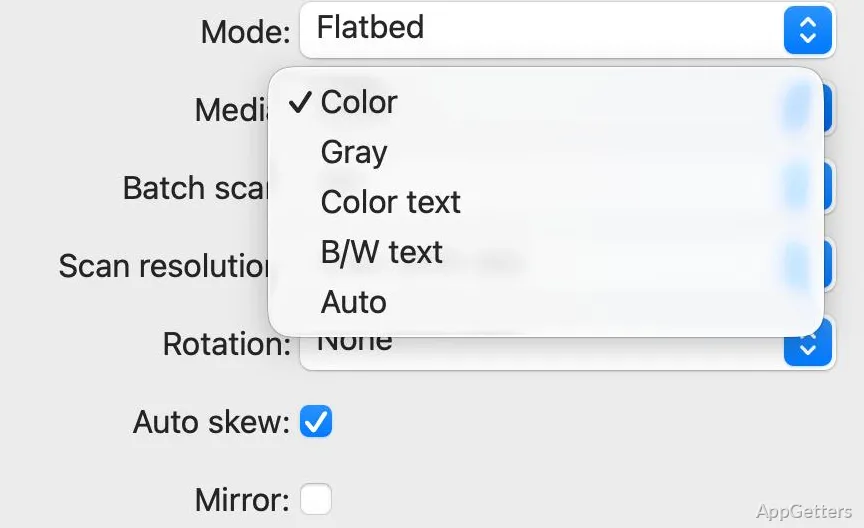
Start by connecting the scanner and selecting it in VueScan. Choose the media type—such as document, photo, negative, or slide—then set scan options and save the result. Automatic media and orientation detection can reduce the initial adjustments.
Pros
- Auto-detects, crops, and separates multiple photos on a flatbed
- Creates searchable PDFs with built-in OCR and page controls
- Includes film tools such as infrared dust and scratch removal
- Offers IT8 color calibration and multi-exposure scanning
System requirements: Windows 7, Windows 8, Windows 10, Windows 11 · 32-bit and 64-bit
Can VueScan work with a scanner that no longer has manufacturer support?
VueScan includes built-in drivers for many older scanners, including models no longer supported by their manufacturers.
Can VueScan create searchable PDFs from scanned pages?
Yes. Its built-in OCR converts scans into searchable, editable text, and it can save multipage PDFs.
What photo restoration tools does VueScan include?
It can correct faded colors and remove dust and scratches from compatible film scans using infrared cleaning.