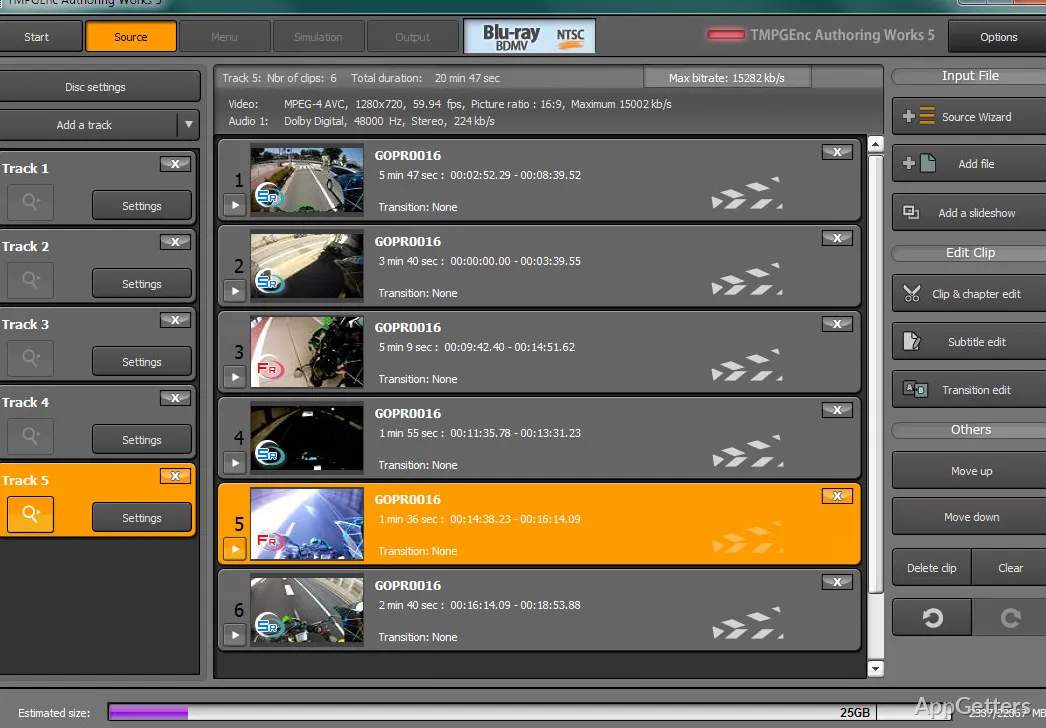
Need to turn video clips into a DVD or Blu-ray with a menu viewers can navigate? TMPGEnc Authoring Works combines video import and basic editing with disc-menu creation and DVD or Blu-ray output.
Edit imported video before authoring
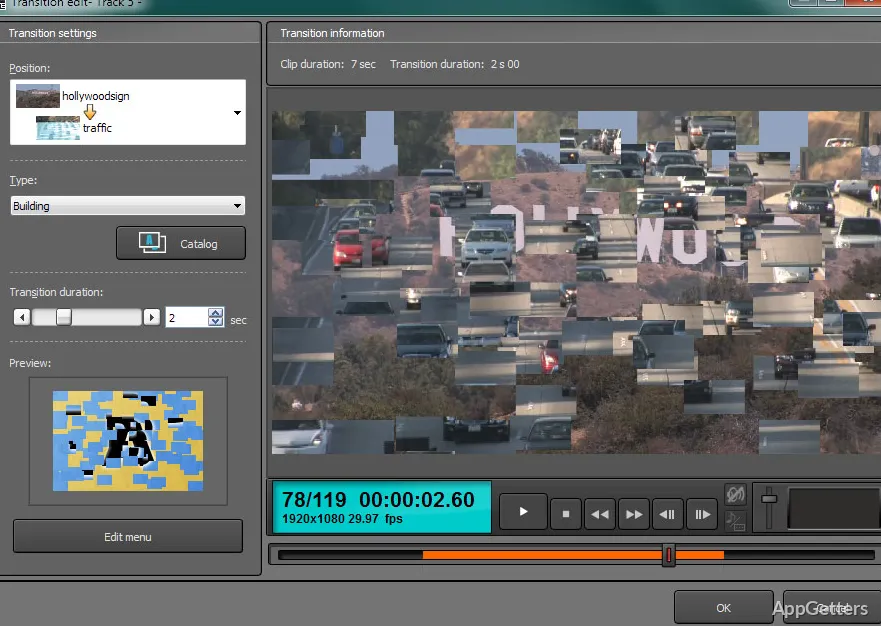
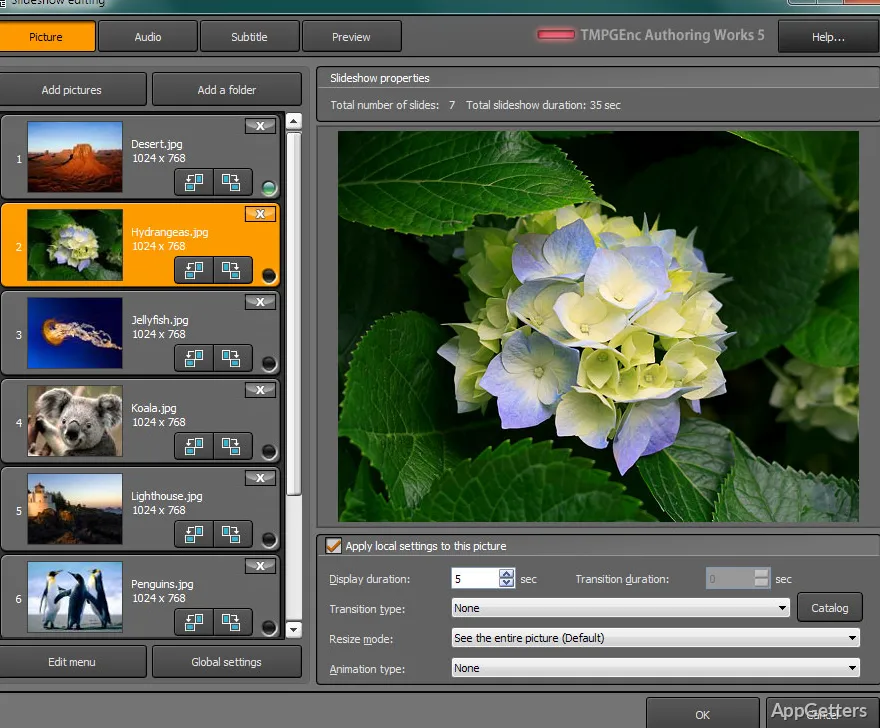
Bring video files into a project, then trim out unwanted scenes with the precision trimming tool. The editing tools also let you insert subtitles and apply transitions, so those changes can be made as part of preparing the disc project.
A library of more than 170 transitions offers different ways to move between scenes. The program accepts a broad range of video formats, allowing projects to start with existing footage in many common formats.
Build a menu from editable templates
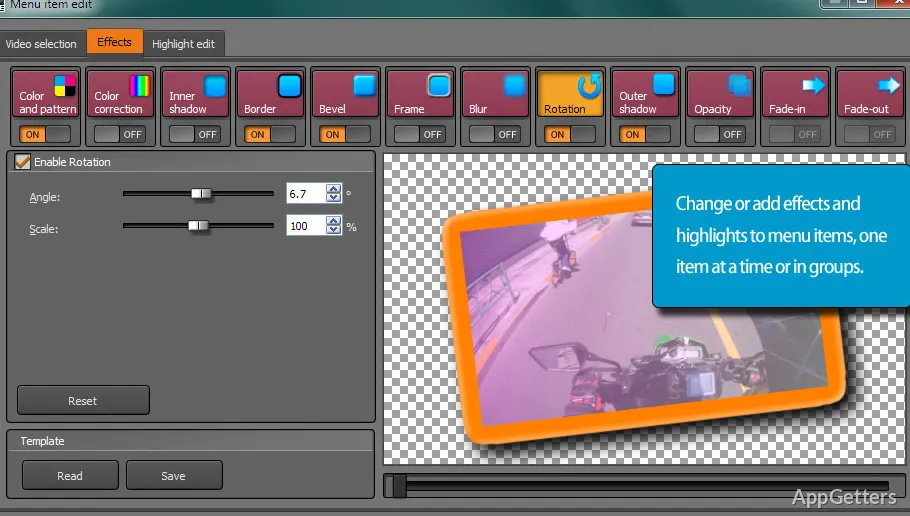
Choose a premade menu template and modify it for the DVD or Blu-ray project. Menus give viewers a way to navigate the authored content, and the templates provide a starting point for arranging that presentation.
- Customize a template instead of designing the menu layout from scratch.
- Pair menu creation with the video edits and disc-authoring work in the same project.
Create DVD and Blu-ray discs
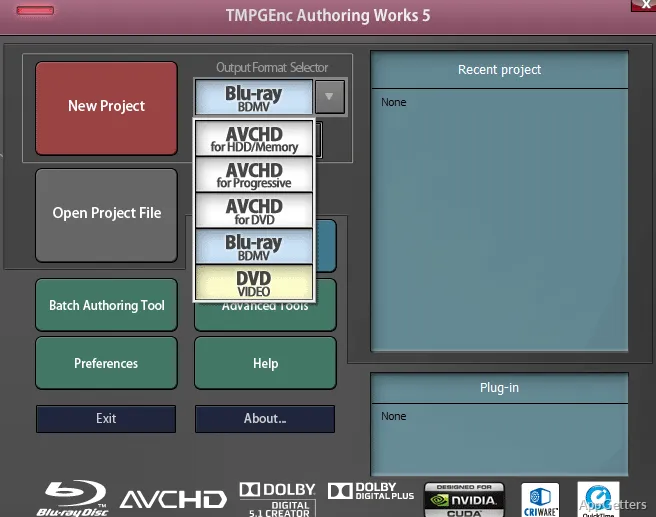
TMPGEnc Authoring Works brings video preparation and disc creation into one workflow. After importing and editing footage, create a menu and author the project for DVD or Blu-ray.
Pros
- Authors projects for DVD and Blu-ray
- Trims unwanted footage with a precision trimming tool
- Adds subtitles and transitions to video projects
- Includes editable menu templates for disc projects
System requirements: Windows 10, Windows 11 · 64-bit only · CPU: SSSE3-supporting Intel Core i or newer, or equivalent · RAM: 2 GB or higher · Storage: 2 GB for application plus working space; 50 GB or more for Blu-ray editing · Display: 1024×768 or higher · Internet access required for online validation and updates · .NET 8.0 Desktop Runtime (installed automatically)
Can TMPGEnc Authoring Works add subtitles to a video project?
Yes. Its editing tools let you insert subtitles while preparing footage for DVD or Blu-ray authoring.
Can I customize the disc menu?
Yes. Start with a premade template and modify it for the project.
What disc formats does it author?
It creates DVD and Blu-ray projects.