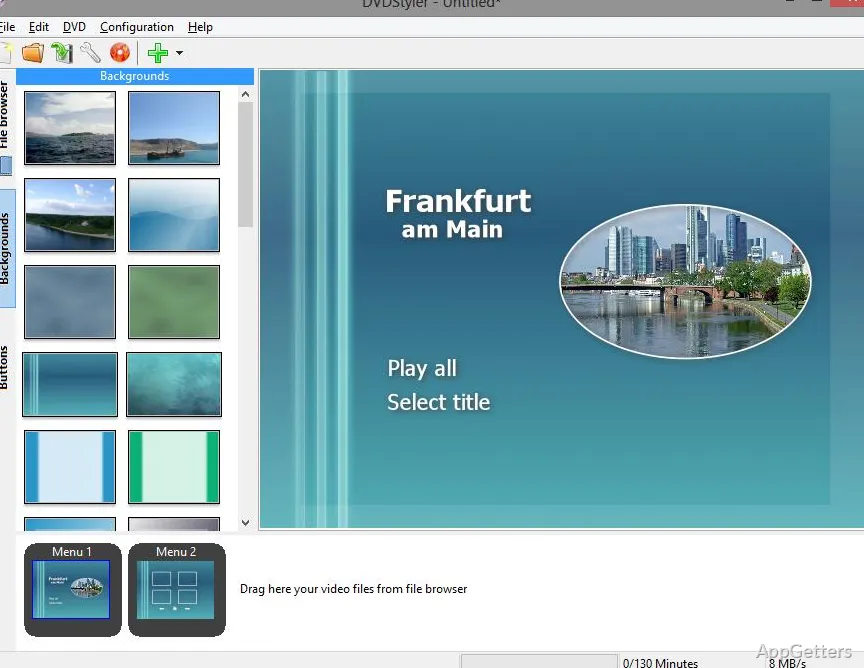
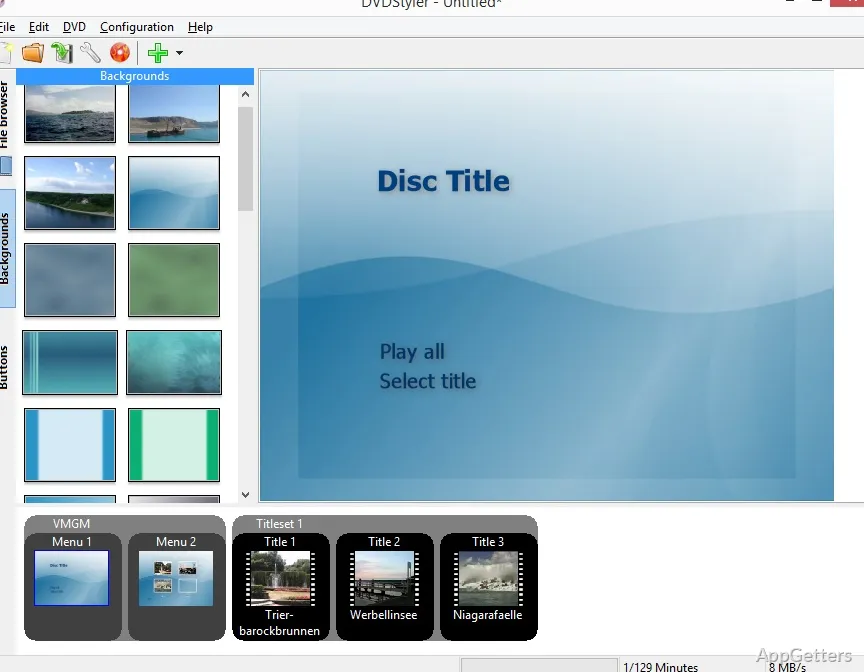
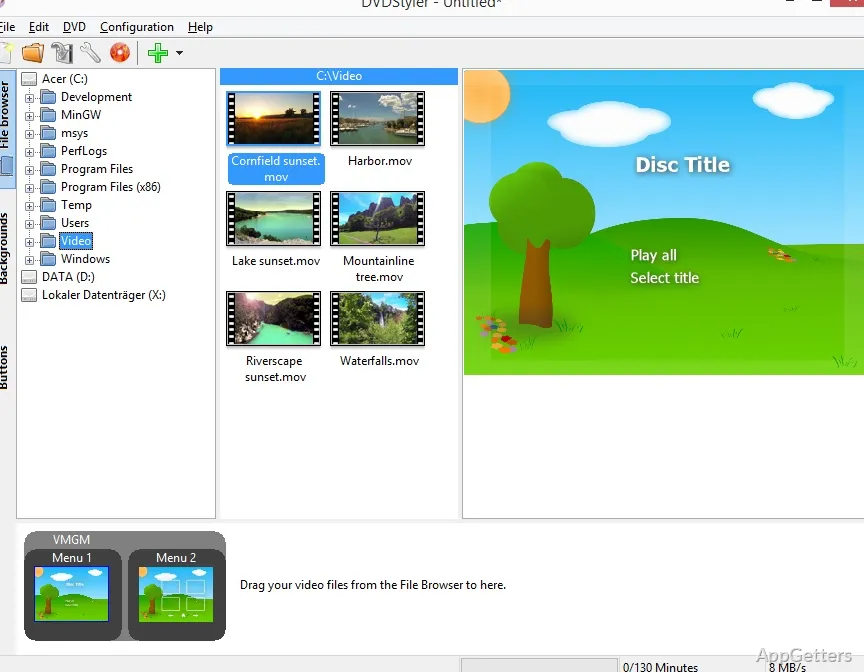
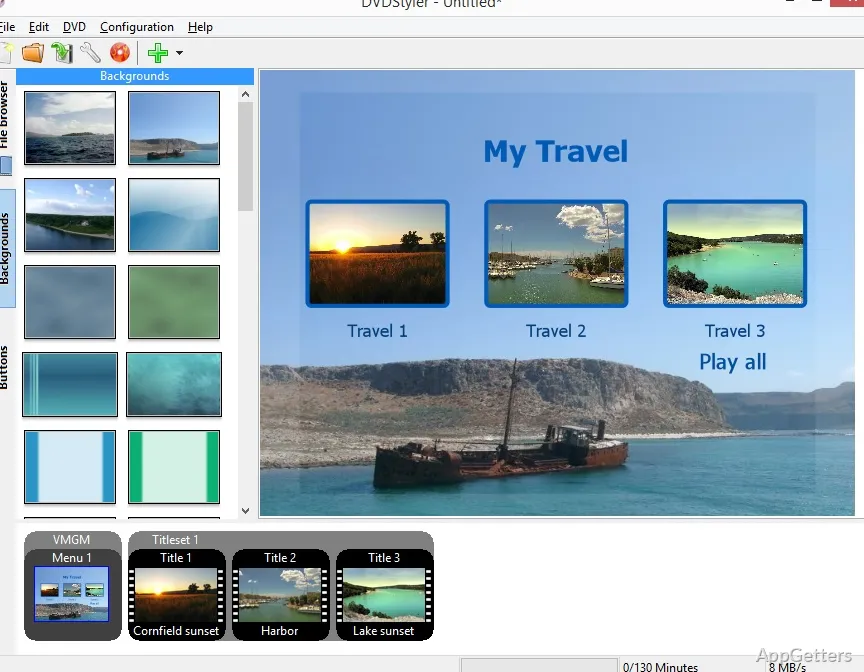
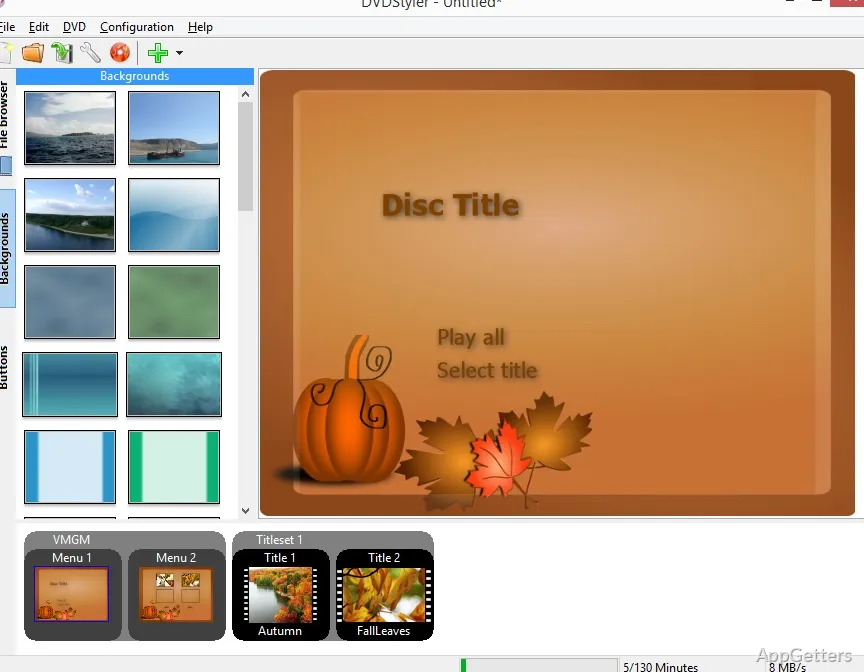
DVDStyler Portable is the go-to DVD authoring software for Windows users who want to create DVD-Video discs from digital files. In most cases, the problem this software solves is that home OSs today no longer come with disc authoring tools. So users have a bunch of MP4 or AVI files. On the other hand, they cannot easily turn those videos into DVDs playable on stand-alone players. The portable format is a must-have when the environment does not allow installations. It is also useful if users do not want to make changes to the system. In most cases, it is run from a folder or external drive. Hence, it is a good fit for instances like shared computers or impulse workflows. Basically, it operates as a relatively barebones video authoring software to format video files into DVD structures. So the user still needs a certain level of familiarity with DVD concepts.
Using Portable DVD Authoring Solutions
Generally, users conduct the import of their video content first. Only then do they arrange their files on something that resembles a storyboard layout. The overall look and feel of the application is rather functional. Very little may be expected in terms of aesthetics, tutorials, or automation support. Beginners might find the changing of project components step by step very daunting. This is especially true if they also have to consider TV aspect ratios and DVD standards like PAL and NTSC. Nevertheless, if one gets going, it becomes a very closed set of operations. Although portables will not have an effect on the functions of the software, they can impact ease of use. The file storage locations and the use of external storage can determine how projects are saved and opened on different computers.
Menu Creation and Template-Based Work in the Normal Course
DVDStyler Portable’s menu system is probably the part where most user interaction takes place. This is the only feature that can lead to DVD menus with interactivity. Generally, this is the element of the project where users dedicate most of their time to edit layout, buttons, and background image. Quick menu creation options may come in handy. At times, users must modify the templates so that the new DVD project is in line with the video content. While it features drag-and-drop publishing of assets, the accuracy is not comparable to contemporary video editors.
Those who want users of their disc to navigate basic menu options will find that the menus in DVDStyler satisfy their expectations. On the other hand, a complex design will most likely cause frustration and require trial and error. The general flow is reminiscent of a DVD-era approach to design. It is still in operation but may appear out of date to a user familiar with streaming-style interfaces.
Performance, Compatibility, and Portable-Induced Limitations
As a Windows DVDStyler Portable, it is a good choice. It works very responsively if only DVD projects in standard definition are expected. The encoding step is the most resource-demanding function of the software. Here the speed depends mainly on the PC’s hardware and the size of the video files. This is because the authors use external encoding libraries. A real plus is that it does not need to be installed. This reduces the program’s footprint on the system. It also makes it easy to carry around in a USB stick.
However, the use of a portable version entails a few minor disadvantages. These include the need for user intervention to manage dependencies. There are also path issues after moving projects from one computer to another. Thanks to DVD standard backward compatibility, those desiring the highest quality may have to settle for DVDs. They are mostly SD, and quite stable in their output. They are mainly used for producing DVD playable disc structures rather than digital formats for modern use.
When to Use a Small-Scale Disc Production Workflow
DVDStyler Portable is a suitable solution when the main focus is simplicity and a lack of feature-rich editing. DVD authoring still has to be done. It is a great fit for people at home who mainly want to archive their family videos. It also suits students making media projects for schools. Technicians who need quick disc outputs in controlled conditions can also use it.
Being portable adds to the overall convenience. It allows temporary set-ups or systems where users do not have the right to install software. However, if users expect a modern UI, cloud integrations, or sophisticated video editing features, they will be let down. This is a single-purpose software focusing on digital video recording and physical DVD disc production. This segment is diminishing but still relevant. DVDs can still be played by standalone DVD players.