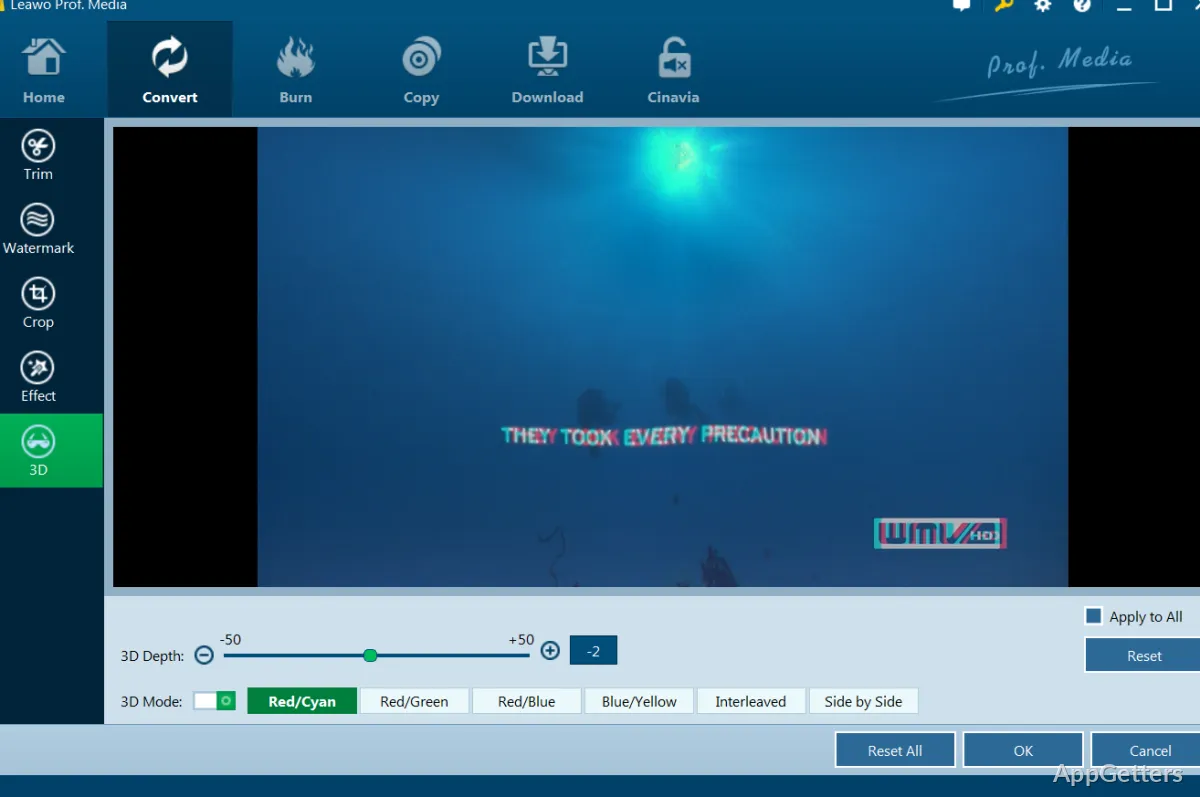
Leawo Blu-ray Ripper is a fantastic tool for Windows users who need to convert Blu-ray discs into digital files that they can easily play back and store. What it mainly does is that it addresses the issue of limited Blu-ray compatibility on newer systems, especially laptops. Which do not have disc drives or software support for Blu-rays. A lot of times, users may want to keep their movie collections, get the video files for their portable devices, or rely less on the physical discs. In fact, the software serves as a connecting link between the physical media and the digital libraries.
In most cases, the users’ intent is not to edit the content. It is to access it by converting disc-based content into files. These files can then be effortlessly played on common media players and devices. This feature turns it into one of the methods to preserve media content for a long time.
Disc Loading and Everyday Conversion Workflow
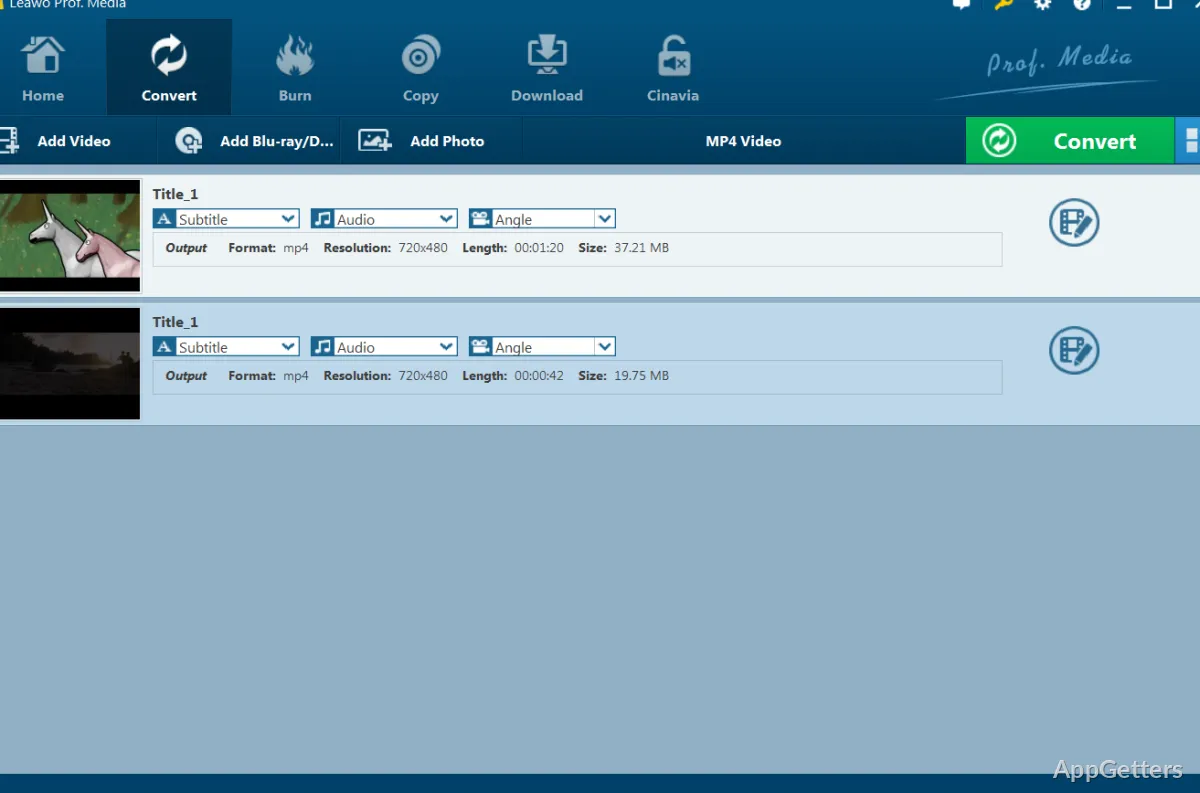
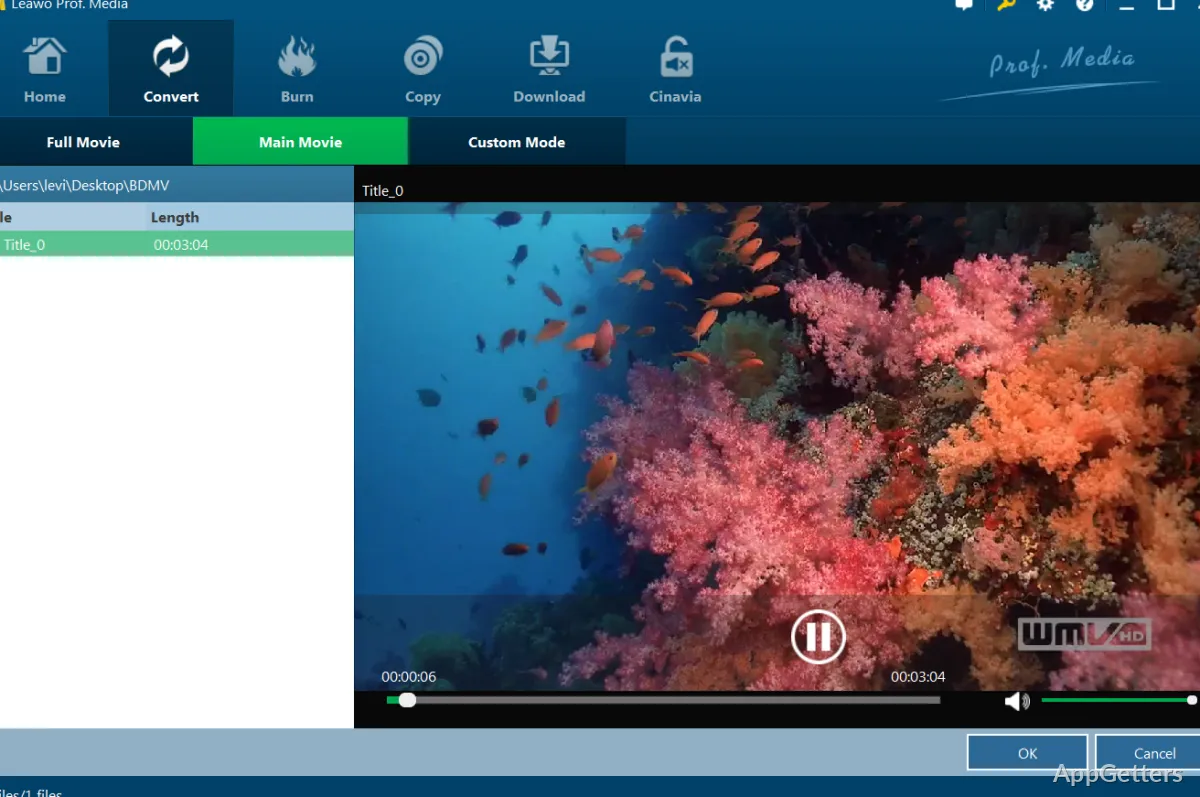
The standard procedure involves first inserting a Blu-ray disc, folder, or ISO file into the program. The layout displays the content in the form of titles, chapters, and audio tracks, so the user may even opt for converting only the main feature of the movie or segments. This kind of control is very beneficial when you are dealing with a long movie or a multi-disc set that may not require a complete conversion. Scanning and loading times depend greatly on how large and encrypted the disc is. Having identified the source, everything else tends to follow step by step, just like a journey from the source to the final product stage. Even for novices, the major challenge is just to identify the title that is the main video content, and then they can easily begin converting.
Output Formats, Compression, and Quality Balance
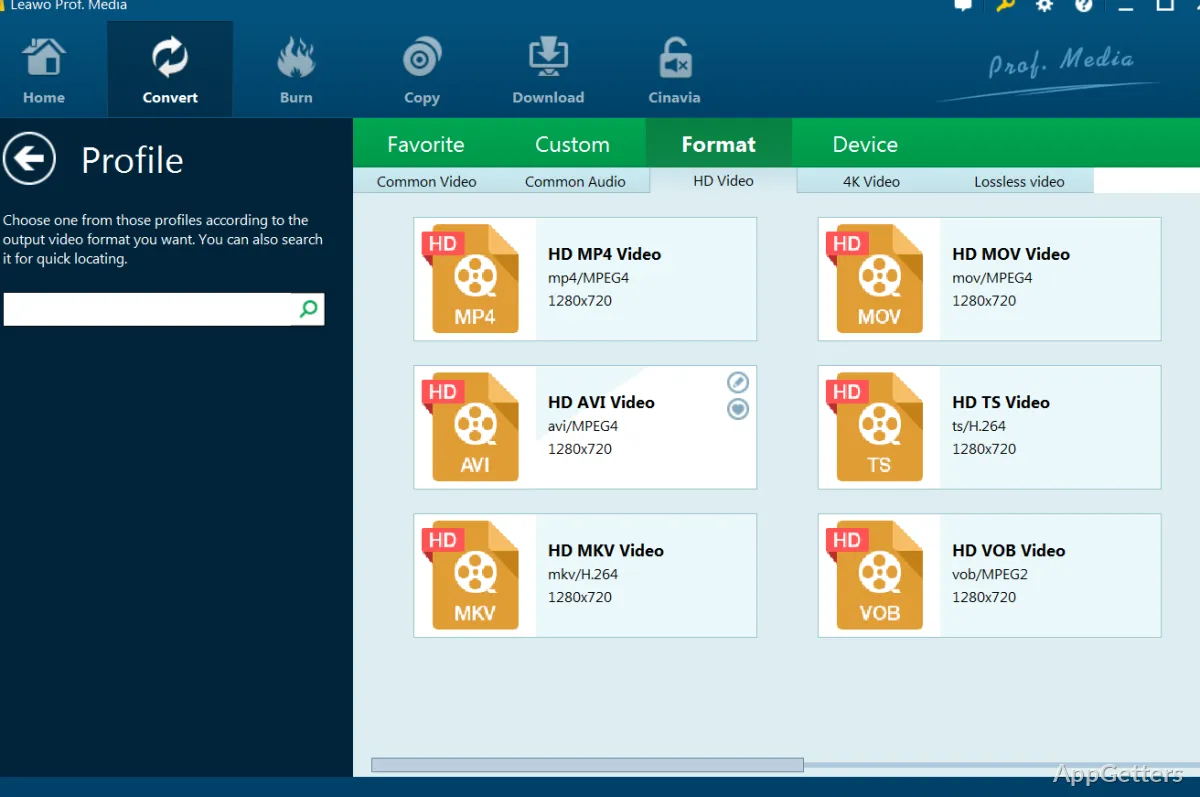
Around a Blu-ray ripping tool, output format options traditionally play a big part, and the case of Leawo Blu-ray Ripper is no exception. It can give you MP4 and MKV formats, widely recognized for device compatibility. When it comes to practical use, the biggest problem users encounter is the compromise between the two factors: file size and video quality. As a matter of fact, going for Blu-ray outputs means selecting a high-def quality source. However, the compressed results face the inevitable lack of some of the considered details. How much of a loss depends on the settings one goes for, including resolution and bitrate. Anyway, for a large majority of home viewing environments, the outcomes are most probably going to be very satisfactory, if not the same as the disc version.
The selection of subtitles, ways of audio track handling, codec options, and whatnot also affect the final use, although to a lesser degree, especially when it comes to multinational or special edition Blu-ray discs.
Performance Behavior and Hardware Dependence on Windows
The performance mainly comes down to the quality of the computer one has. Blu-ray decoding and encoding processes demand a massive amount of processing power from the system. For an average Windows computer, the time it will take for one conversion may be considerably longer for a full-length film. This is especially true for high bitrate or 4K sources. More often than not, the software performs better if the PC has a modern CPU and GPU. These should be capable of hardware acceleration. In general, it is a stable one when you are using a clean and not damaged disc. However, you may get a read error with a scratched or heavily protected disc.
The older your computer, the slower the previewing of content may be. On the whole, it is still a valuable thing to have on the PC for one who is doing personal archiving, whereby steady output is more important than speed.
Practical Role in Personal Media Libraries and Viewing Setup
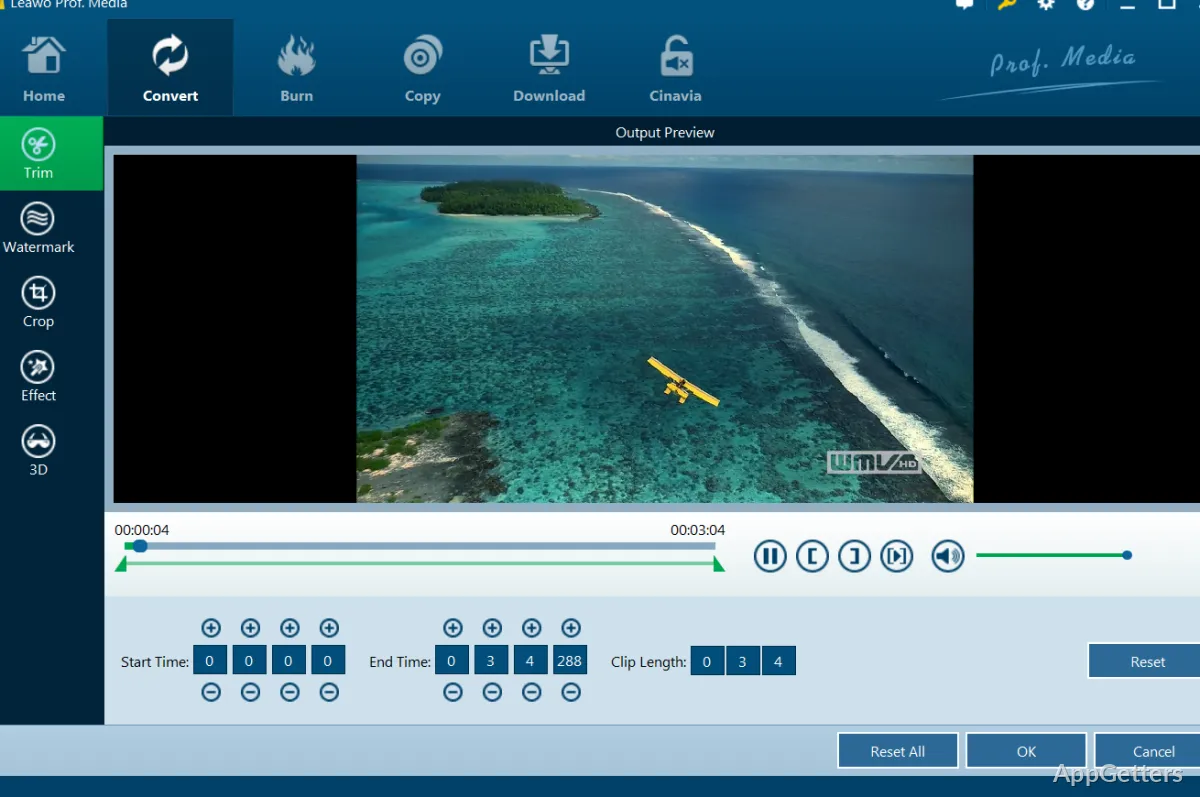
Leawo Blu-ray Ripper is commonly part of the home media equipment. Usually, you will find it along with other software that users use. It is used when they want to digitize their physical Blu-ray collections. So that they can be more portable and easier to access. It is available for anyone who is still planning to or has already maintained personal archives. The student who is often working with video-based materials, or the user who is gradually turning their back on physical media. Its existence is not about professional editing or production, but quite the contrary, conversion and availability.
Once the files have been created, they can be played on any device. such as a laptop, a tablet, or a media server, without the need for a disc drive. A normal user just considers it as another useful tool that he or she can have. In order to keep Blu-ray content available and compatible with other devices during the process of digital modernization.