EXE
Home » Software » Windows » DVD » Free DVD Player for Windows
Free DVD Player for Windows

Free DVD Player for Windows

  • By ShiningSoft
  • Free
  • Version: 6.6.6
  • 31.99 MB
  • Security Report:

Even though streaming services are the primary form of entertainment these days, DVD collections still have a place in many homes, schools, and offices. Besides the fact that people still watch old movie collections, educational discs, archive recordings, and physical backups regularly, most Windows users face the problem that new machines no longer have a built-in DVD player as they did before. This leads to issues with codecs, unrecognized discs, and media players unable to handle DVD menus. Free DVD Player intends to eliminate this problem by providing an exclusive playback platform for DVDs on Windows PCs. It does not want to be a full media player but rather concentrates on reliable disc playback and easy-to-use controls.

Simple Playback for Everyday DVD Use

This media player is pretty easy to set up. Installing it is enough to be able to open most DVDs, with no need to download codecs or change the settings one by one. For people who watch a movie or two now and then, simple functionalities exclude their need for more advanced features.

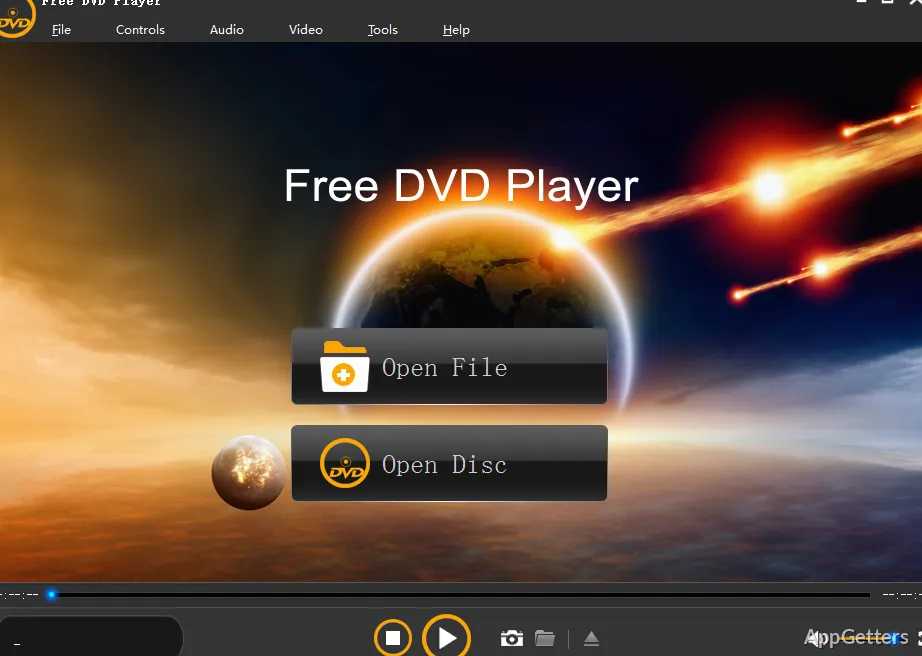
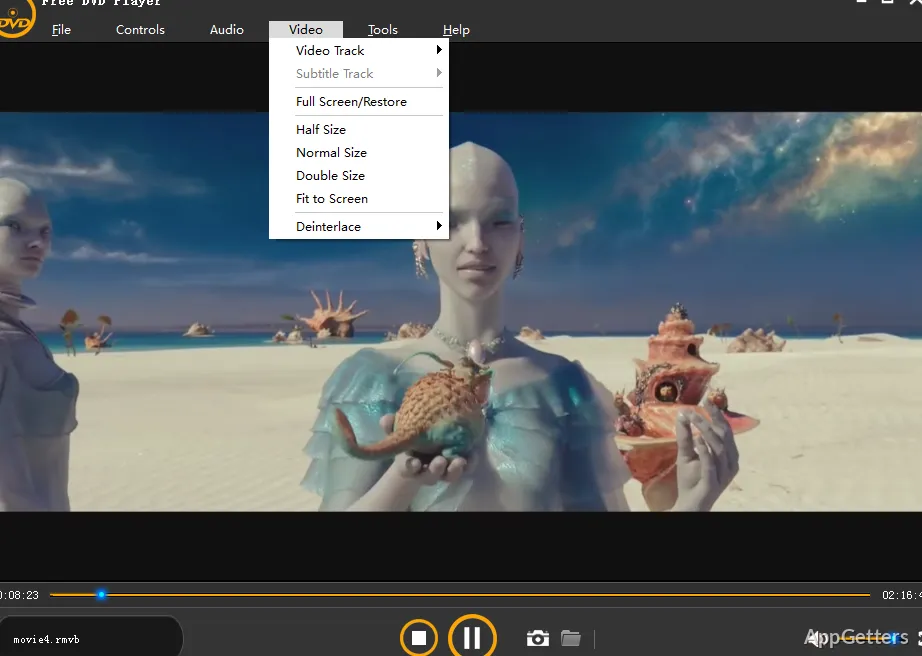
The way it looks is largely in line with other media players. Users get access to the usual set of buttons: play, pause, subtitle, audio, and full-screen. Using these together makes it very unlikely that the user will ever get lost or confused when using the program as a DVD player.

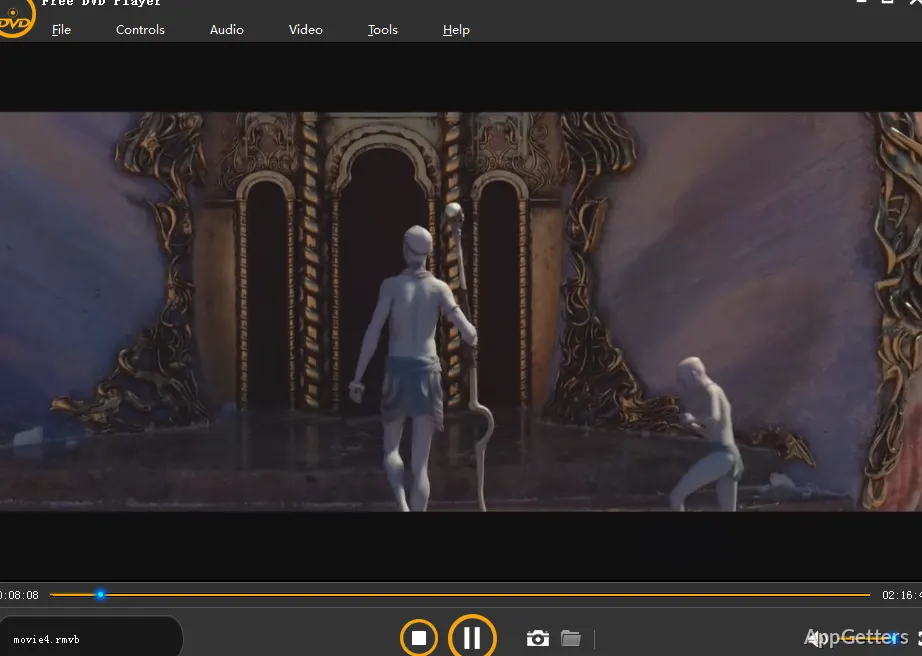
On a normal Windows machine, the DVDs should play fine. Menus and navigation options work well with most DVDs, both commercially produced and home-made. The option to play in full screen is also implemented in the software. Laptops that have been hooked up to TV sets or external monitors can be used for watching DVD movies.

Useful for Archived Media and Offline Viewing

Free DVD Player is a wonderful way to continue using offline media when you still have a need for it. For instance, students refer to DVDs with educational content, families watch the old movies they own, and offices use training DVDs that the internet does not offer.

This utility not only delivers an excellent performance with real discs but also with DVD folder structures saved on the hard drive. This gives users who keep their movie collections in physical media a chance to continue using them. They do not necessarily have to go through the conversion process of the entire content to a digital format.

Besides that, the interface of this program is very friendly to those who are new to it. Even those who have no knowledge of media codecs or playback software can use the product right away. The buttons lead to what people expect, and the program manages to keep everything simple. However, this product is devoted only to DVD playback.

Performance, Compatibility, and Realistic Limitations

Using the program on recent Windows machines will generally lead to DVD playback with no major issues or crashes. At the same time, the CPU and RAM usage are kept low, which actually makes the software a good choice for older computers that have to play DVDs.

Although the player can handle region-coded DVDs, compatibility highly depends on the disc format and system configuration. In fact, the majority of standard movie discs and home-recorded DVDs operate in the program without any significant problems.

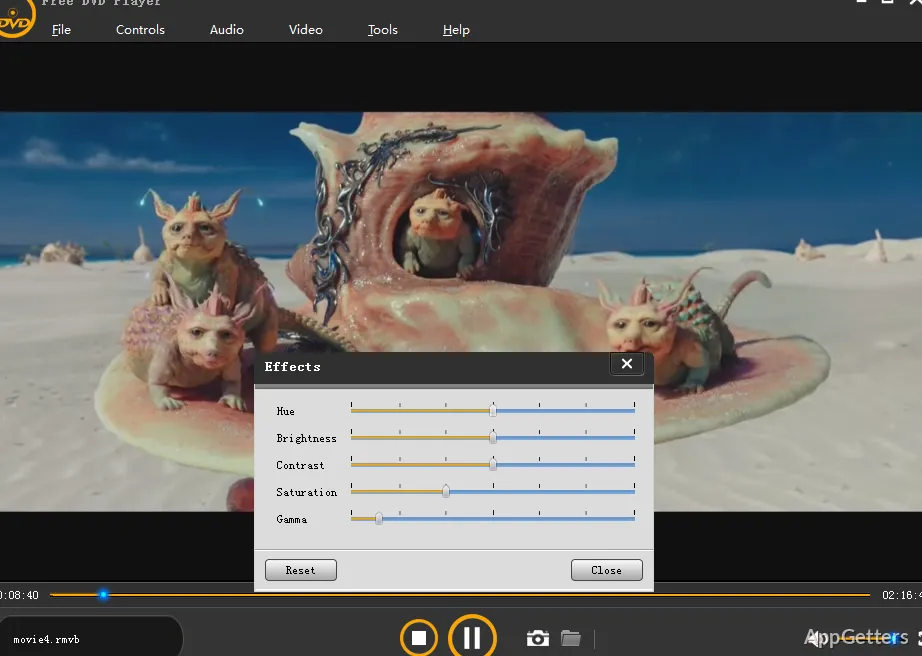
That being said, the interface might become a reason for the software losing points in the eyes of some. After all, it looks rather old compared to other media player applications. Visual attractiveness is further down in the list of priorities after functionality has been fulfilled. Therefore, even some setting menus might be a bit too simple by today’s standards. Users who are used to modern streaming interfaces will observe this immediately.

Another limitation has to do with DVD playback quality. Since it is the main point of the DVD player discussion, it deserves to be mentioned here. Basically, the ability of the software to play back DVDs depends largely on the resolution of the original disc.

A Reliable Option for Physical Disc Users

Free DVD Player is such a perfect product for Windows users who continue to rely on physical DVDs to watch entertainment content, get education, or access archived media. Home users, students, teachers, and small offices are among those who will most likely gain great benefits from its single-minded approach to playback reliability.

It does very well in avoiding going into unnecessarily problematic areas, all the while giving its best at doing what it was made for. Instead of replacing modern streaming sites or media centers capable of doing advanced things, it offers a simple way to watch DVDs on current Windows operating systems.

Software Details of Free DVD Player 6.6.6

License
Free
Version
6.6.6
File Size
31.99 MB
Downloads
0
Languages
English English, Afrikaans, Amharic, Arabic, Armenian, Belarusian, Bulgarian, Catalan, Chinese, Croatian, Czech, Danish, Dutch, Estonian, Farsi, Finnish, French, German, Greek, Hebrew, Hindi, Hungarian, Icelandic, Indonesian, Italian, Japanese, Kazakh, Korean, Latvian, Lithuanian, Malay, Norwegian, Polish, Portuguese, Romanian, Russian, Serbian, Slovak, Slovenian, Spanish, Swahili, Swedish, Tagalog, Thai, Turkish, Ukrainian, Vietnamese, Zulu
Category
DVD
Op. System
Windows
Developer
Last Updated
June 4, 2024

Version History

1 version
6.6.6
Latest
31.99 MB
June 4, 2024

Leave a Comment

Your email address will not be published. Required fields are marked *

Software Icon
Security Report

Loading scan data...

Scroll to Top