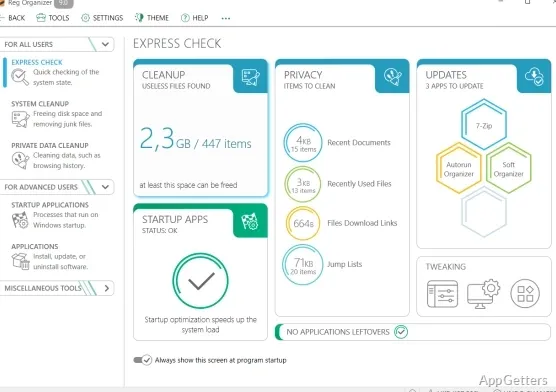
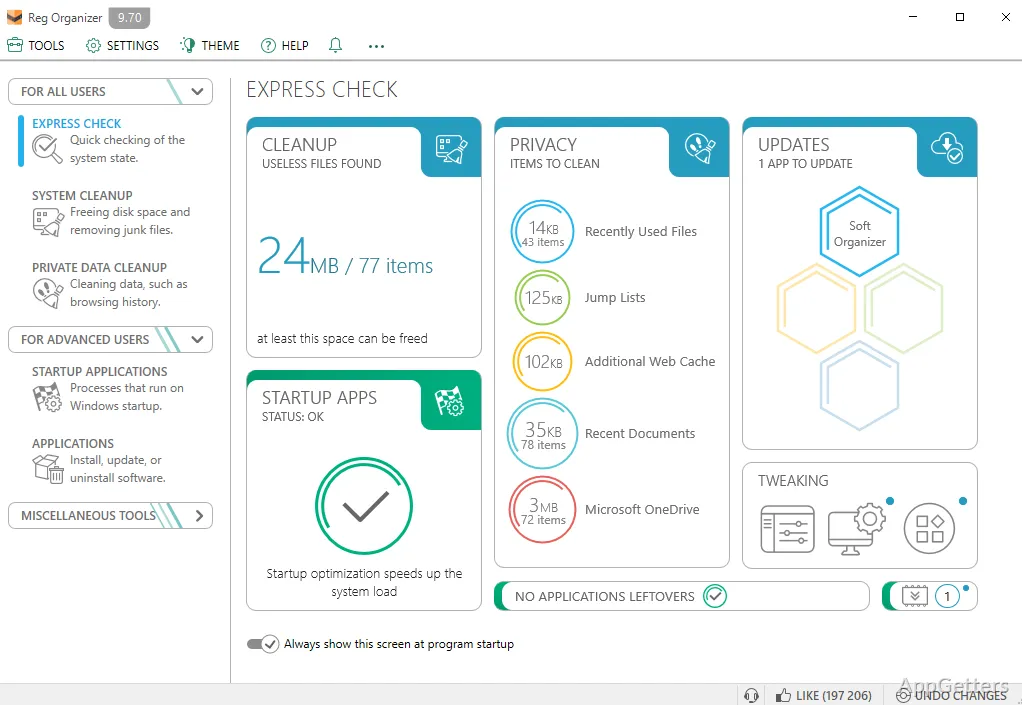
Uninstalled programs often leave files and registry entries behind. Reg Organizer combines leftover cleanup with startup controls, Windows cleanup, and tools for inspecting and editing the registry.
Application removal searches for leftover traces
The Applications area can uninstall programs and look for associated files and registry entries that the program’s own removal process may leave behind. Reg Organizer also lets you search the registry for entries connected to an application, including when you have removed it manually.
For entries you want to manage directly, the registry tools support importing, exporting, and copying key values. A separate registry-file viewer displays a .reg file’s contents in a tree before import. The .reg editor can also add or remove file contents and create files containing selected registry branches.
Startup controls and Windows cleanup handle routine maintenance
The startup manager lists applications that launch when Windows starts, so you can manage which ones run automatically. It also provides a command to launch an item from the list.
- Windows Cleanup removes unnecessary data to free disk space, including options for old Windows installations and unwanted updates.
- System Tweaker changes less-visible Windows settings, including options involving cache size and unused libraries.
Registry tracking shows changes made by programs
Reg Organizer can monitor registry activity and show the changes made by a program. Its registry search-and-replace tool can locate related keys and remove selected entries.
Pros
- Searches for program traces during application removal
- Previews .reg file contents as a registry tree
- Tracks registry changes made by programs
- Manages startup applications and includes a Windows cleanup tool
System requirements: Windows 7, Windows 8, Windows 10, Windows 11 · 32-bit and 64-bit · At least 256 MB RAM · 50 MB disk space
Can Reg Organizer remove an application's leftover files and registry entries?
Yes. Its uninstall tool searches for traces associated with a removed program, including files and registry entries.
Can I inspect a .reg file before importing it?
Yes. The registry-file viewer presents its contents as a tree so you can inspect the keys before import.
What does the startup manager do?
It lets you manage applications that launch with Windows and run an item from the startup list.