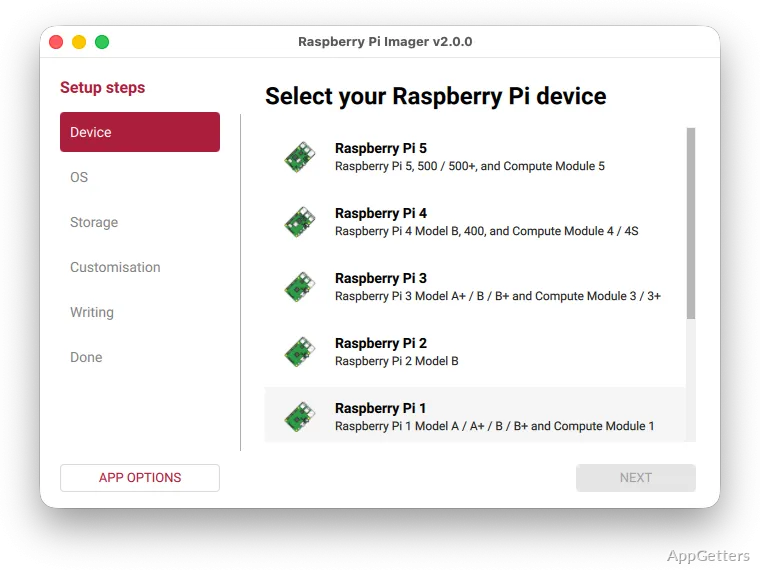
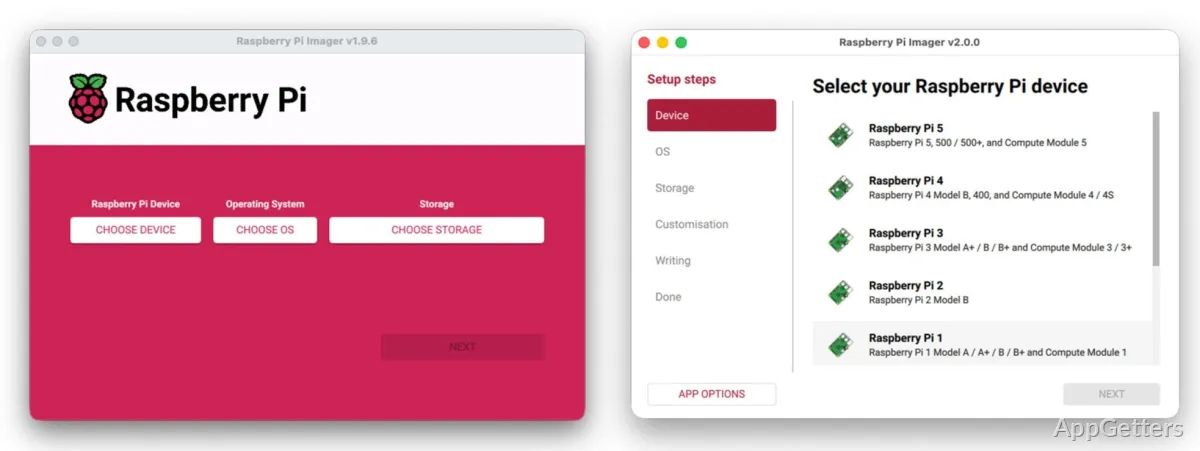
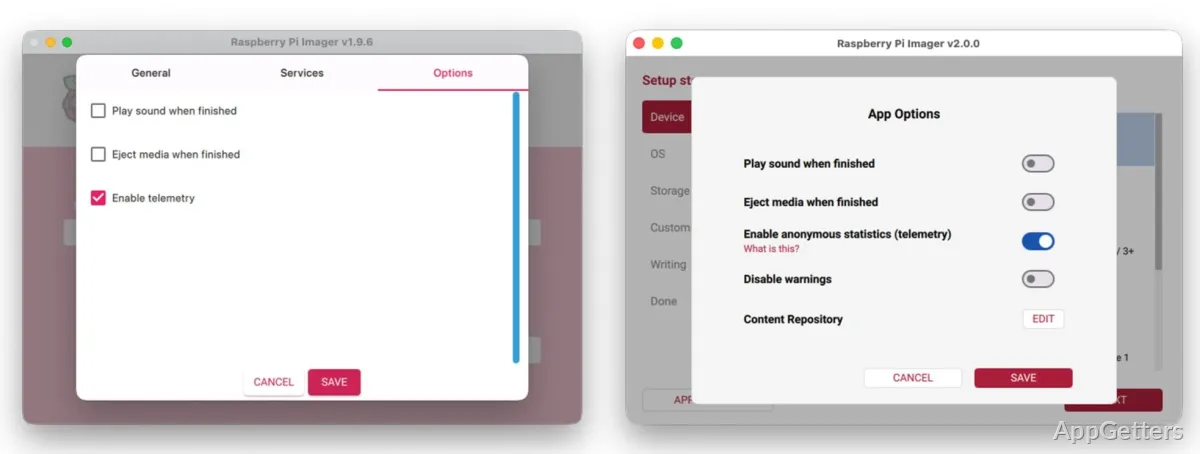
Raspberry Pi Imager downloads and writes operating system images to removable storage for a Raspberry Pi. Its guided workflow brings OS selection, storage selection, and image writing together, with options to prepare some system settings before the first boot.
Choose an operating system and target drive
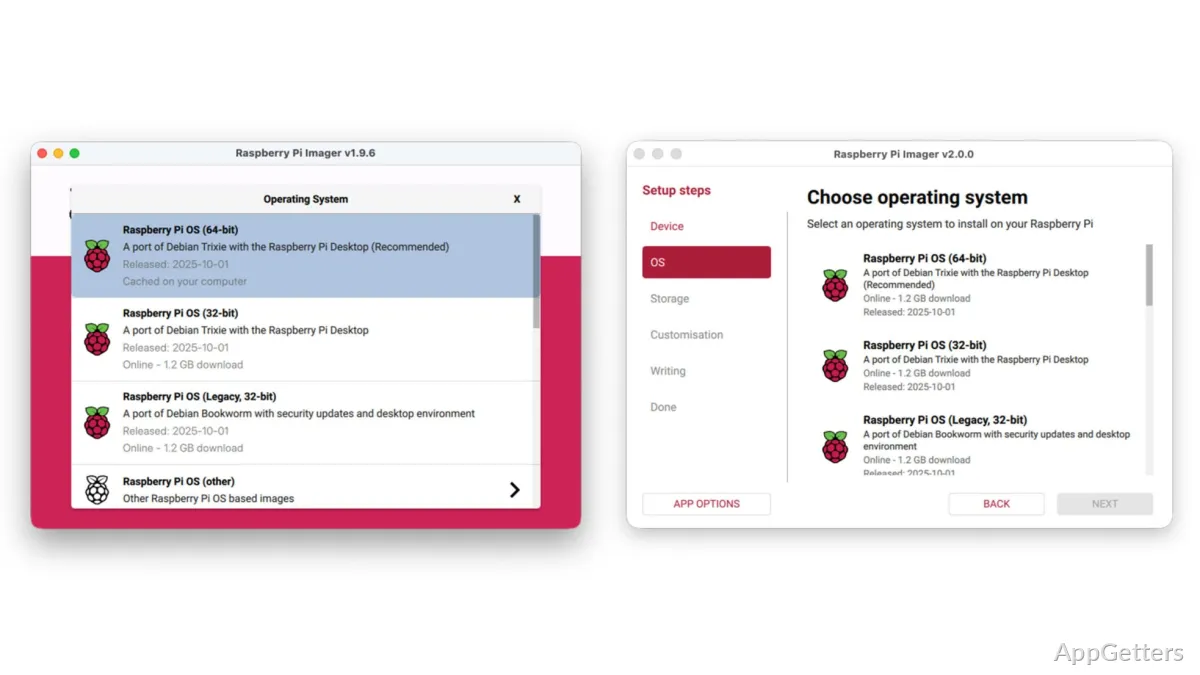
Select an operating system from Imager’s catalog, which includes Raspberry Pi OS, or choose an image file already stored on the PC. Then pick the SD card or USB storage device that will hold the image. The selected device is the write destination, so confirm it is the intended card or drive before starting.
Set Raspberry Pi options before writing
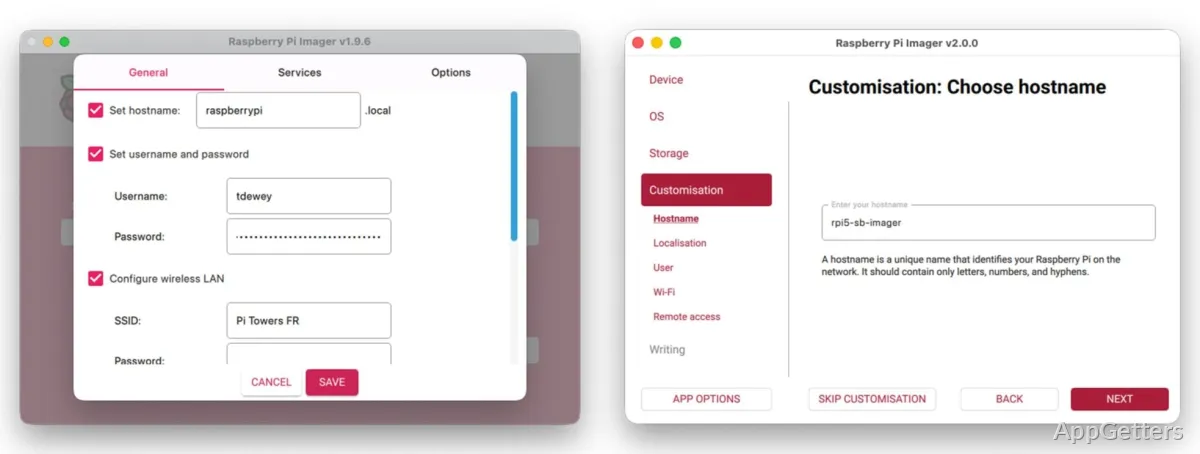
Imager’s OS customization settings let you prepare common details during the imaging process, which is especially handy when the Raspberry Pi will be set up without a keyboard and monitor. Available options include:
- Set a hostname, username, and password.
- Enter wireless network details and locale settings.
- Enable SSH for remote access.
Write and verify the image
After the OS and destination are selected, start the write process. Imager downloads catalog images as needed, writes the image to the chosen storage, and verifies the written data. Writing erases the destination, so any files on that card or drive should be saved elsewhere first.
Pros
- Offers Raspberry Pi OS and other operating systems in its OS catalog
- Can write a locally stored image
- Preconfigures Wi-Fi, SSH, hostname, and locale
- Verifies storage after writing
Cons
- Writing an image erases the selected storage device
Can Raspberry Pi Imager use an image file already on my PC?
Yes. Choose a locally stored image instead of selecting an operating system from the catalog.
Can I set up Wi-Fi and SSH before the Raspberry Pi starts?
Yes. OS customization settings let you enter wireless details and configure SSH before writing the image.
Does writing an image keep files already on the SD card?
No. Writing erases the selected storage device.