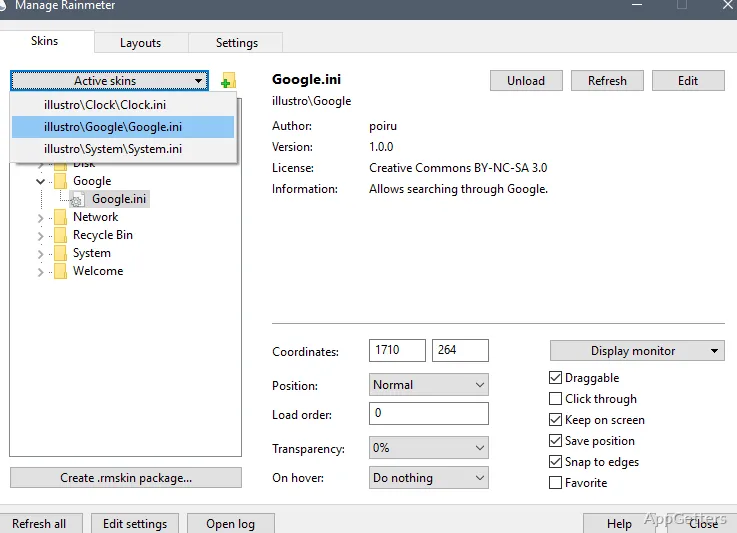
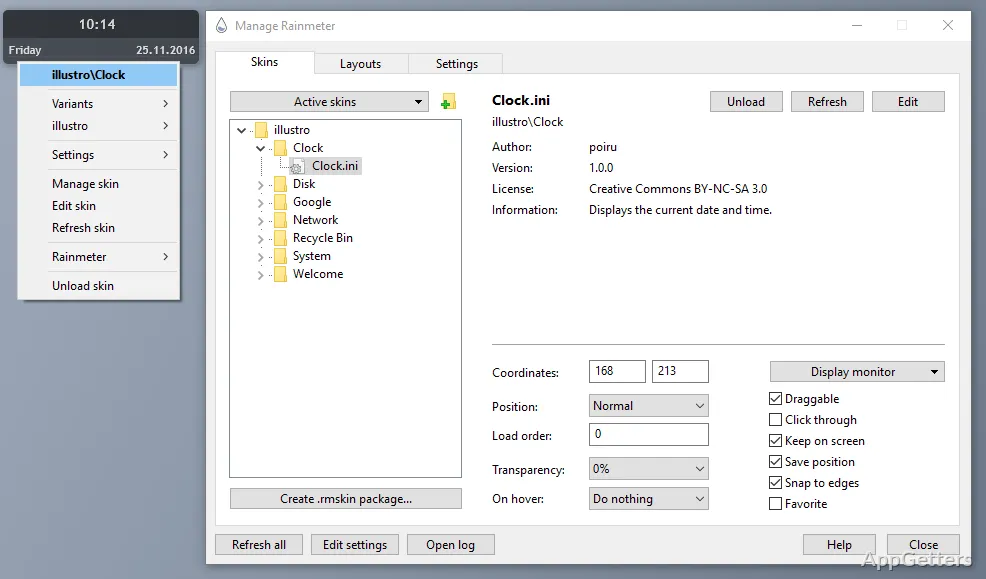
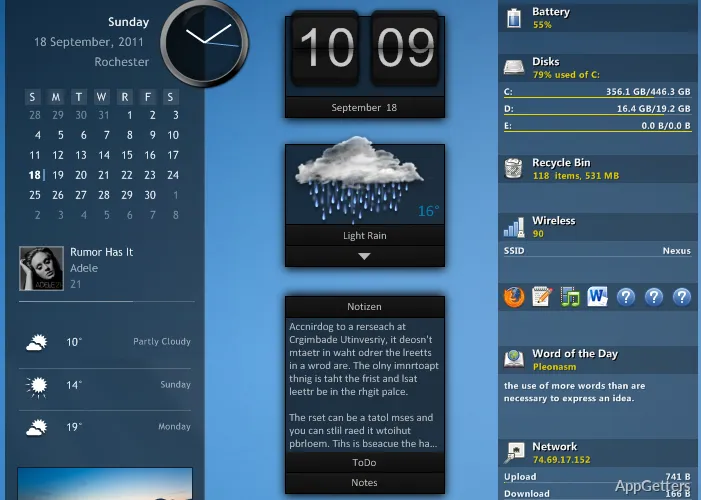
The Manage window lists installed skins and lets you load, unload, and configure them. Rainmeter displays those skins on the desktop as widgets for system readings, clocks, weather, music controls, and notes.
Load skins and arrange the desktop
Rainmeter skins are independent desktop elements, so a clock, network monitor, and music player can be loaded separately. Use the Manage window to select installed skins and load or unload them; drag a loaded skin to place it where it fits on the desktop.
The available skin collection can include analog or digital clocks, weather displays, quick notes, and launch shortcuts. Removing a skin from the desktop does not require removing the rest of the layout.
Keep system readings in view
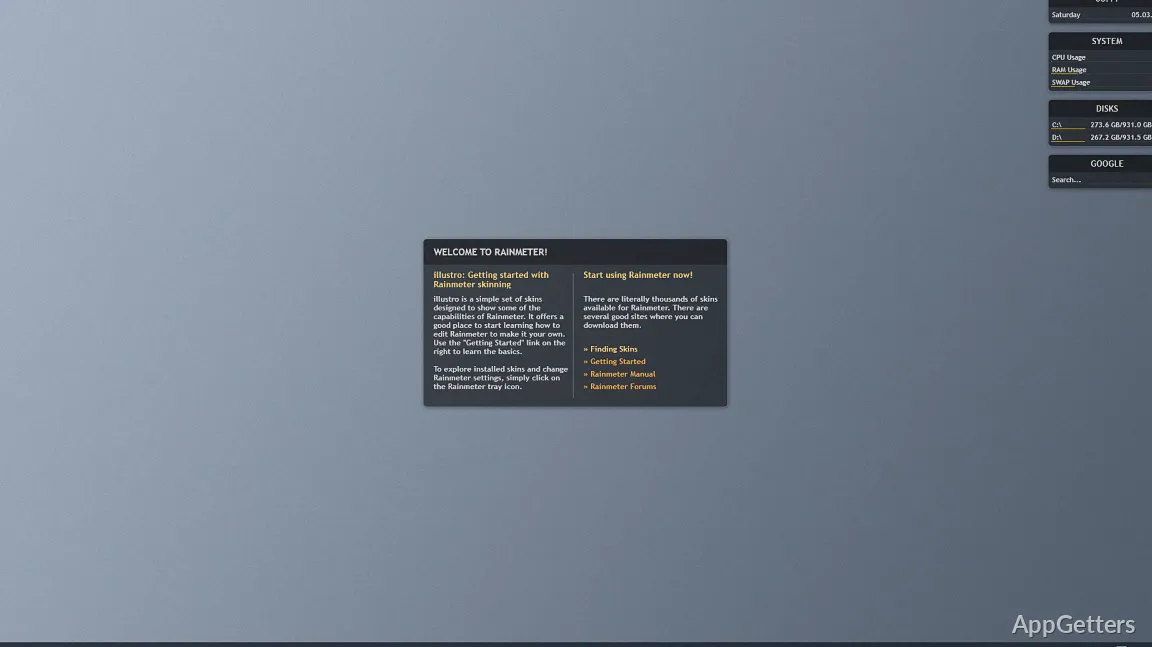
CPU and RAM meters show activity at a glance, while network monitors track connection activity. These readouts sit alongside other loaded skins, giving users a way to watch changing system information without opening a separate monitoring window.
Weather forecasts and music-player controls add everyday information and playback controls to the same desktop. Which items appear depends on the skins selected.
Adjust skin appearance and behavior
Skin settings let users change dimensions, colors, placement, and functions. For more control, Rainmeter skin configuration files can be edited directly; this supports layouts tailored to a particular screen and the information a user wants visible.
Some skins also use plug-ins to bring in information from external applications or online services. Since each skin is a separate component, users can revise one part of a layout without rebuilding every desktop widget.
Pros
- Load or remove individual desktop skins from the Manage window
- Display CPU, memory, and network readings alongside clocks and weather
- Adjust skin size, color, position, and behavior
- Build layouts from separate skins instead of applying one fixed desktop design
System requirements: Windows 10, Windows 11 · 64-bit only · Windows 10 version 1903 or later
What does a Rainmeter skin do?
A skin is a desktop element that can display information or provide controls, such as a system meter, clock, weather forecast, note, or music player.
How do I change where a skin appears?
Load the skin through the Manage window, then drag it to the desired desktop position. Its size, colors, and behavior can also be adjusted.
Can Rainmeter show CPU and memory activity?
Yes. Skins can display CPU and RAM meters, as well as network activity monitors.