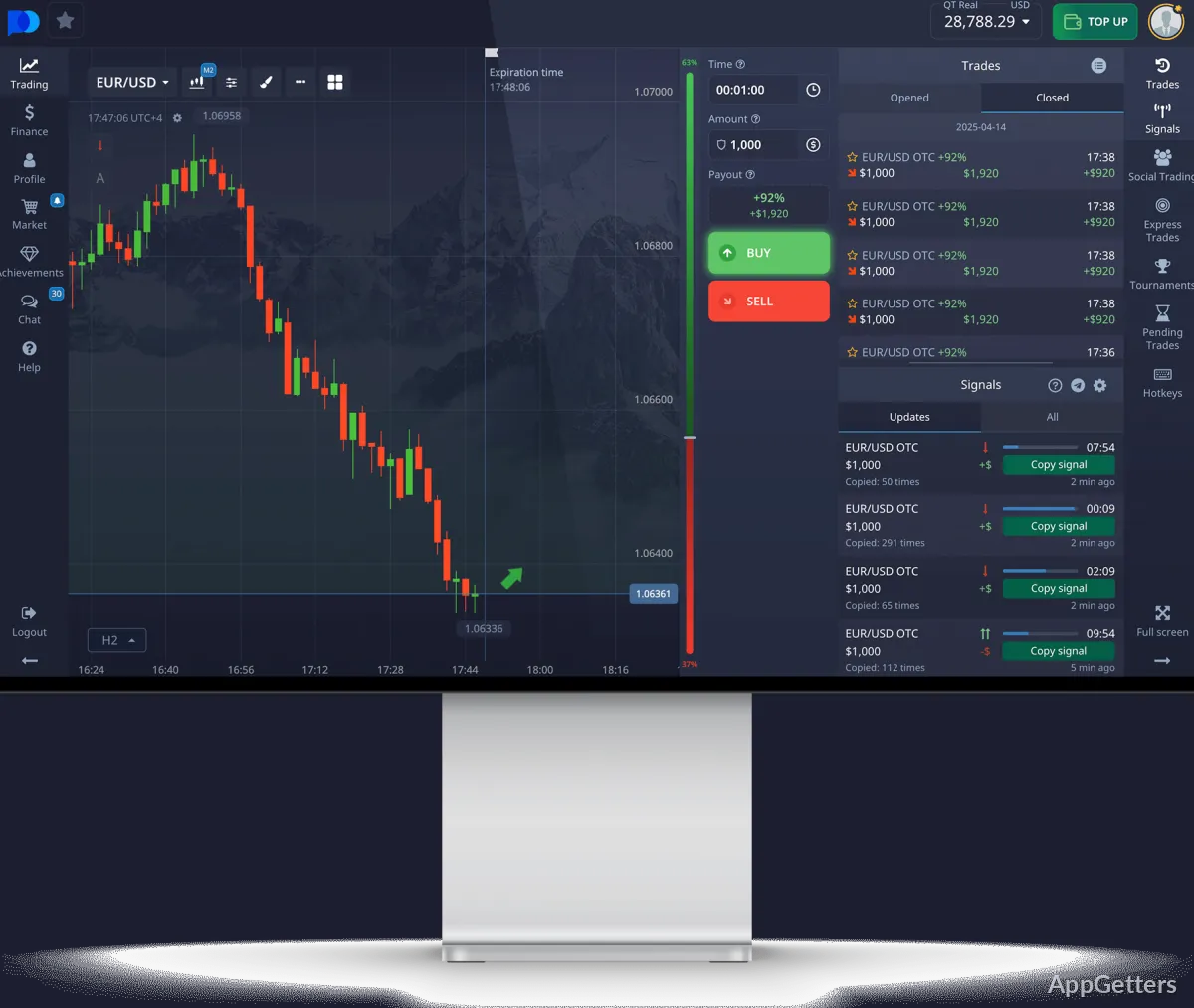
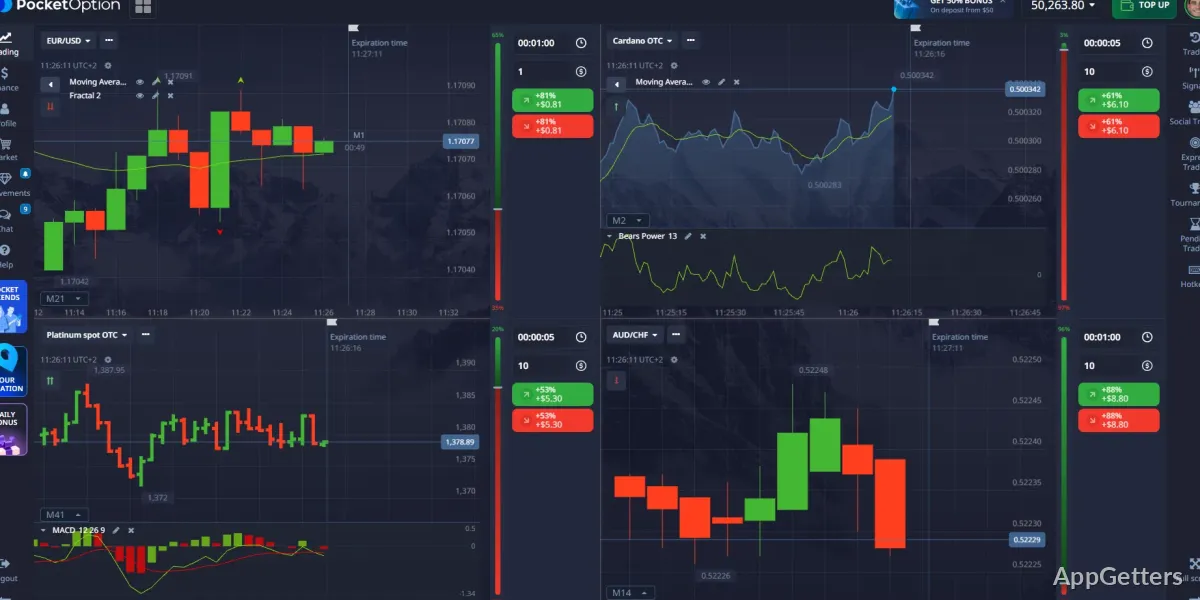
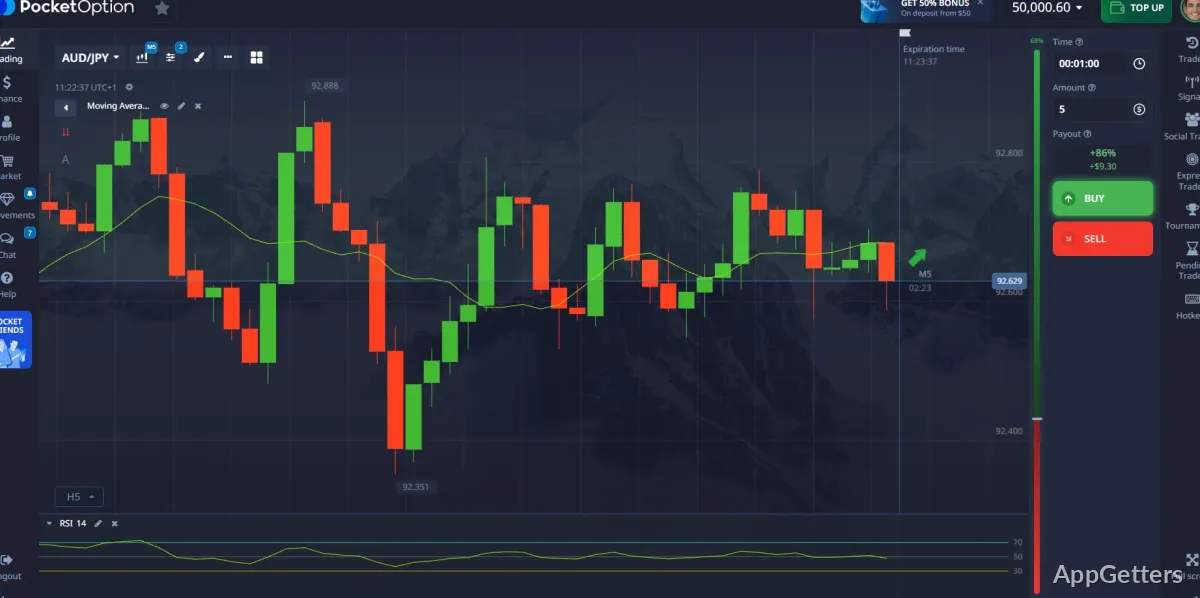
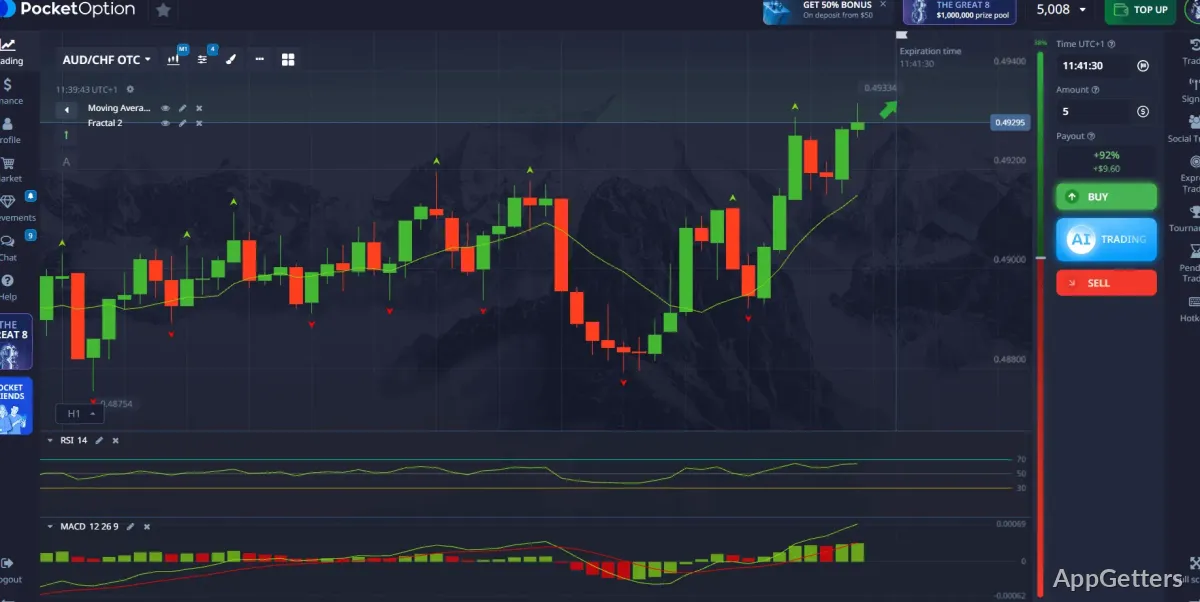
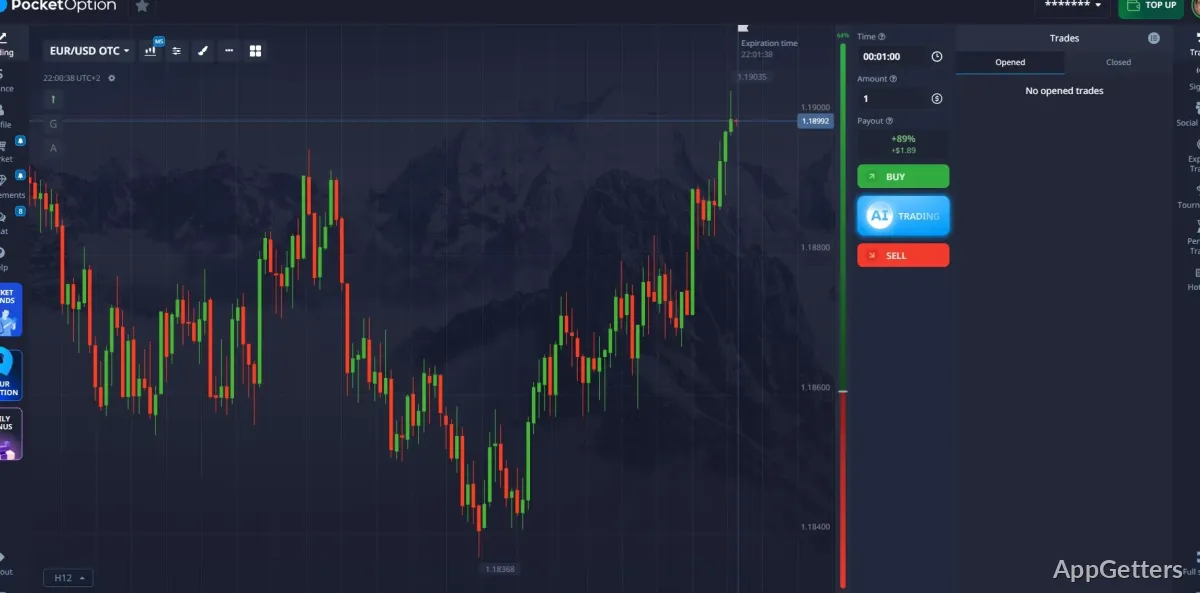
The main trading window brings market tracking, online trading tools, and trade controls into one streamlined interface. Pocket Option lets you follow price movements and manage trades from a Windows PC.
Track prices across trading assets
Pocket Option provides online access to financial markets, with currencies, commodities, and stocks among the available asset types. Market tracking and trade management share the same interface, so you can follow price movements while handling trades.
Indicators and signals are also available as part of the platform’s trading tools. They can be viewed alongside market information when assessing a possible trade.
Choose a way to place trades
The platform includes several trading workflows, including quick digital trades, express trades, pending trades, and copy trading. Pending trades let you set up a trade to take effect later; copy trading provides a way to follow another trader’s activity.
- Use express trades for the platform’s express-trading workflow.
- Set up pending trades instead of placing every trade immediately.
- Select copy trading to follow another trader’s activity.
Practice and learn with platform tools
A demo account provides virtual money for trying the platform and practicing trading strategies without placing those trades with real funds. Tutorials, guides, and strategy material are available through the platform’s help and education resources.
Trading financial products carries risk, and market values can change. Past performance does not guarantee future results.
Pros
- Practice in a demo account using virtual money
- Trade currencies, commodities, and stocks on one platform
- Choose express, pending, or copy-trading workflows
- Use indicators and signals alongside market tracking
Cons
- Service is unavailable to residents of the EEA, U.S., Israel, U.K., Philippines, Japan, and Brazil
System requirements: Windows 7, Windows 8, Windows 8.1, Windows 10, Windows 11 · Processor: 1.5 GHz dual-core or better · RAM: 4 GB or more · Storage: 1 GB free space · Stable broadband connection
Does Pocket Option include a demo account?
Yes. The demo account uses virtual money for practice.
What types of assets are available?
The platform includes currencies, commodities, and stocks.
Can I set up trades for later or copy trading activity?
Yes. Pocket Option includes pending trades and copy trading.