When a video file has no sound or a media player cannot recognize its format, K-Lite Codec Pack Mega adds codecs and filters for playback in Windows applications. The bundle includes MPC-HC, a player with seekbar previews, and tools for managing installed codecs.
Codec and format coverage
The pack adds decoding support for a broad range of audio and video formats, including MKV, MP4, AVI, WebM, FLAC, Opus, and ALAC. Supported video codecs include H.264, HEVC, VP9, AV1, MPEG-2, and ProRes; audio support includes AAC, AC3, DTS, Vorbis, and TrueHD. Hardware-accelerated decoding is available for common video formats on compatible systems.
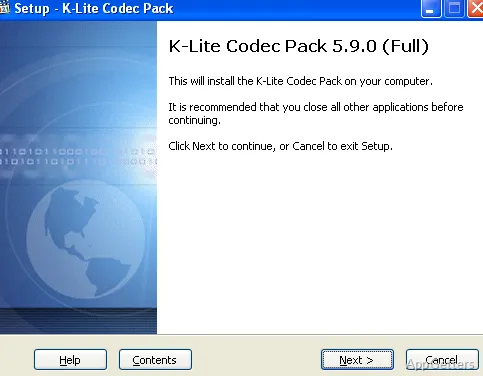
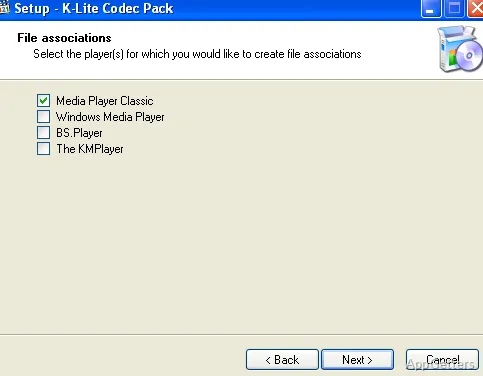
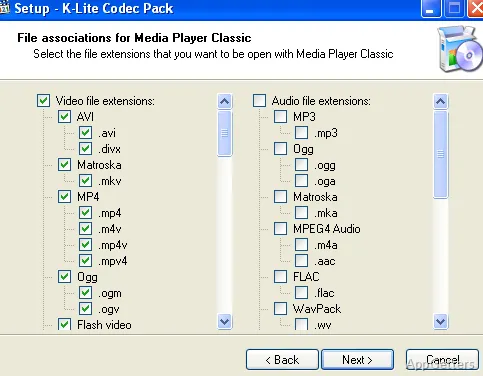
Installed codecs can work with DirectShow-compatible players, so playback support is not limited to the included MPC-HC. The installer offers component choices, while a utility included in the pack configures and manages codecs already installed on the system.
What can MPC-HC do?
MPC-HC provides an included playback option for files handled by the pack. Its seekbar can show video previews while scrubbing, and the player has a dark theme. It can also stream video from sites such as YouTube and Twitch when yt-dlp.exe is placed in the MPC-HC folder.
For HDR playback, MPC-HC can use the included MPC Video Renderer or madVR. The included MPC Video Renderer also supports Dolby Vision, while madVR offers high-quality video upscaling. Blu-ray disc playback is supported, but disc menus are not.
Playback tools and file browsing
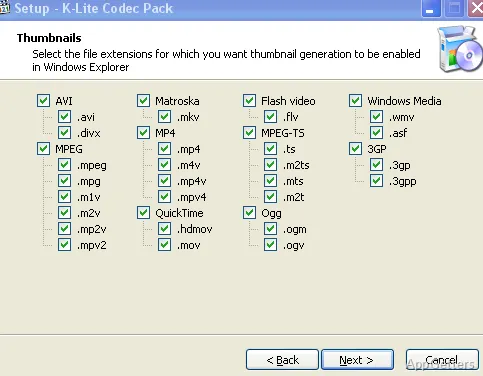
A thumbnail utility generates previews for video files in Windows Explorer, making it easier to identify clips in a folder without opening each one. The codec management utility provides controls for the installed components, which is handy when diagnosing playback behavior or adjusting the system's media setup.
- Use MPC-HC to preview a video while moving along its seekbar.
- For protected Blu-ray discs, playback also requires a separate tool that removes AACS protection.
Pros
- Plays formats including MKV, WebM, FLAC, Opus, and HEVC
- Works with DirectShow-compatible media players
- Includes MPC-HC with video previews on its seekbar
- Generates Explorer thumbnails for video files
Cons
- MPC-HC plays Blu-ray discs without menu support
- Protected Blu-ray playback requires a separate AACS-removal tool
System requirements: Windows 7, Windows 8.1, Windows 10, Windows 11
Does K-Lite Codec Pack Mega include a media player?
Yes. It includes MPC-HC, which supports seekbar video previews, HDR playback with compatible renderers, and streaming from supported sites when yt-dlp.exe is present in its folder.
Can MPC-HC play Blu-ray discs?
Yes, but it does not support Blu-ray menus. Protected discs also require a separate tool to remove AACS protection.
Does the pack support hardware-accelerated video decoding?
Yes, for common video formats on compatible systems.