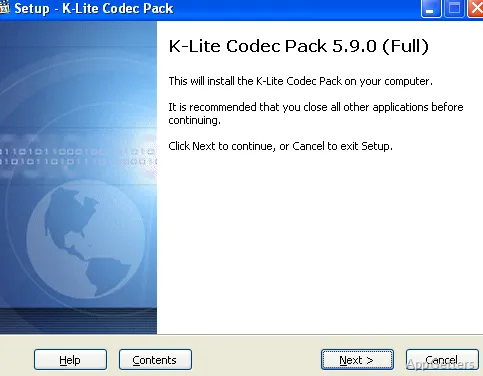
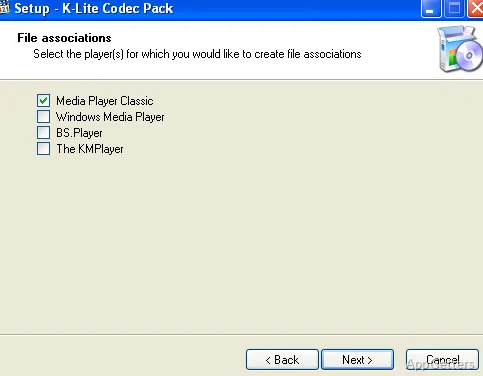
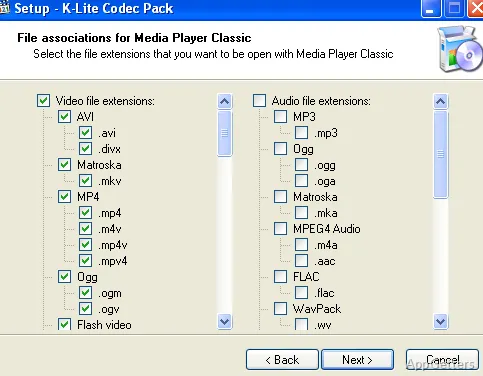
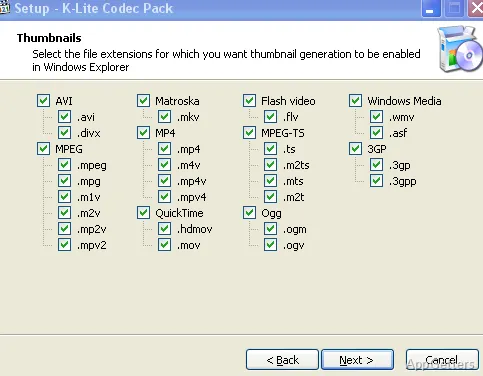
At some point, most Windows users stumble upon a problem where a certain video or audio file that they want to play simply does not work. Sometimes the video file opens and plays well, but there is no sound coming out of it; other times, the subtitle files are practically invisible, or the media player gives us an error of unsupported format. Most of these problems are actually due to some missing codecs and not that the media files are corrupted or anything like that. K-Lite Codec Pack Standard is an entirely trustworthy and reliable collection of codecs that have been around for quite some time, and cooperating with them has helped solve many users’ compatibility difficulties.
Instead of hunting down individual codecs one by one, users get to simply download and install one single package. It will provide the whole range of the supported formats for both audio and video. For those who are into the download, archive, or sharing of media files, this will probably be a preferred solution when it comes to getting rid of playback-related frustrations.
Making Media Playback Easier on Windows Systems
Installing K-Lite Codec Pack Standard is something that comes as second nature to many, thanks to the fact that the main reason for wanting to do so is their desire for convenience only. These days, there are quite many formats in which digital media comes. This situation is made even more complex by the fact that Windows itself does not always come with the respective native support for all the available codecs that are still in use nowadays. All this can easily lead to opening videos from your camera, downloaded content, or your old media collection becoming a chore/minor headache.
On a day-to-day basis, the program really allows one to put playback problems on the back burner. Many of the files that did not work before will start working after the installation without requiring more adjustments. This feature will particularly come in handy for those home users and students who do not have the technical expertise to identify missing codecs one by one manually.
Standard Edition Presenting Well-weighed Features
Taking the whole picture into account, this edition is neither just a basic codec pack at one end of the spectrum nor an advanced multimedia system at the other. At the Standard level, you get a wide range of supported formats. You do not get all the bells and whistles of a larger edition. Most people will find this combination completely adequate and manageable.
One more thing that makes the pack stand out is that it comes with Media Player Classic Home Cinema. It is a simple-to-use media player that is efficient and has the smallest footprint in terms of disk space usage. Of course, should users want to continue using other players, they are absolutely free to do so. But if you sometimes find yourself testing a problem file, possessing a reliable player can be quite handy. Installing it should not be a problem, and, as such, it will be quite a straightforward affair. However, someone who is a complete novice in this area may find the codec language quite technical.
They may also find the number of choices a little bit intimidating.
Dependability during Viewing Experiences
If you commit to using the package for some time, you will probably appreciate its dependability the most. One won’t find the same occurrence of errors. Playback will be working in a more or less similar manner for various formats. Moreover, it is a really great value for those users who have large video libraries. It is also useful for users who are constantly receiving media files from different sources.
The software is also known for working very well without hogging the system resources. It just essentially performs its functions quietly in the background. You do not see or feel much getting in the way of normal Windows work. Updated support for the latest media standards updates, which come out quite frequently, is provided through regular software updates. Though if you use the net primarily for your video content, you will find K-Lite Codec Pack Standard useful. Most of these streaming sites come equipped with the web browser built-in playback function.
The Audience of K-Lite Codec Pack Standard
K-Lite Codec Pack Standard is the right tool for Windows users who often make the most of local media on their computer. They do not have to go through long, complicated codec installation procedures and can enjoy a wider range of formats.
>Students looking after recordings of their lectures and home users accessing their video collections can make the most of its extensive support. Professionals using shared multimedia content can also benefit from it.
For a computer system that is mainly used for web-based entertainment, K-Lite Codec Pack Standard is not necessarily a must-have. However, for those who come across different file formats quite frequently, it will be a viable solution. It helps get rid of interruptions when playing back files.