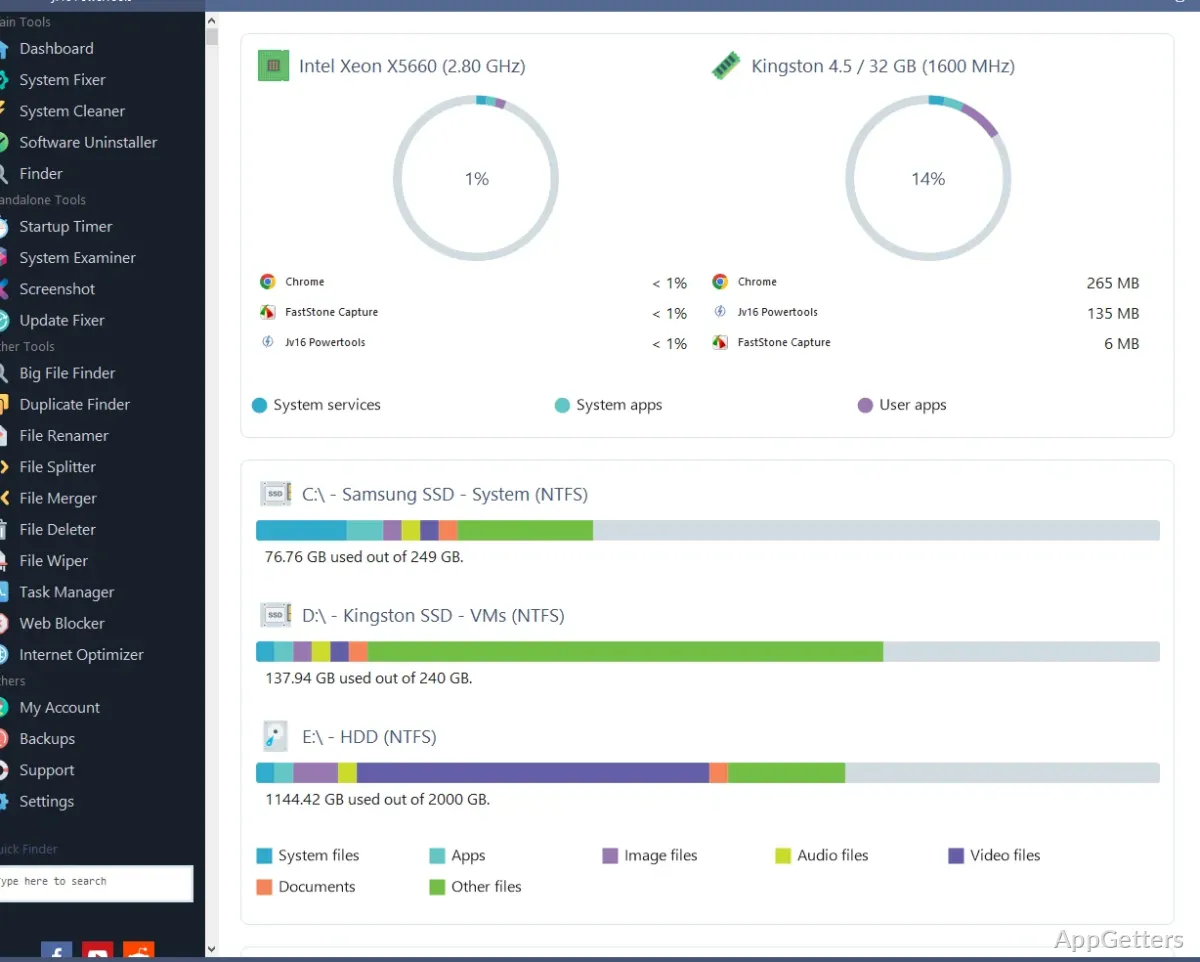
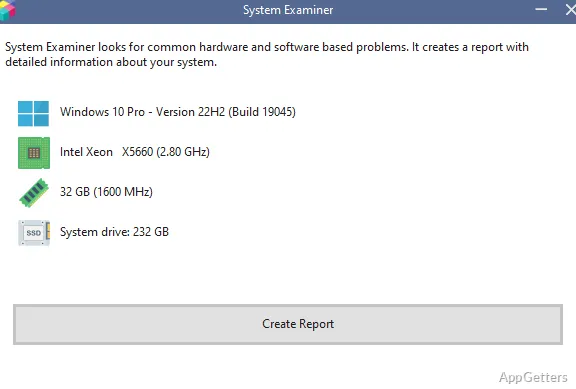
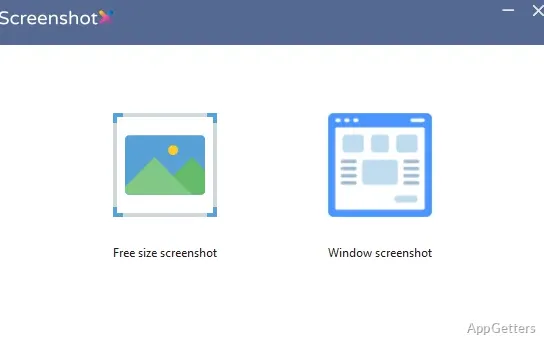
Over time, Windows systems are prone to gathering various types of clutter. In fact, unutilized registry entries, non-functional shortcuts, undesired startup programs, and hidden remains of deleted software are a few examples of items that might gradually be accumulating on your computer without you even noticing it. In fact, many users only get to the stage when their systems start to get quite disorganized. By then, a system crash could become inevitable. What makes this scenario even more challenging is coming across a software maintenance program that gives you security, control, and simplicity all in one package. For quite some time now, jv16 PowerTools has oriented itself as a utility software for Windows, which is a step above in terms of capabilities, for those who want to perform deep maintenance operations that go beyond the simple clean-up ones that come with the operating system or are available on the market.
When one actually starts using it, one usually realizes it is not so much a faster or easier way to do one-click cleaning. Instead, it is a system clutter management toolkit, so to speak, for those who like to do it carefully and systematically. Granted, even inexperienced users can give their best shot at this tool and maybe get by. However, its main idea and essence is that of a Windows tweaking software, which, of course, appeals mostly to those who want to know what is running in their systems.
A More Technical Approach to System Maintenance
At the very top of the list would be the detail and exposure that jv16 PowerTools allows users in the first place. In contrast to the reduction of the user interface with ecosystem category names, the program shows the areas of cleaning and optimization using more straightforward technical descriptions. Since the users can see what they are actually tinkering with, it should be a good thing. On the other hand, it may turn out to be a bit too much for a Windows novice and a newbie to maintenance in general.
At the heart of the program is still the registry cleaning function. It has effectively been tested in field operations. Results have shown that the scans performed are quite extensive. They regularly trace the highest numbers of outdated and invalid entries. These are typical of systems that go through a lot of software installations and removals over the years. Making a backup first before the changes can be carried out is something else that the software enforces. Incidentally, this is a safety measure greatly appreciated among frequent users.
Useful for Long-Term Windows Housekeeping
The machines that are laden with software installation, uninstallation, and, in general, constant daily use represent the ideal operating environment for jv16 PowerTools. The physical machines that consistently run software applications, newer and older, undergo a fair bit of change. Only after a clean-up session, they reveal themselves as cleanest and show the least amount of signs of wear.
The user will especially thank the program if occasional maintenance is followed. And not waiting until Windows becomes highly disorganized is the approach taken. Startup management, file cleanup, and leftover software detection are just some of the ways that background activity might be lowered. System organization can also be gradually enhanced. Actually, in most instances, the main contribution of the software is just that. Keeping the scene in order after it has become unruly and cluttered, rather than speeding it up dramatically.
However, the technically less-experienced students and family users will hardly make full use of it. If their first instinct is to use jv16 PowerTools anyway, that will probably be the simple maintenance functions they stick to. On the other hand, those points taken out of the advanced settings are what actually make the larger suite valuable. They have the most practical use.
Reliability Matters More Than Aggressive Optimization
One thing that is definitely regarded as a strong point of jv16 PowerTools is its quiet and gentle manner of doing things in general. It is common, even for very good system optimization utilities, to have features and techniques. These allow for lots of cleaning and reductions. Sometimes this extends to the risk of deletion of useful files or registry data. The approach taken by this software is quite different, since it stresses user involvement in the entire process. In addition to backing up, recovery options, and user review.
However, please remember that this program will still demand a certain degree of involvement and active attention from the end user. It is always a fact that registry editing and advanced cleanup tools are going to present a risk. Even to the extent of doing some irreparable damage. If they are run blindly. If the beginner were to expect the software to be fully automatic from start to finish.
Best Suited for Users Who Prefer Control Over Automation
Proactive users who want to get on top of their system maintenance tasks are probably those. They would find jv16 PowerTools most natural to their way of working. Basically, this tool is about those not looking for a quick fix, but rolling up their sleeves for Windows housekeeping. The character of this work is high involvement from the user.
Individuals who are passionate about Windows, have been around for a long time, or are managing old Windows systems will see their first welcome fruits soon after running the program. Also, the scope of the tools will allow them to address clutter reduction and reorganization. It does so without a feeling of being unduly harsh or aggressive. However, casual or non-persistent users might be overwhelmed and use only a small part of its range of features.