EXE
Home » IDE » HeidiSQL for Windows
HeidiSQL for Windows

HeidiSQL for Windows

  • By Ansgar Becker
  • Free
  • Version: 12.19.0.7314
  • 16.95 MB
  • Security Report:

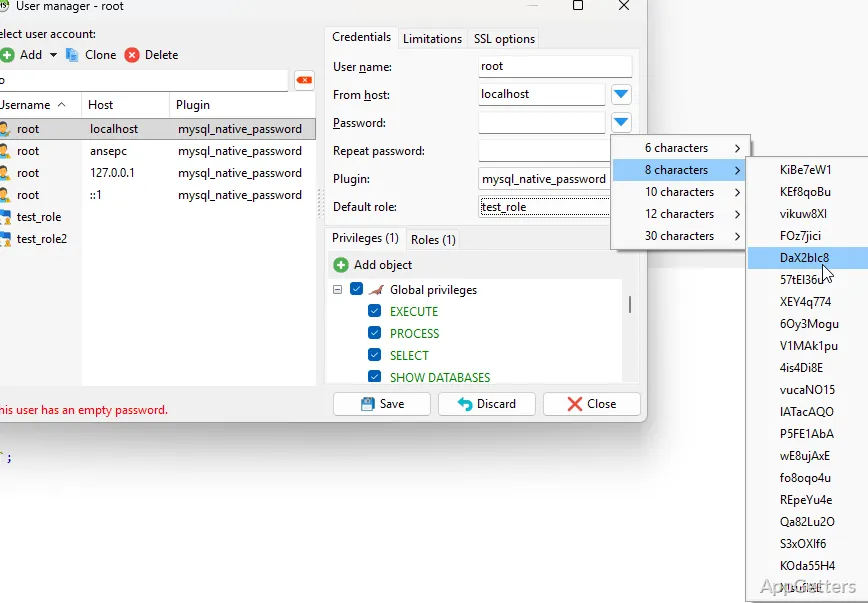
Handling databases mainly with command-line tools can be a real hassle. Especially if you deal with extensive amounts of data or several database servers. For instance, simple activities like changing records, checking what tables look like, or running certain queries. Or even just monitoring the content of a database might need a more visual intervention. HeidiSQL is a Windows database management tool that provides a handy graphical environment focused on making these tasks easier. You still have direct access to very powerful features for managing databases.

HeidiSQL has slowly grown to be a popular option among developers, DBAs, and students. It is also used by other technical users. They look for a good interface. It is not based only on text interaction with databases.

Facilitating Database Management

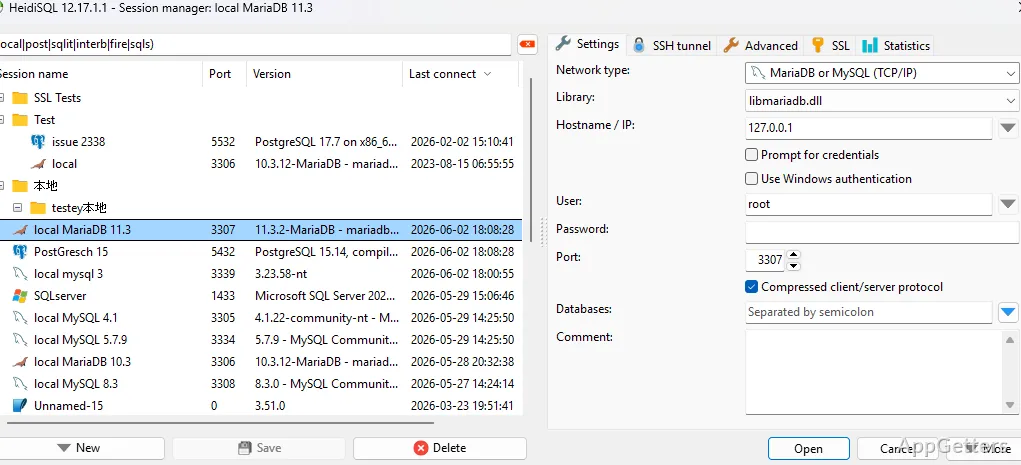
HeidiSQL’s most appealing functionality is perhaps its capacity to demystify database management through more natural and intuitive means. Users simply do not have to go through the pain of typing command lines. They can directly access their tables and data. They have an orderly graphical report of their databases at their disposal right there.

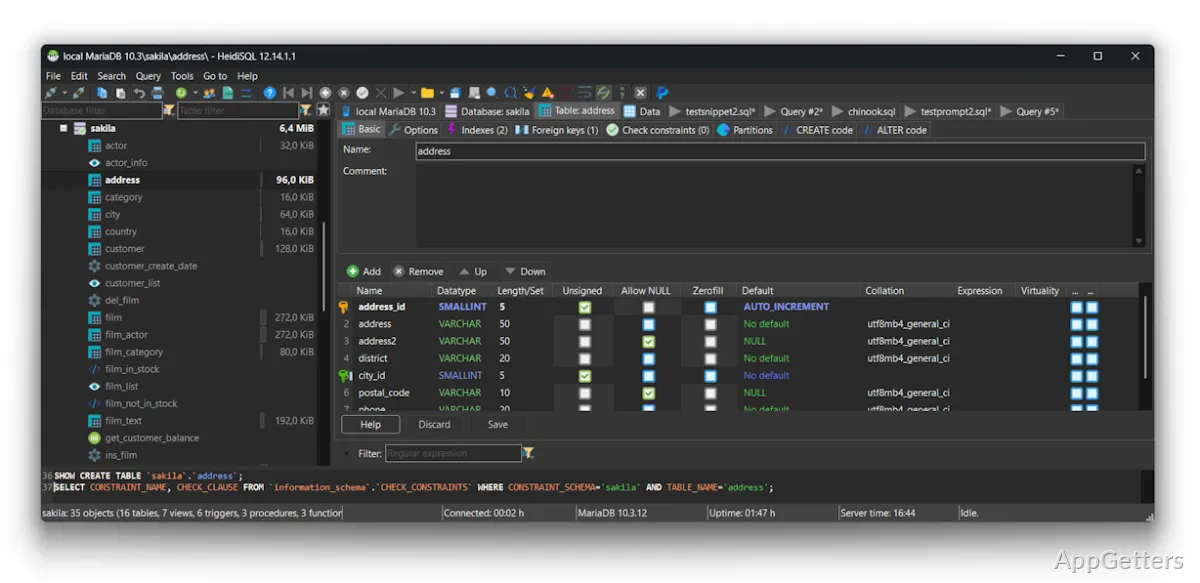
Such a tool in your day-to-day life can be a great relief. From running around to complete all the main administrative tasks. Users can easily look at records, change the data, add tables, and write SQL queries all from one place. Also, for those who are just getting their heads around database knowledge, a clearly laid-out visual space usually does wonders. It helps them remember what belongs where and how the pieces connect to one another.

It supports numerous database-oriented activities, so one can use it for both learning and work purposes. This explains why people of various skill levels find it very appealing.

Backing up Regular Development Activities

For developers and DBAs, it is not strange for HeidiSQL to become their essential companion when dealing with databases day in and day out. Why go through the hassle of changing tools all the time when most of what you want to do can be done within a single one?

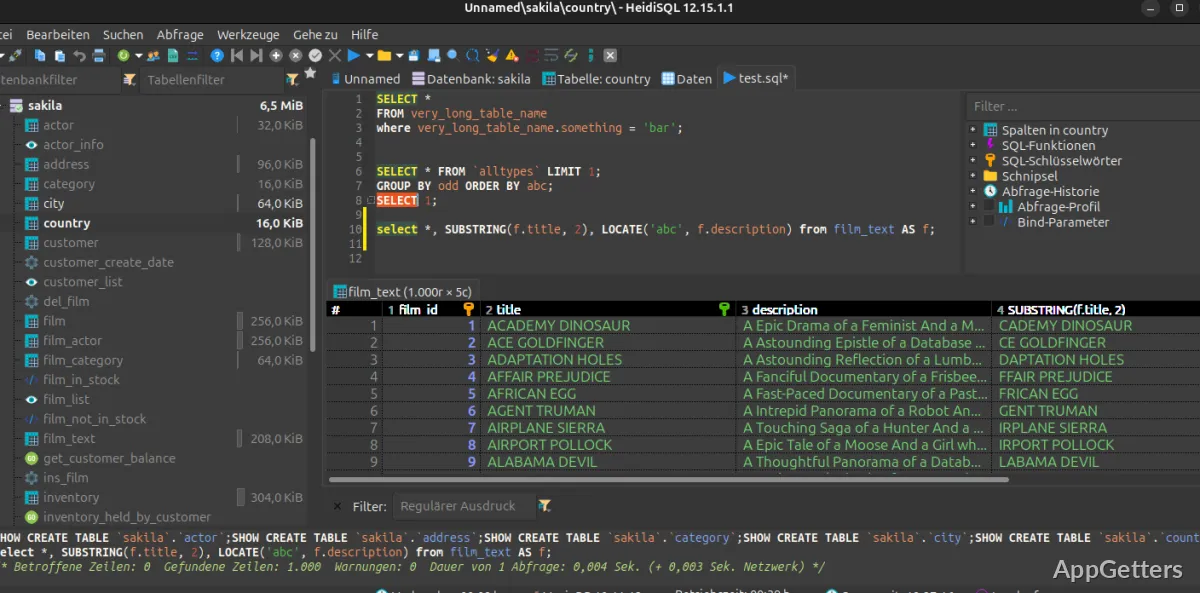
Starting from checking what is inside a database and going through writing SQL queries, till altering a table, all those steps can be done consecutively without leaving home (read the application). Confirming the results is done right then and there. Besides saving both time and mental energy, such a way of working also helps minimize the possibilities of making mistakes during development or breaking something that was working before.

Even when working with quite big databases, the program usually does not show any significant slowdown. Being able to do the different operations on potentially big datasets almost as fast as you think of them helps users operate in a way they are comfortable with. It really roboticize (in the positive sense) their interaction with the data instead of being slowed down in their work and hence, changing the sources (data) little by little but consistently and in a timely way. Having said that, it is a good idea to consider that several teams who are responsible for the development and running of websites, businesses, or internal systems really get the benefits of working with a tool that is so much more than a device to view tables. It is really a tool that increases their daily output and simplifies their lives.

Trustworthiness and Drawbacks

From what HeidiSQL users say, they appreciate it very much as a tool that does not “fall apart” (crash, mess up your data, etc.) and that is not “messy” (meaning complicated and has a lot of functionality that distracts the user from what is important). In other words, the user interface or the design of the application (look and feel of the screens, where the buttons are, how the menus look) focuses on the fact that the user should be able to perform database tasks without getting distracted by the looks of the application or the need to customize the application to their liking.

But on the other hand, as with many pieces of software, there might still be a hurdle for people who have absolutely no clue about SQL and database administration or concepts. Another point is that even though it is super simple to connect to the database with HeidiSQL, you cannot really be successful if you lack a good understanding of how data is structured.

If users are in very targeted enterprise setups, then naturally, there will be cases when, for them, certain situations will require supplementary solutions for monitoring, analytics, and very large-scale administrative functions. Indeed, HeidiSQL is mostly a database management and query execution tool rather than a complete enterprise management platform.

More Suitable for Developers and Those Learning Databases

On the whole, we can say that HeidiSQL is a great solution, especially for Windows users. It offers an interface that they can totally rely on every time they work with databases. Developers who are creating software, database administrators who keep systems running, students who are learning SQL, and technically oriented people can benefit. They use it to manage projects and work efficiently.

It helps users lower the level of difficulty of using the database daily. At the same time, it does not take away the power of doing significant administrative jobs. Simply put, you are not left with no option but to build knowledge about databases. You are helped to work with that knowledge in a more efficient manner through a well-organized and well-thought-out interface.

HeidiSQL still manages to be one of the tools that keep things simple. It is also fully capable of supporting training and professional workflows. For example, it provides a solid utility for database management, querying, and data inspection on Windows.

Software Details of HeidiSQL 12.19.0.7314

License
Free
Version
12.19.0.7314
File Size
16.95 MB
Downloads
0
Language
English
Category
IDE
Op. System
Windows
Developer
Last Updated
June 20, 2026

Version History

5 versions
12.19.0.7314
Latest
16.95 MB
June 20, 2026
12.18.0.7304
16.95 MB
June 10, 2026
12.17.0.7270
16.92 MB
April 12, 2026
12.16.0.7229
16.88 MB
March 10, 2026
12.15.0.7171
16.88 MB
February 3, 2026

Leave a Comment

Your email address will not be published. Required fields are marked *

Software Icon
Security Report

Loading scan data...

Scroll to Top