EXE
Home » Maintenance » HeavyLoad for Windows
HeavyLoad for Windows

HeavyLoad for Windows

  • By JAM Software
  • Free
  • Version: 4.0
  • 21.13 MB
  • Security Report:

Although Windows systems today mainly seem very reliable in use, there are certain inner flaws that only reveal themselves under severe workload. A computer that is running ok with browsing or word processing might not be able to handle the ongoing load on the CPU, memory, or disk. For people who want to check the stability, especially after an upgrade or troubleshooting, this difference is a big source of trouble. The aim of HeavyLoad is to provide a solution for this exact predicament. In essence, HeavyLoad imitates the heavy stress of a computer system in a very controlled manner.

HeavyLoad (Stress Testing)

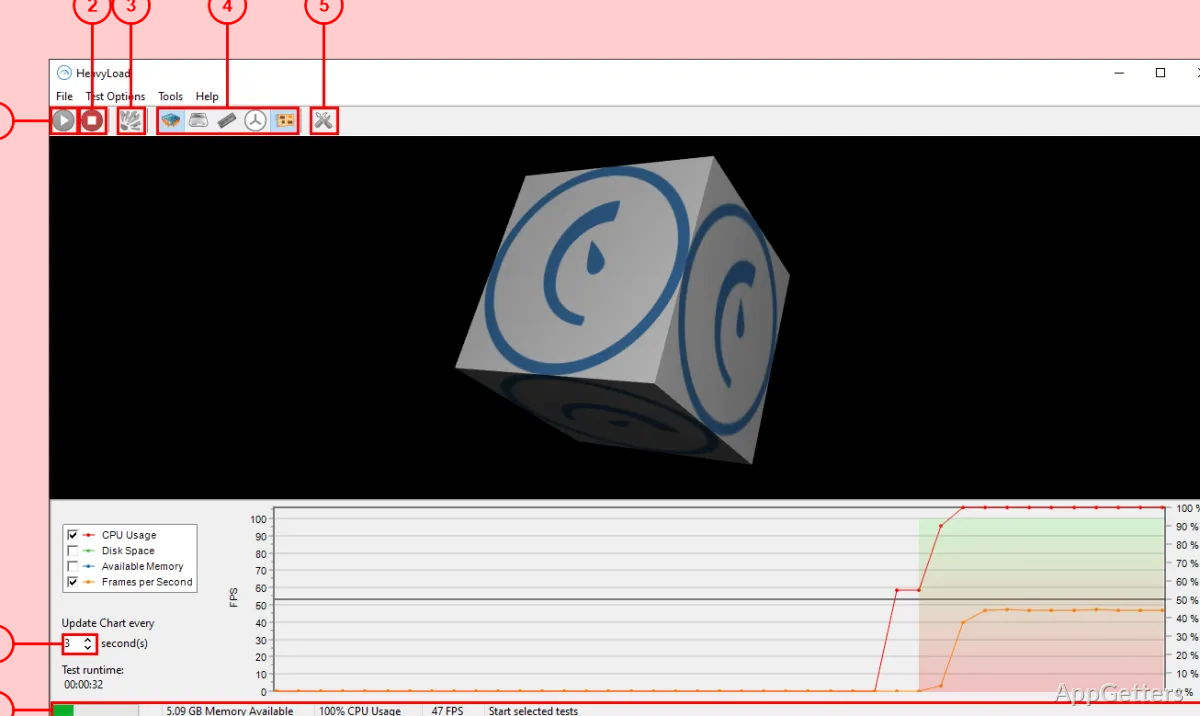
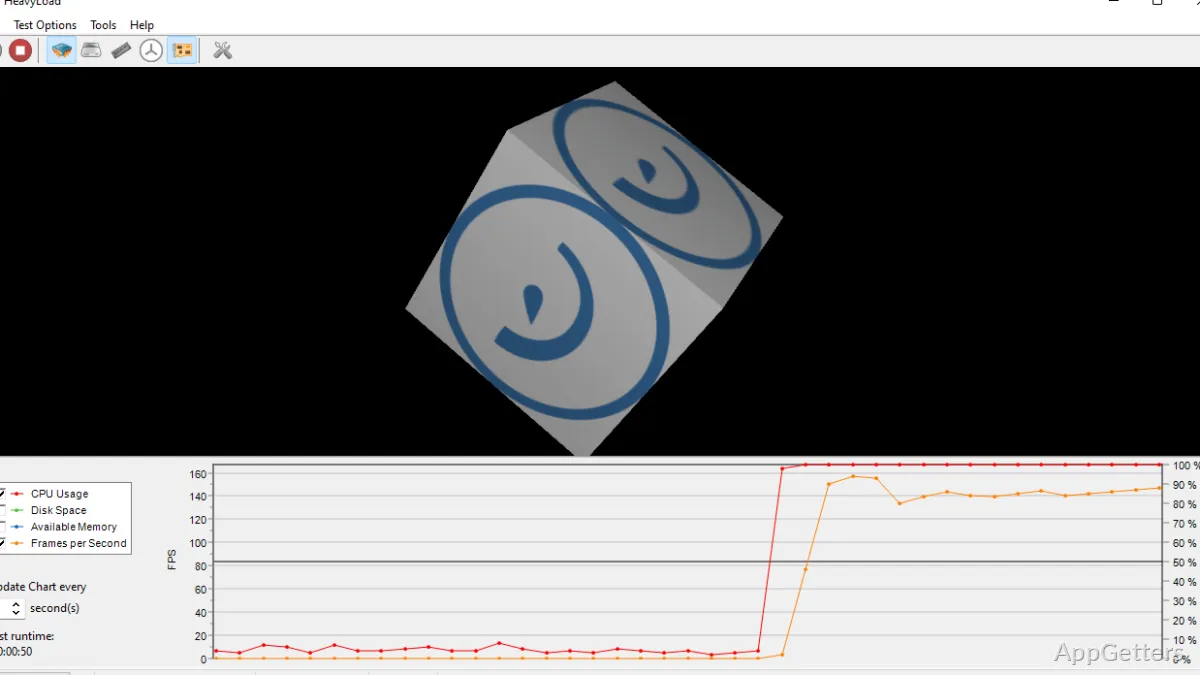
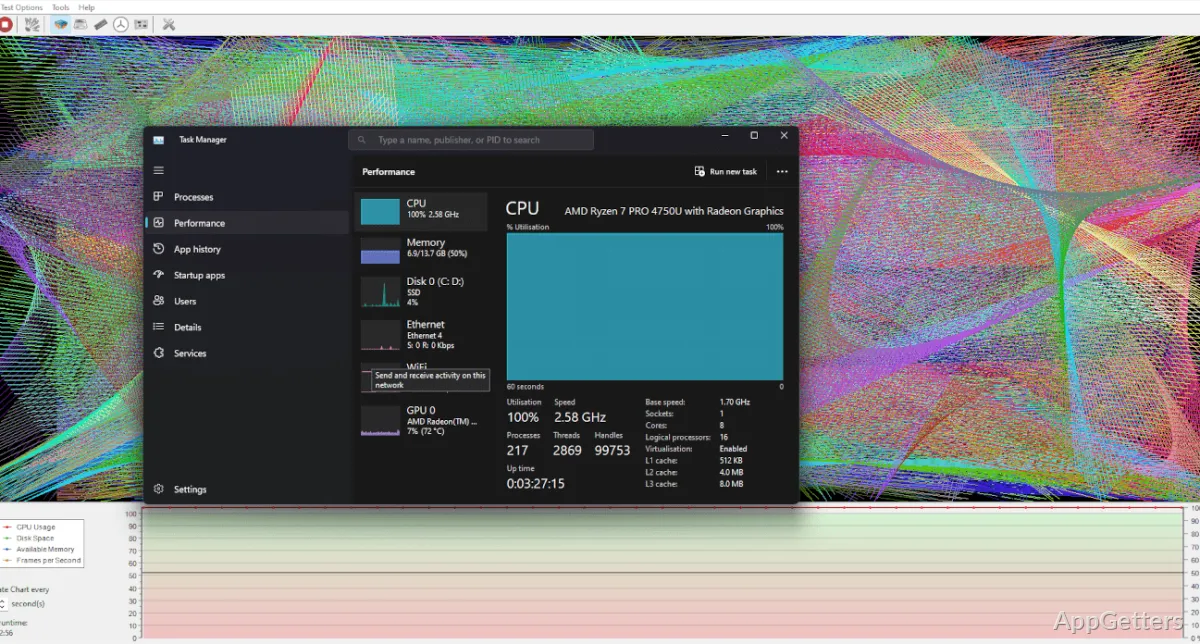
HeavyLoad focuses largely on applying continuous stress over a period to individual computer components instead of using a synthetic benchmarking method. Heavy gaming, video rendering, or even opening several power-hungry applications at the same time can be simulated by HeavyLoad, running CPU, memory, and disk operations concurrently. What is awesome about this is how easy it seems. Rather than having to figure out complicated configurations, the user can toggle the stress elements one by one or together. Therefore, you could perform short checks or extended stress tests.

For example, you may be able to find situations when your system begins running slowly or your system heats up, and possibly other system errors that you don’t normally get to see without heavy stress. This is the type of behavior that no doubt can be discovered and understood using HeavyLoad. A system left only lightly used always has the luxury of staying quiet on the error fronts. For that reason, it is important to have tools like this one.

Where HeavyLoad Makes a Difference

HeavyLoad is a great asset for finding what causes system freezes, random crashes, blue screens, and the like. These issues show up only sometimes and make sleep difficult for experts and users alike. The fact is that those issues usually come from users attempting heavy labor. Most such issues are a consequence of CPU stress, lack of fast RAM, the limited disk feature, or a combination of those.

HeavyLoad is an excellent tool for users who are not very computer literate. It is especially helpful for children who get frustrated when their laptops hang during multitasking.

Flaws and Advantages Balance Each Other

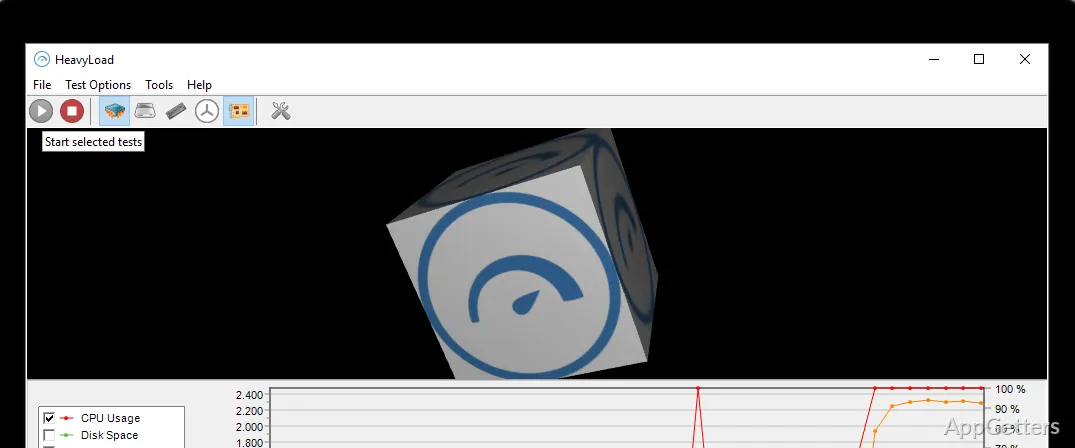
Keeping things very simple and avoiding specialized jargon can easily intimidate users. It still manages to present serious stress scenarios, which is one of HeavyLoad’s key features. The interface is pretty minimal. The main focus is still on making the system load, rather than on displaying extensive metrics.

This will be good for many types of users but will limit HP HeavyLoad use to occasional stress testing in view of upgrading or troubleshooting. In fact, one of the major drawbacks is the deficiency of immediate monitoring, detailed temperature readings, voltage tracking, etc. So, to do these, it is apparent that there will need to be other tools in use. HeavyLoad is designed to influence system operation and not to provide extensive recording of system measures.

Who Can Get the Most Out of HeavyLoad?

HeavyLoad may be looked at as a good test in a practical scenario and as part of a testing routine in line with other diagnostics. It is capable and reliable for quick system checks after changes. It is also useful at the time of problem manifestation. Students, non-expert home users, and regular PC owners will probably love how simple it is to initiate a stress test. Even if you have never done it before.

However, with more sophisticated and elaborate diagnostic and monitoring software, HeavyLoad cannot be viewed as a replacement. It is not a substitute for such outside monitoring tools. It is best used with monitoring systems to gain a better understanding of the overall system. Unfortunately, the start of the cycle is mainly to be allocated to the HeavyLoad tool if it is to be of some utility. Letting users apply a tightly controlled level of pressure helps observe system operation. It ultimately exposes problems that normal operation cannot reveal without an accident.

Software Details of HeavyLoad 4.0

License
Free
Version
4.0
File Size
21.13 MB
Downloads
0
Language
English
Category
Op. System
Windows
Developer
Last Updated
December 10, 2025

Version History

3 versions
4.0
Latest
21.13 MB
December 10, 2025
3.9.1.354
23.18 MB
July 5, 2023
3.9.0.352
17.38 MB
May 3, 2023

Leave a Comment

Your email address will not be published. Required fields are marked *

Software Icon
Security Report

Loading scan data...

Scroll to Top