Looking for a free CCleaner alternative with far more tools inside? HDCleaner, by RegCool author Kurt Zimmermann, cleans junk and browser traces in three levels of detail and adds registry, startup, duplicate-finder, encryption and secure-erase tools.
Cleanup modes control which items HDCleaner scans
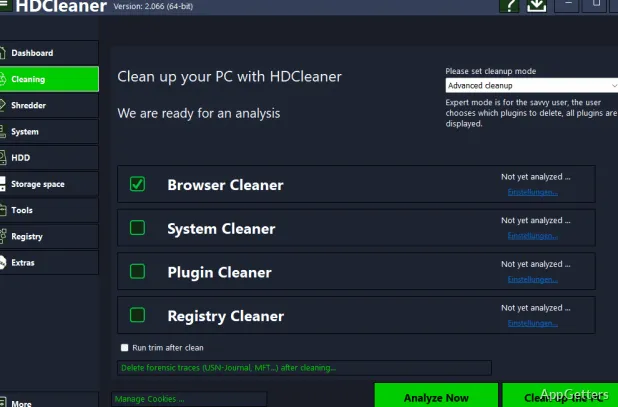
Simple Cleanup runs on its own and clears browsing traces and junk with nothing to configure. Standard Cleanup displays commonly used plugins so you can select what to remove. Advanced Cleanup exposes all plugins for more detailed selection. HDCleaner also supports Winapp2.ini and lets you add programs so their data can be included in cleanup.
The one-click optimization combines several maintenance tasks: removing temporary files and internet traces, organizing and defragmenting the registry, checking for hard-drive errors, and optimizing startup. Browser privacy cleanup covers cookies and browsing history across a range of browsers, including Firefox, Edge, Chrome, Opera, and Vivaldi.
Registry tools cover cleanup, backup, and search
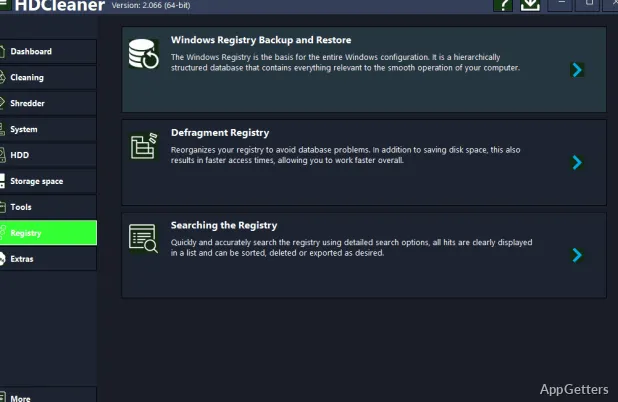
Registry cleanup finds broken shortcuts, wrong file paths and damaged ActiveX or COM entries. Separate tools let you back up and restore the registry, search for values, and open a selected result in RegEdit. Registry defragmentation analyzes the database and removes gaps and unused space.
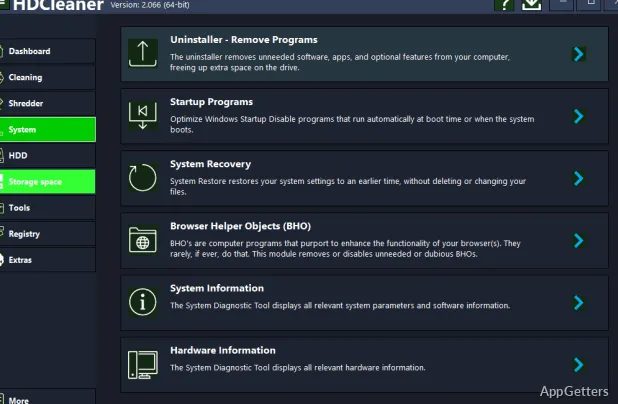
Startup Manager lets you manage programs that launch with Windows. The uninstaller also deletes the files, settings and registry keys a program leaves behind.
File tools handle duplicates, encryption, and secure deletion
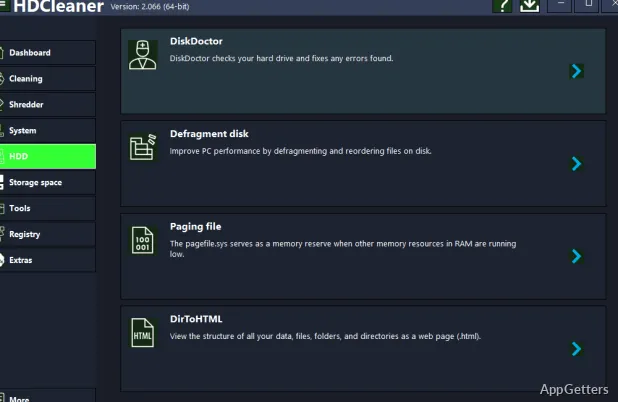
The duplicate-file finder searches across file types, including documents, images, music, and video. DiskDoctor scans a drive's file system and metadata for errors, and the restore-point tools create or edit Windows restore points.
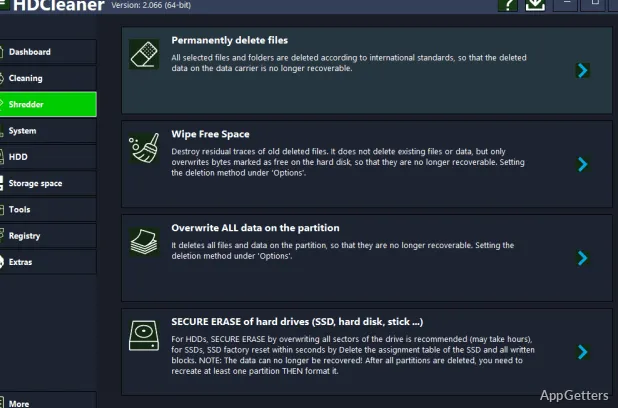
For file protection, HDCleaner can encrypt and decrypt files with AES and split large files into smaller pieces that can later be reassembled. Its deletion tools include overwriting free space and erasing files, folders, partitions, or drives. The SSD erase function resets the drive to its factory state.
Pros
- Three cleanup modes range from automatic scans to full plugin selection
- Registry tools include backup, restore, search, and defragmentation
- Includes duplicate-file search, DiskDoctor, and restore-point management
- AES file encryption and secure deletion tools are built in
Cons
- Dozens of tools can overwhelm casual users
- Registry cleaning and defragmenting bring little real speed gain
System requirements: Windows 7, Windows 8, Windows 8.1, Windows 10, Windows 11
Is HDCleaner free?
Yes. It is freeware, with an installer and a portable version.
What is the difference between HDCleaner's cleanup modes?
Simple runs automatically, Standard shows the most-used cleaning plugins, and Advanced exposes every plugin plus Winapp2.ini rules and custom programs.
Can it securely wipe an SSD?
Yes. The SSD erase function resets a drive to its factory state; it also overwrites free space and erases files, folders or partitions.
Can HDCleaner back up the registry?
Yes. Back up and restore the registry, search it, and jump to any result in RegEdit.
Which browsers does it clean?
Firefox, Chrome, Edge, Opera, Vivaldi and other browsers, removing cookies and history.