When a project has edits across several files, GitHub Desktop shows the changed files and lets you inspect their differences before creating a commit. The Windows app provides a visual workflow for managing Git repositories, recording changes, and syncing projects with GitHub.
Review file changes before committing
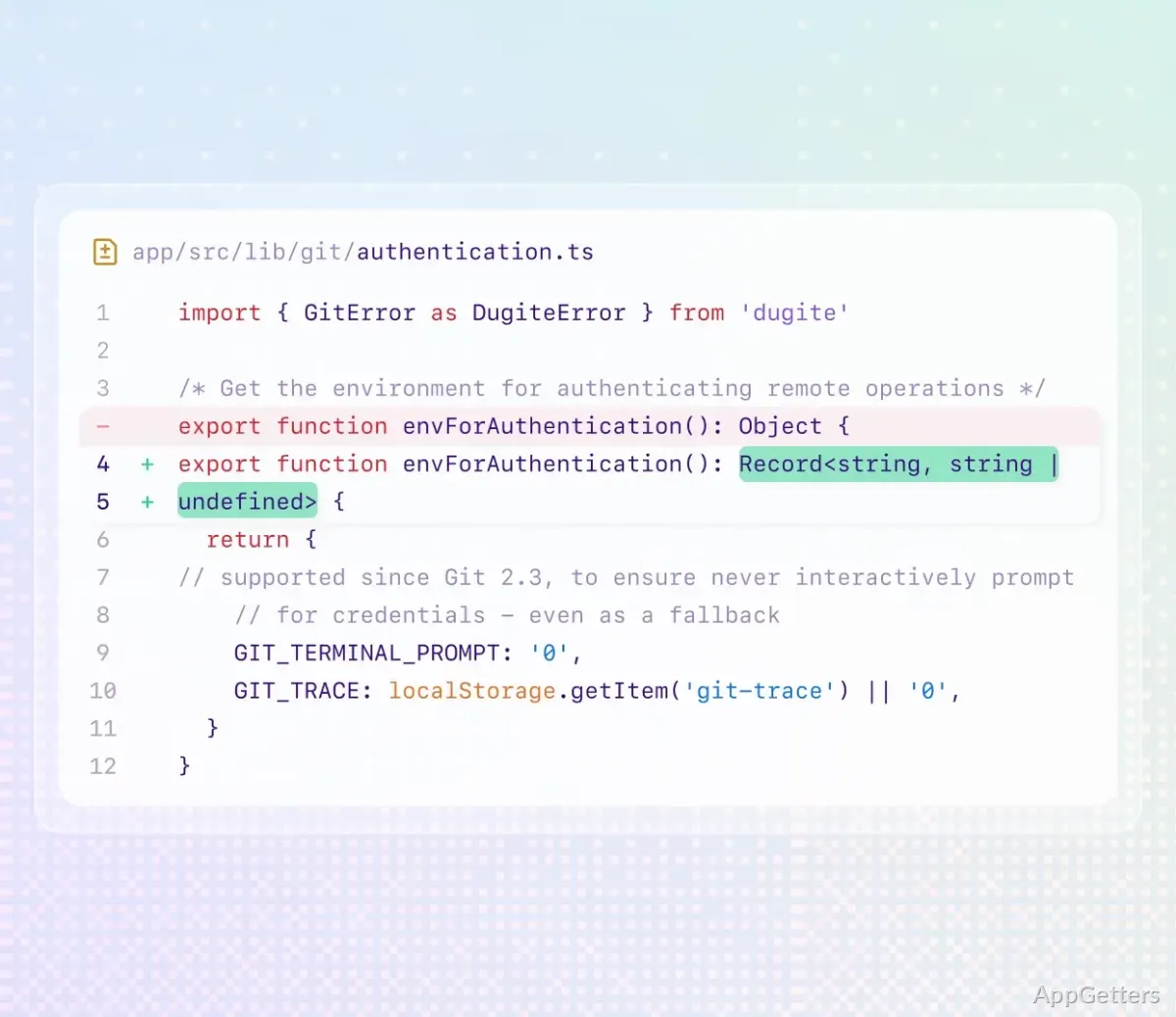
The changes view lists modified files and shows how their contents differ from an earlier version. Select a file to inspect its diff, then decide whether the edits belong in the next commit. This makes it easier to spot an unintended change before it becomes part of the project history.
For a standard commit, enter a brief summary and commit the selected changes to the current branch. GitHub Desktop keeps the review and commit steps in the same workflow, so the files being recorded are visible alongside the commit controls.
Manage branches and sync repository work
GitHub Desktop supports everyday repository tasks such as creating or switching branches and sending local commits to GitHub. Its repository view brings the current branch and project changes into one place, which is handy when moving between a feature branch and the main line of work.
After committing locally, use the app to push changes to the remote repository; fetch and pull bring remote updates into the local project. This keeps the desktop workflow connected to shared GitHub repositories without requiring each routine action to be entered as a Git command.
Rearrange commits and set changes aside
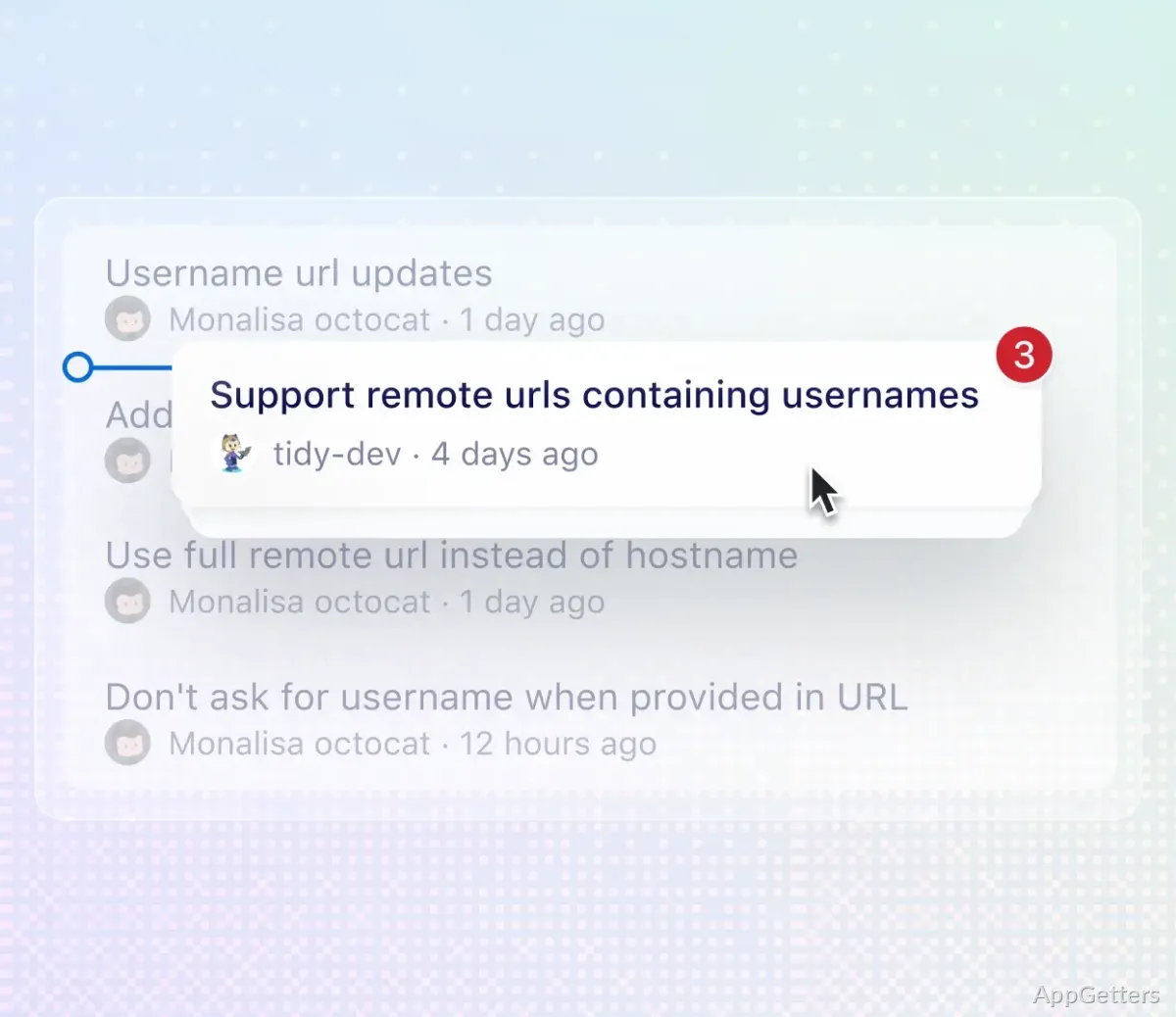
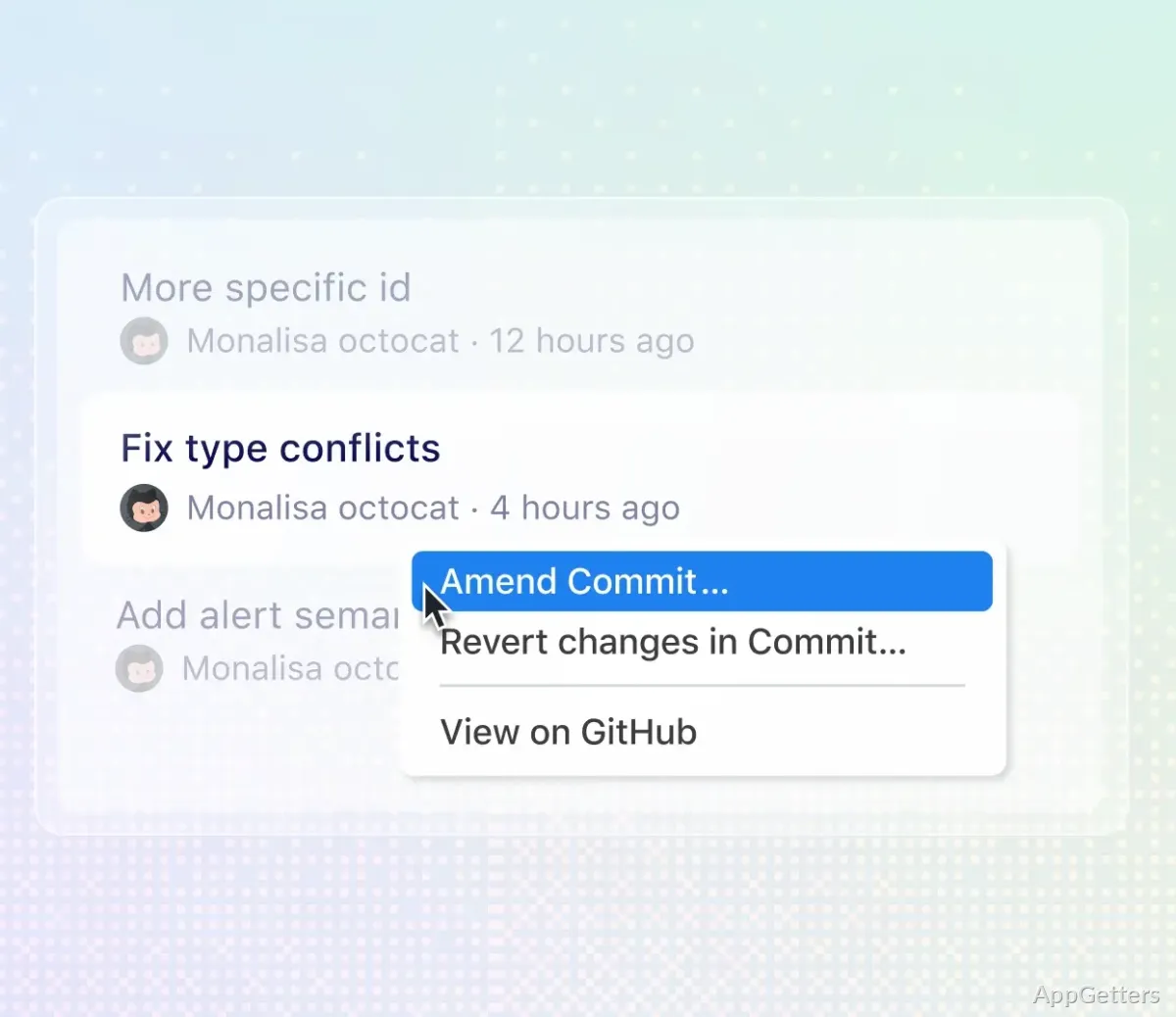
The history view includes controls for adjusting commits. Dragging commits between branches supports cherry-picking; combining commits supports squashing, and changing their order can reorganize a branch’s history. The app also provides options to edit commit messages and reverse earlier changes.
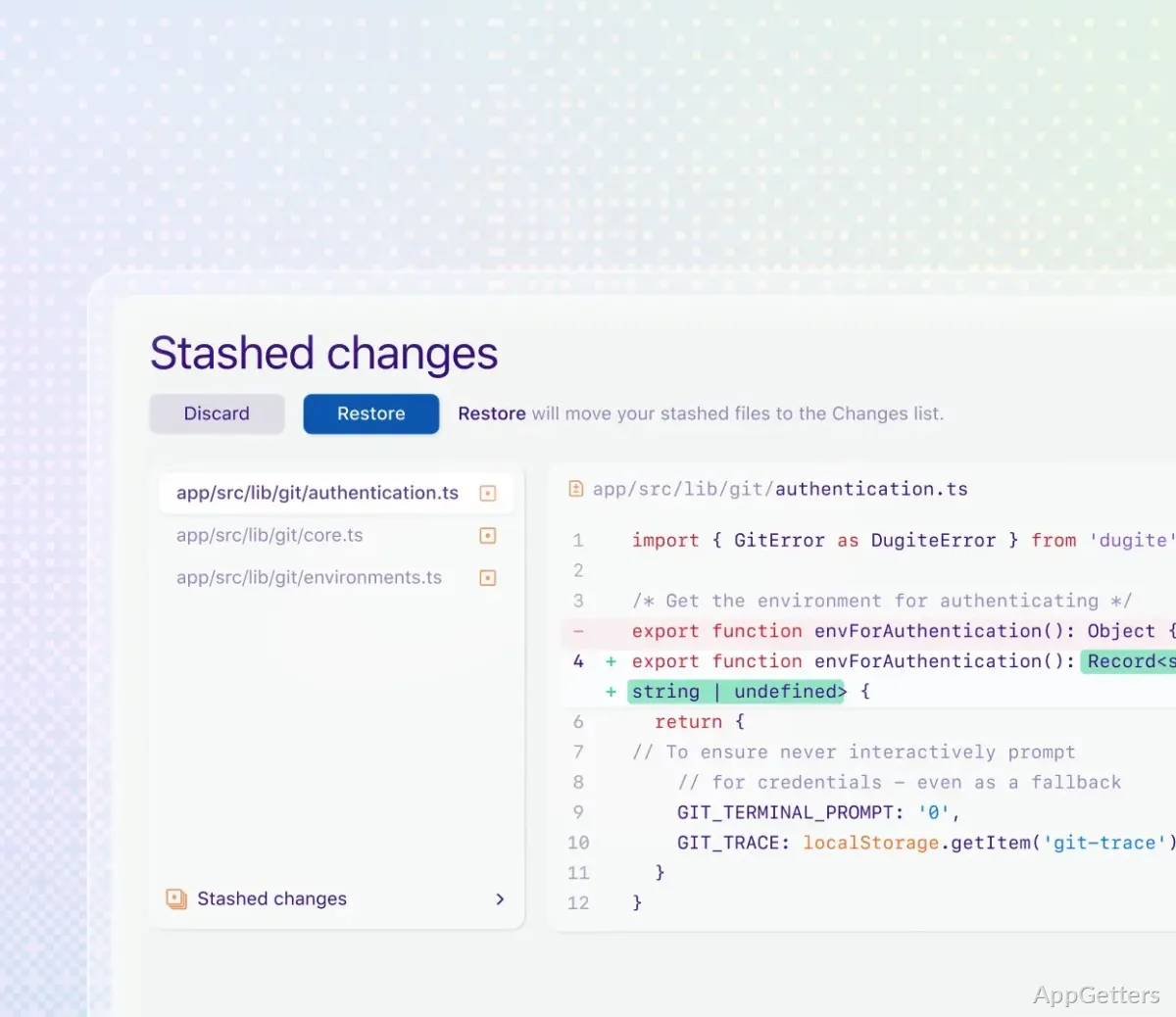
When edits are not ready to become a commit, stash them and return to them later. This separates unfinished work from the branch’s recorded history while leaving the changes available to resume.
Pros
- Review file-by-file differences before committing
- Create commits and manage branches from the desktop
- Drag commits to cherry-pick, squash, or reorder history
- Stash unfinished changes without committing them
System requirements: Windows 10, Windows 11 · 64-bit only
Can GitHub Desktop show exactly what changed in a file?
Yes. Select a changed file to compare its current contents with the earlier version shown in the diff.
Can GitHub Desktop move or combine commits?
Yes. Its history controls support cherry-picking commits between branches, squashing commits together, and reordering them.
How do I keep unfinished edits out of a commit?
Stash the changes. They can be brought back when you are ready to continue working on them.