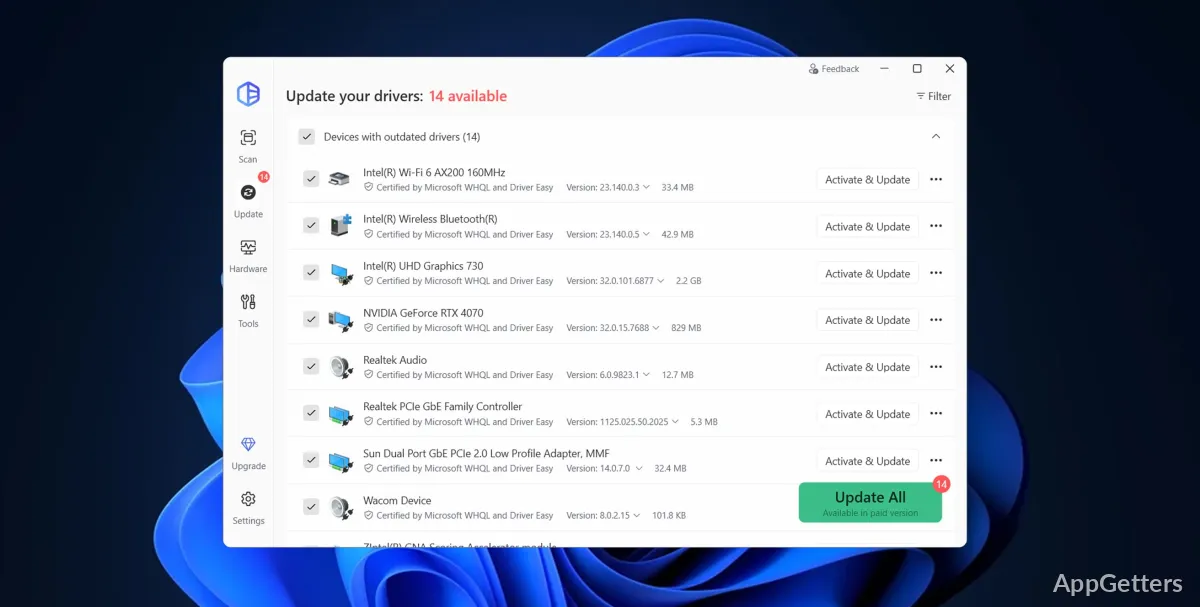
PC owners tracking down missing or outdated drivers can use Driver Easy to scan Windows hardware and identify devices with newer drivers available. The program covers components such as audio, graphics, network, Bluetooth, USB, printers, and chipsets.
Driver Easy scans for missing and outdated device drivers
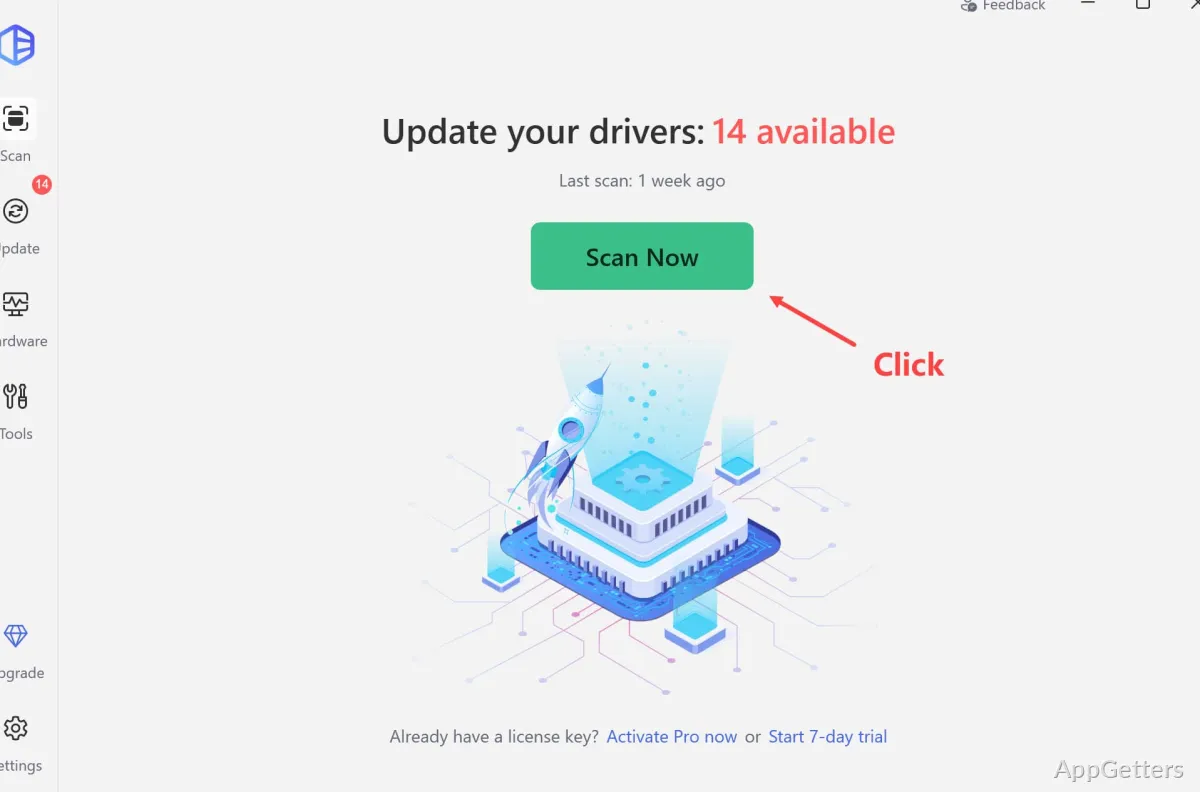
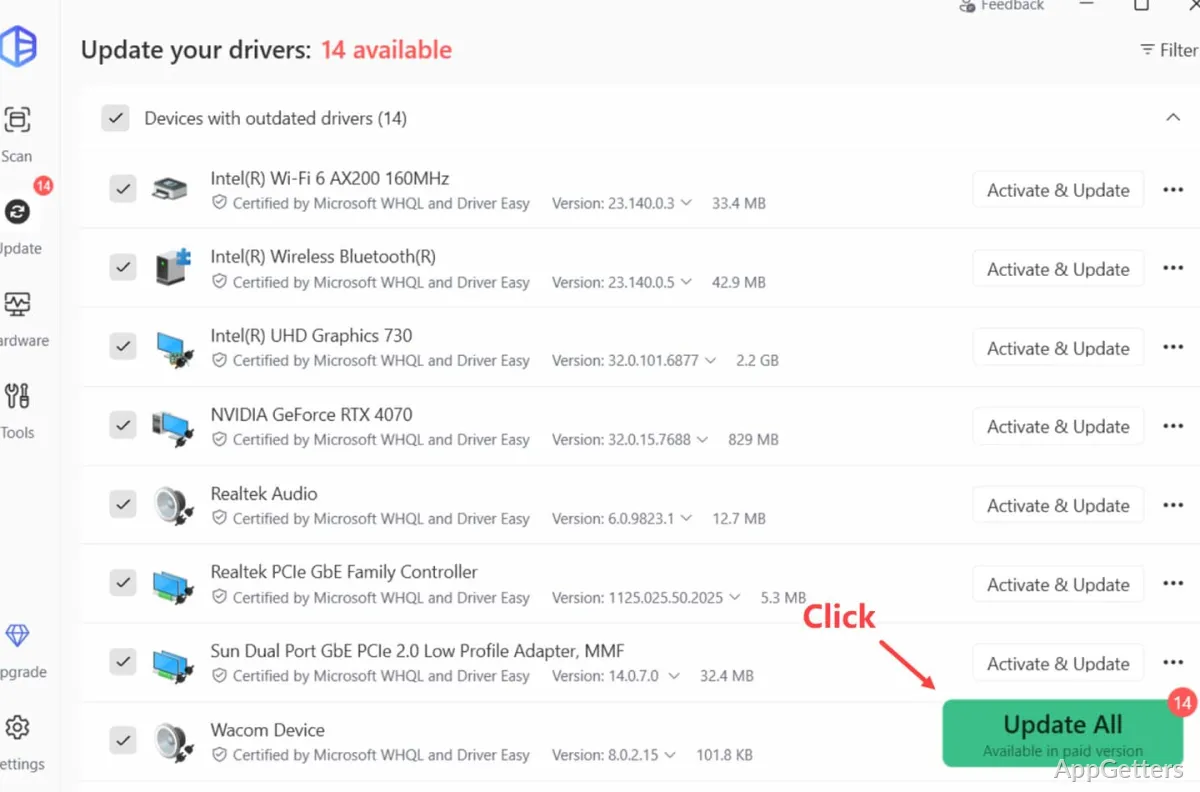
A scan checks the computer’s devices for missing, outdated, or mismatched drivers, then presents the results for review. The detected hardware can include audio and graphics devices, Wi-Fi and Ethernet adapters, chipsets, printers, USB devices, Bluetooth components, scanners, and storage drives.
From the results, drivers can be updated individually. The Pro workflow also supports downloading and installing all detected updates in one operation. This gives users a way to address a specific device issue or handle several driver updates together.
Offline scanning identifies a network driver for another PC
When a computer has no internet connection, Driver Easy can scan it offline and identify the network driver it needs. That driver can then be downloaded on a different computer and transferred to the offline machine.
Driver tools include backups, history, and rollback
Driver Easy can create restore points before updates, back up and restore drivers, and uninstall drivers. If an update causes trouble, the rollback option returns a driver to an earlier version. Driver update history and hardware information are also available, with an option to export hardware details.
Pros
- Scans for missing, outdated, and mismatched drivers
- Supports updating drivers one at a time or in bulk
- Can scan offline to identify a network driver for another PC
- Includes driver backup, restore, uninstall, and rollback tools
Cons
- Downloading and installing all drivers automatically is a Pro feature
System requirements: Windows 7, Windows 8.1, Windows 10, Windows 11
What kinds of devices can Driver Easy scan?
It can find drivers for devices including audio, graphics, network, Wi-Fi, Bluetooth, USB, printers, chipsets, scanners, and storage drives.
Can Driver Easy update drivers without an internet connection?
It can scan offline and identify the needed network driver; download that driver on another computer, then transfer it to the offline PC.
Can a driver update be undone?
Yes. Driver Easy includes driver backup and restore options, as well as a rollback tool for returning to an earlier driver version.