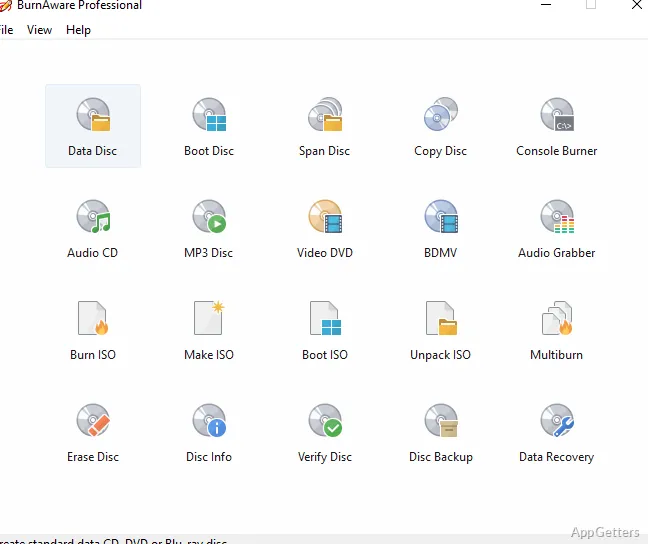
Still burning discs for backups, music or bootable installers? The free BurnAware makes ISO images from files and folders and writes images to disc. Its project-based tools also cover data discs, bootable media, multisession discs, and audio and video formats.
What kinds of discs can you create?
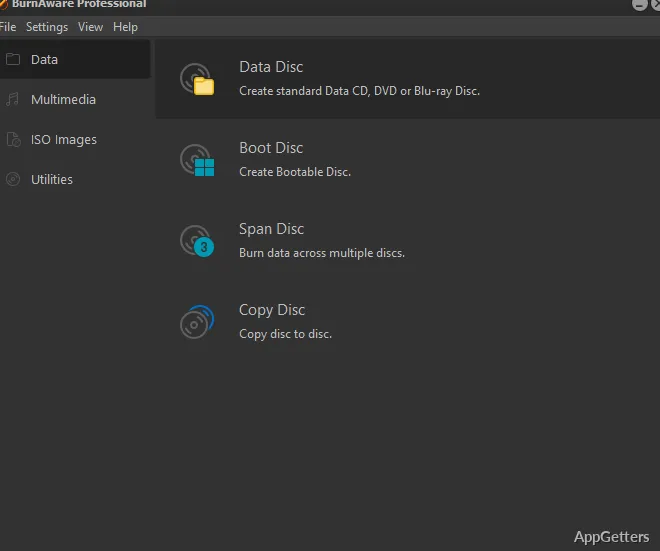
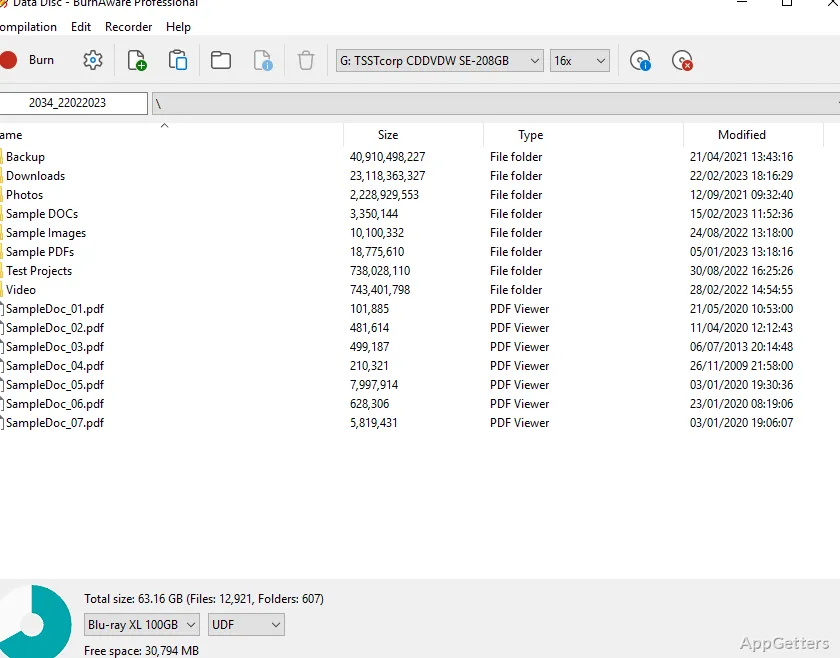
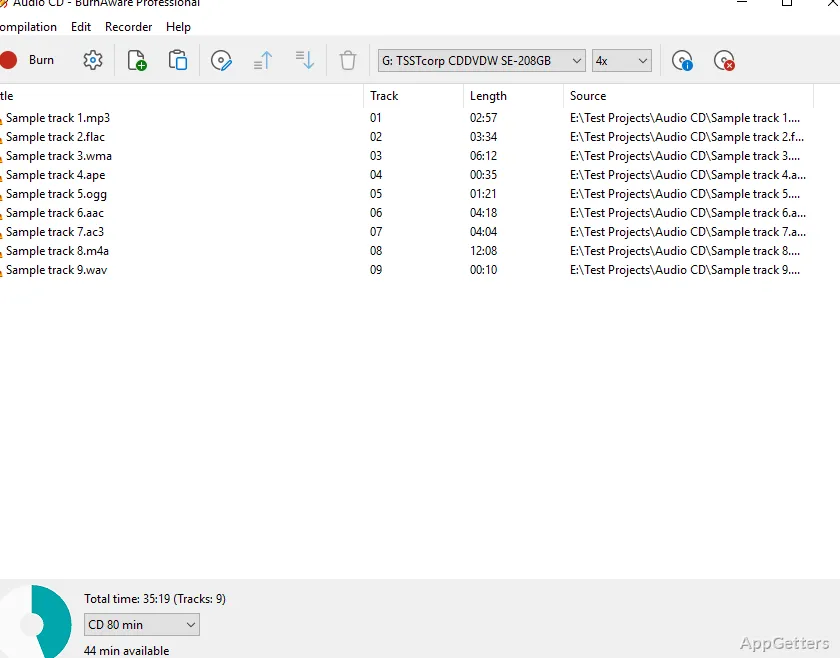
Any kind of file, from office documents and pictures to songs, videos and archives, can go onto CD, DVD or Blu-ray. Separate tasks handle data discs, audio CDs, video DVDs, Blu-ray video discs, and MP3 discs.
Bootable projects let you prepare startup media, while multisession projects let you add data to a disc in more than one recording session. The program also supports ISO and UDF settings for disc projects.
How do ISO images fit into the workflow?
Create an ISO image from files and folders when you need a disc image, or select an existing image to burn it to optical media. BurnAware can also extract files and folders from ISO images.
For users with more than one recorder, the same ISO can be burned on several drives at once.
Can BurnAware copy or check a disc?
Disc-copying tasks cover data and audio discs, and a disc can also be saved as an ISO or BIN image. A verification task checks recorded data, while recovery tools target data on multisession or unreadable discs.
What audio and video options are included?
Audio CD projects include CD-Text editing, and the program can extract audio tracks from discs. Video tasks include creating Video DVDs and Blu-ray video discs; a built-in converter handles DVD-Video preparation.
Pros
- Creates ISO images and burns them to discs
- Supports bootable and multisession discs
- Burns audio CDs, video DVDs, and MP3 discs
- Works with CDs, DVDs, and Blu-ray discs
System requirements: Windows 7, Windows 8, Windows 10, Windows 11
Can BurnAware Free create a bootable disc?
Yes. It supports bootable discs and includes boot settings for disc projects.
Can it burn an ISO image?
Yes. Select an ISO image to write it to a disc; the program can also create ISO images from files and folders.
Does it support multisession discs?
Yes. BurnAware Free can create multisession discs, which allow data to be added in separate recording sessions.