AntiMicro is usually employed in cases where users need a controller to imitate the behavior of a keyboard and mouse on Windo
ws. This requirement arises mainly when someone intends to play old PC games that lack native controller support or when they decide to use a gamepad for regular desktop work. Since Windows does not consider controllers as extremely versatile input devices, giving full freedom. Different programs support the controllers at different levels, leading to cases where their use may be very limited or faulty. Actually, users have to change their way of input or even use very unusual solutions that aren’t very intuitive. AntiMicro tool is capable of eliminating these problems by changing controller actions into keyboard and mouse ones, thus making the controller a very usable device even in situations where it was not a consideration.
Getting Controllers and Standard Desktop Input Working Together
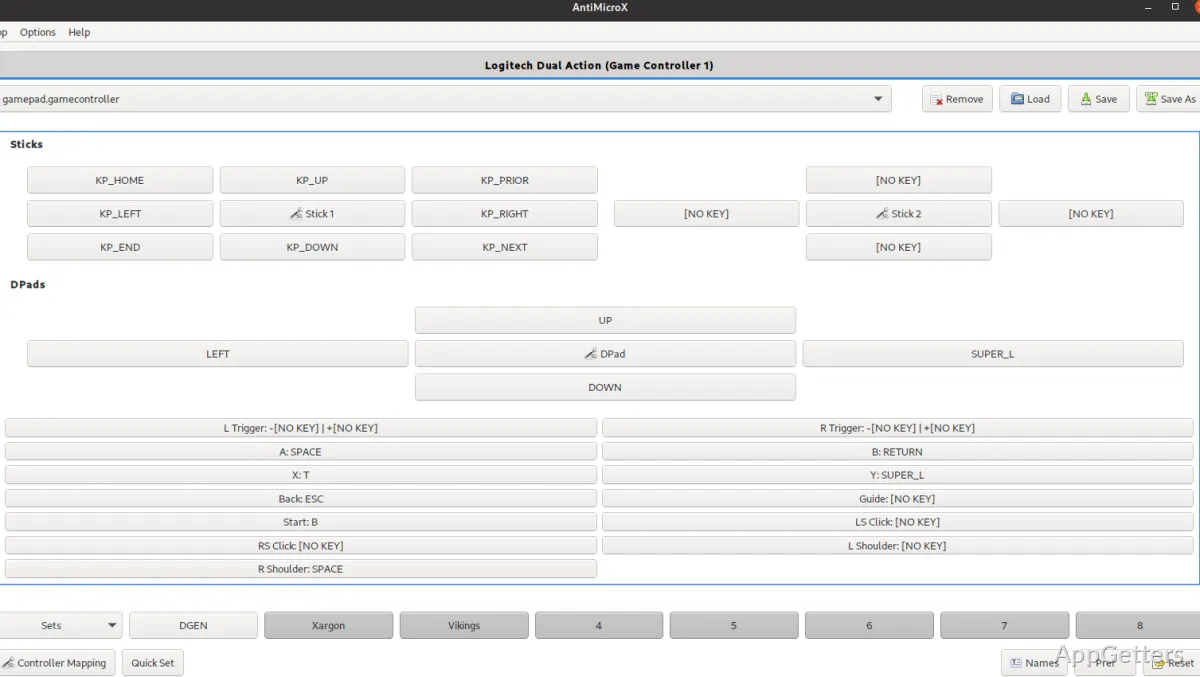
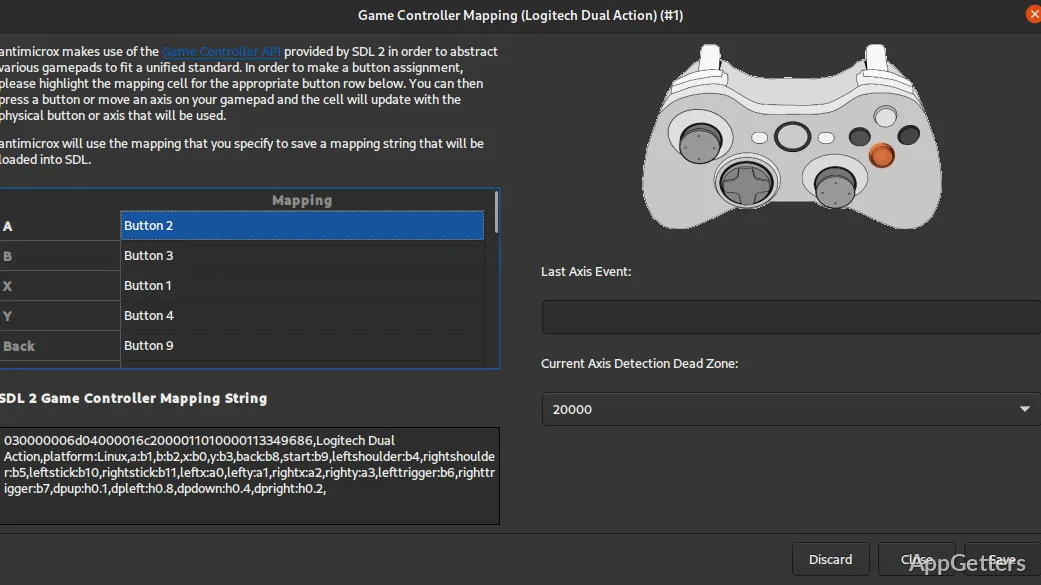
When one really starts to use the software, the very function of AntiMicro is to be the connection between the controller hardware buttons and Windows input events. Allowing the users to set the keys like WASD, arrow keys, directions, and the mouse movements to the buttons, triggers, and sticks, correspondingly. That means that even the gamepad can be used in computer games, as well as in cases of general interaction with the desktop.
The instructions given are clear and simple, making it easy to configure, although input mapping has to be understood at least very basically. Still, the user experience depends on how well the mappings have been made. Inefficiently designed profiles may be confusing or inconsistent, especially when you jump from one game to another. Besides creating separate profiles for different situations, users are advised not to use only one profile when they might need different ones.
Use of AntiMicro With Old Software and under Circumstances Demanding the Most Flexible Controls
One of the main reasons why people download and use AntiMicro is to play some old games for Windows. Since many of them are made to be played only with a keyboard and a mouse. A controller will only be a nice addition if the tool is used. It allows converting controller signals to the keyboard. Those who want to use a gamepad with old games, without native support for controllers, usually choose AntiMicro as their companion. They set the controller to play the game but actually send keyboard commands.
The program is even used outside gaming for ease of use and convenience. For example, media player controls or simple application navigation from a distance. In these cases, it provides what Windows is missing in terms of flexibility. However, things are not going to be perfect. For instance, you can see cases where modern games with built-in support for controllers create conflicts with mapped inputs. This happens when both systems are active at once. In that case, one must disable one layer to get rid of duplication or input clash.
Settings, Profiles, and the Stability of Day-to-Day Use
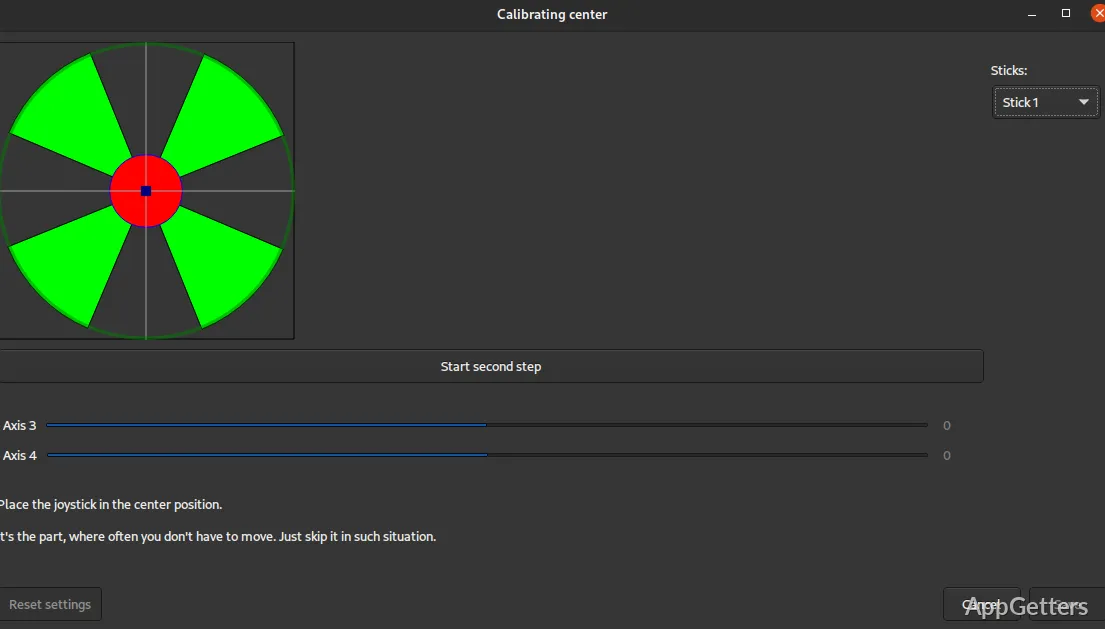
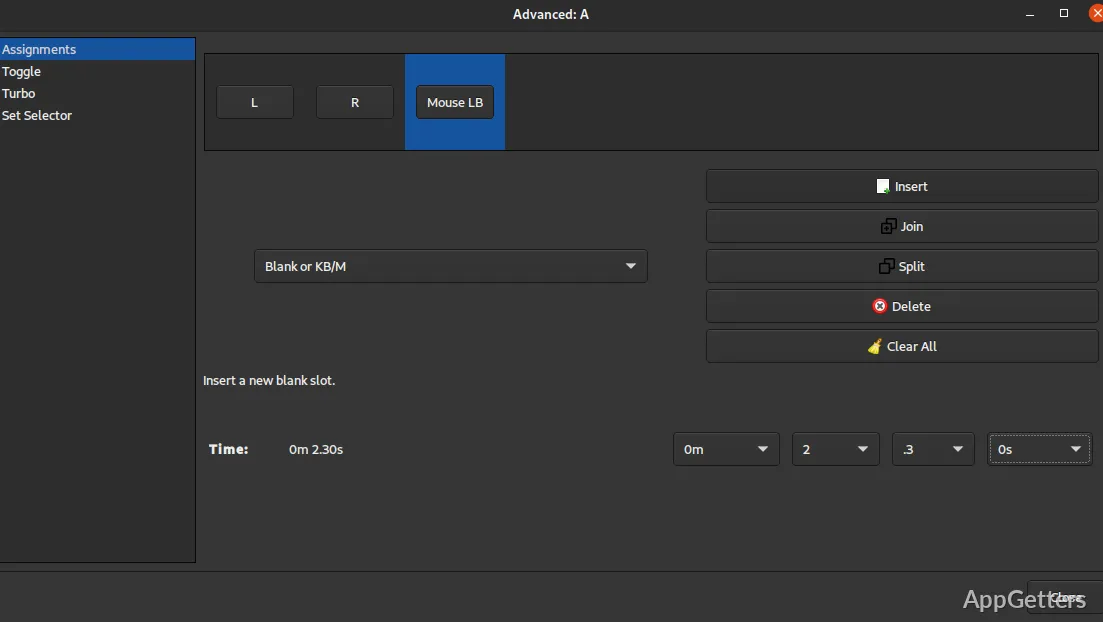
In fact, how well AntiMicro brings results mostly refers to how well it is configured. A lot of people spend their time tailoring the profiles to the control type that they like the most. These profiles can be saved for future use. Users can switch between profiles when changing applications. This makes sense for those with multiple games or workflows. It is handy all the time, even though setup takes time. If somebody has a stable Windows system, then the program runs smoothly without noticeably affecting the performance. Since the program works by processing the controller input at a system level. The cases of driver updates, as well as unusual controller models, may create difficulties.
Using a Controller to Navigate Windows and Live a Flexible Interaction
For a typical Windows user, AntiMicro goes perfectly with those who like to first try the controller way of interaction, or have an urgent need to have other than usual input methods for accessibility. Besides the users who are students or regulars and just want a controller for lying back with the navigation, one more reason can be the desire to revisit the times of older games, to which the controller has never been well integrated. Without changing the applications directly, it is a very practical link between the hardware and software expectations. In any case, it does not supplement or substitute the native support of a controller or the modern input frameworks. More than anything, it is there as a compatibility layer and not a still input solution.