Need to open old disc images like MDS, CCD or NRG that Windows can't mount by itself? Alcohol 120% from Alcohol Soft creates and mounts disc images in up to 31 virtual drives and burns CDs, DVDs and Blu-rays.
Disc images and virtual drives
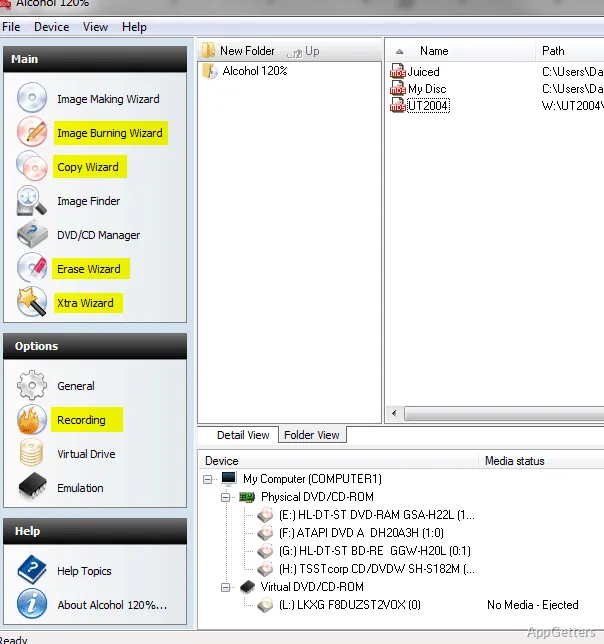
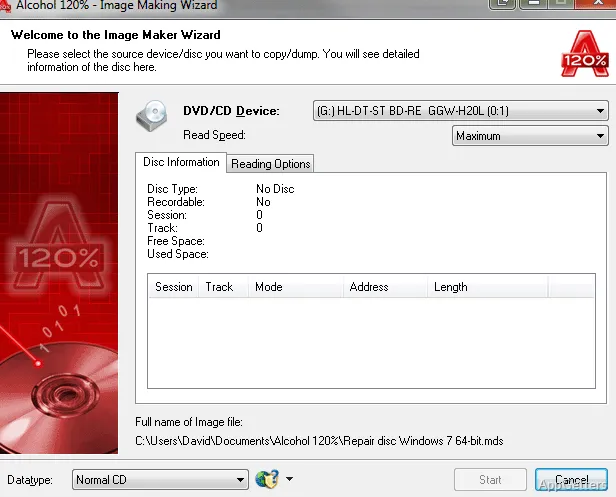
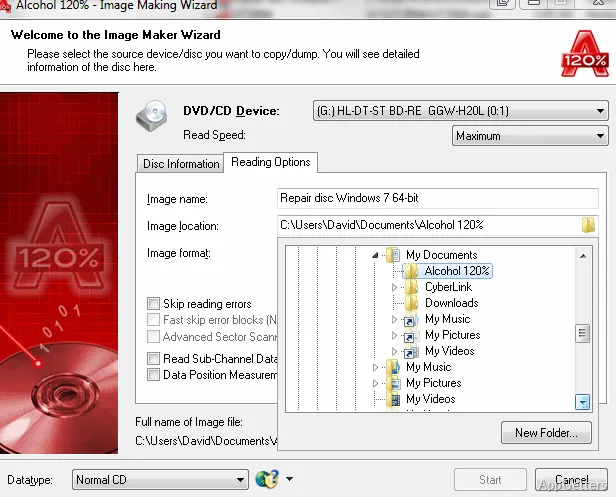
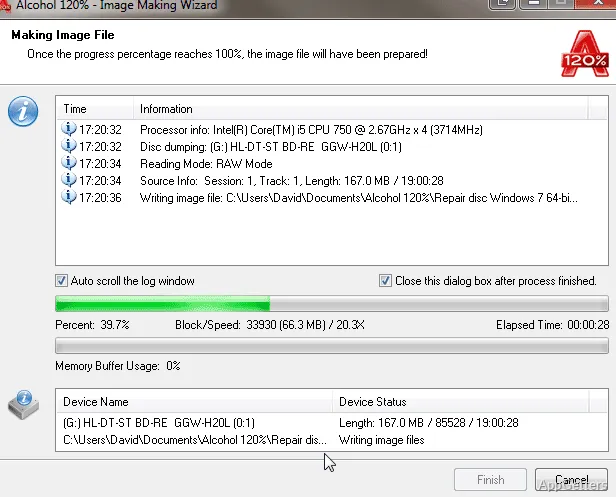
Alcohol 120% can create images from CDs and DVDs, then keep those files on the computer for later mounting or burning. Loading an image into a virtual drive gives software access to disc contents without using the physical disc.
Besides ISO, it reads Alcohol's own MDS format and images from CloneCD, BlindWrite, Nero, DiscJuggler and others. Multiple virtual drives can hold different images, so switching between disc contents does not require swapping physical media.
What can the burning tools do?
The Pre-Mastering function takes files stored on the hard drive and burns them to disc. Alcohol 120% also supports copying CDs and DVDs, along with Blu-ray and HD DVD formats.
- Create image files from optical discs for storage or later use.
- Mount a saved image in a virtual drive.
- Burn hard-drive files with Pre-Mastering.
Disc backup limits
DVD titles protected with CSS cannot be backed up by the program. Windows 10 and 11 can mount plain ISO files themselves, so Alcohol mainly matters for the other image formats and for burning.
Pros
- Mounts images in as many as 31 virtual drives
- Supports MDS, ISO, BWT, CCD, CUE, ISZ, and NRG images
- Pre-Mastering burns files directly from a hard drive
- Supports Blu-ray and HD DVD formats
Cons
- Cannot back up CSS-protected DVDs
- Dated interface
- Installs a virtual drive driver into Windows
System requirements: Windows 7, Windows 8, Windows 8.1, Windows 10, Windows 11 · 32-bit and 64-bit
Which image formats can Alcohol 120% handle?
ISO, MDS, CCD, CUE, NRG, BWT, CDI, ISZ and several other image formats.
Can Alcohol 120% mount an image without a physical disc?
Yes. Load the image into one of the program’s virtual drives to access its contents.
Can it back up a CSS-protected DVD?
No. DVD titles protected with CSS cannot be backed up.