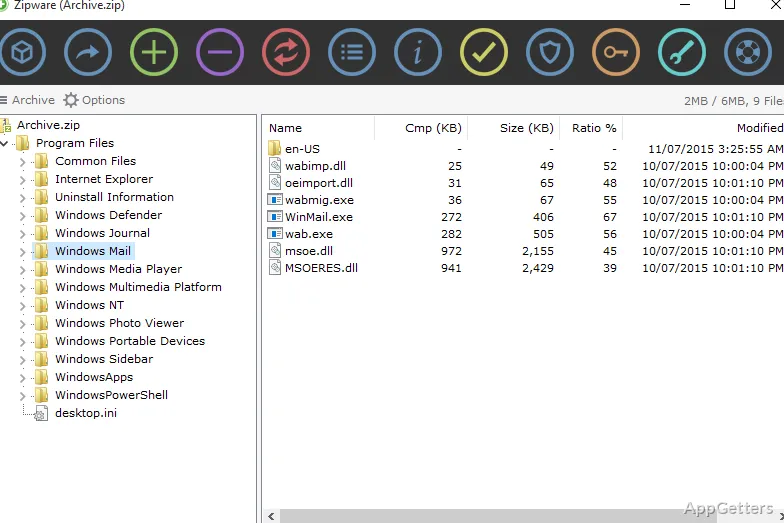
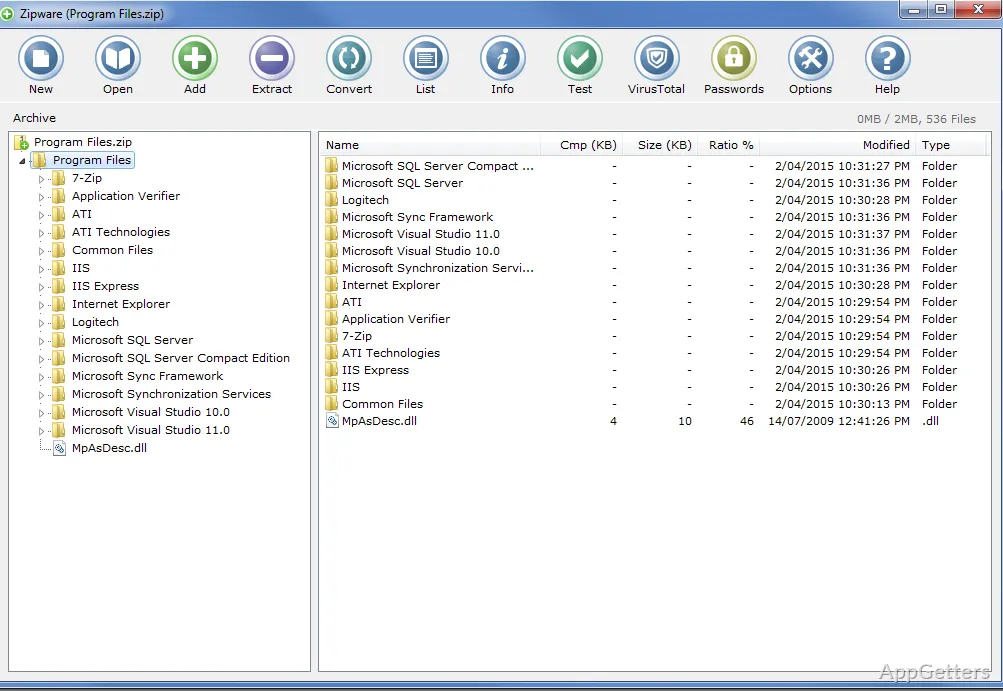
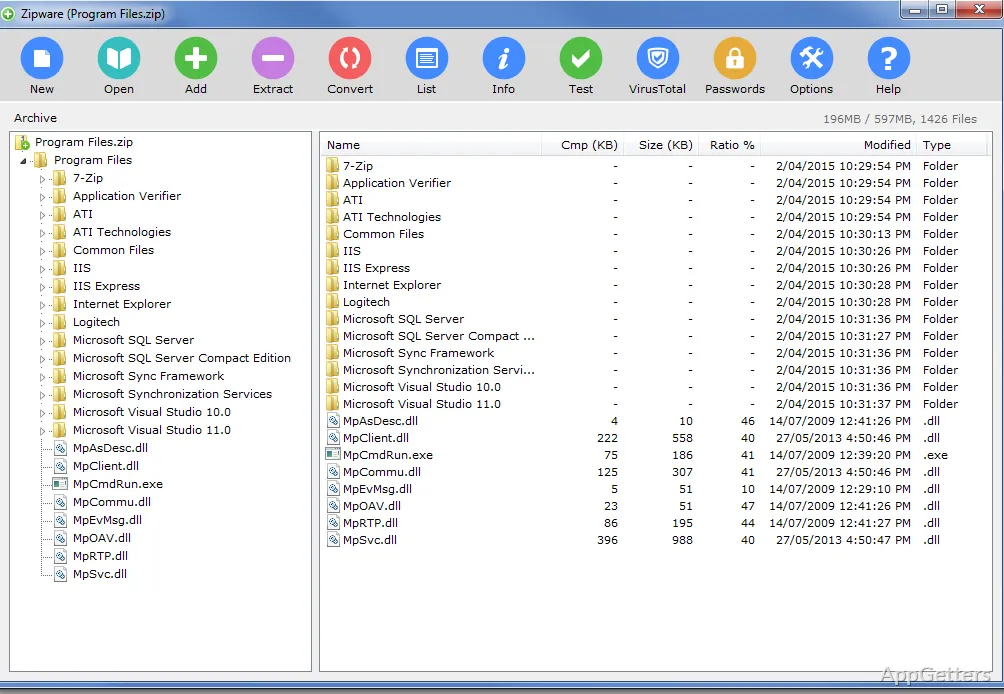
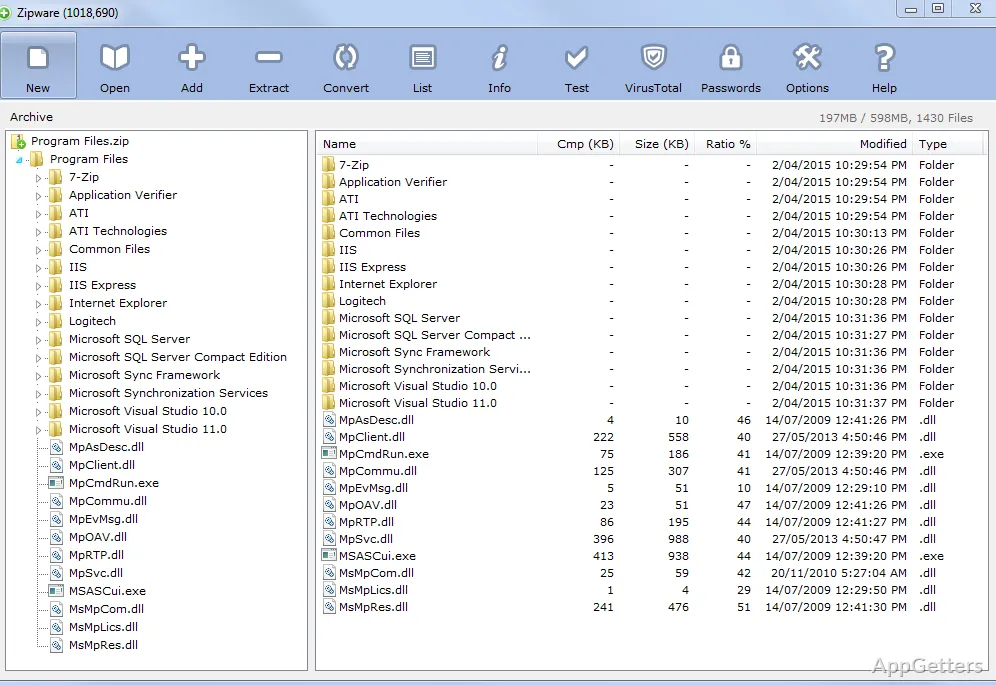
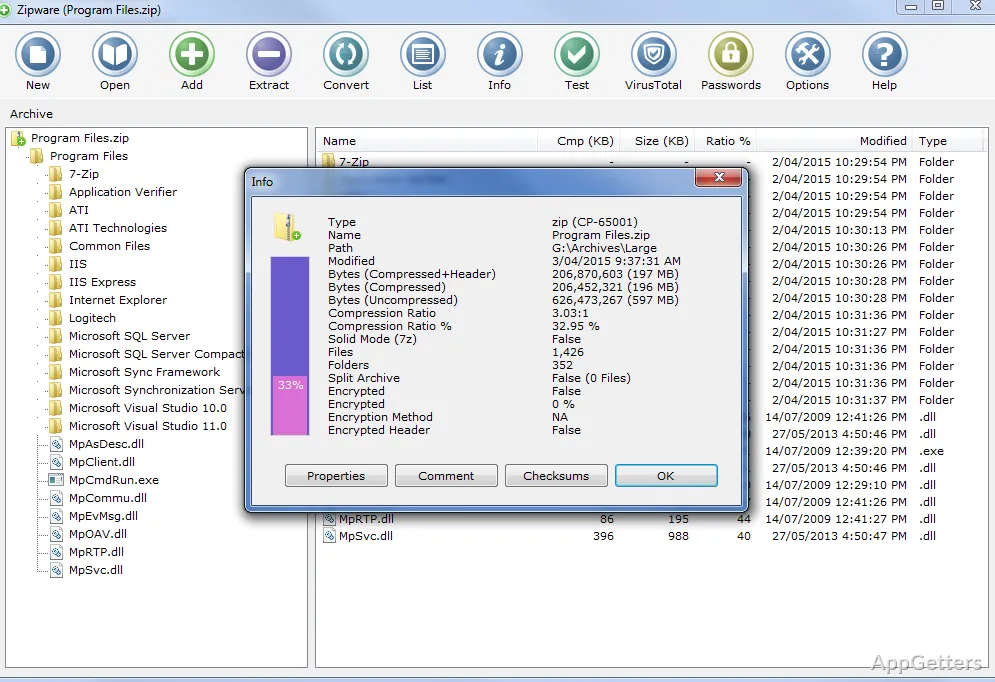
Looking for a free archiver that opens RAR5 and ZIPX as easily as ZIP? Zipware creates and extracts archives and adds archive actions to Windows Explorer, so common tasks are available from a file’s context menu.
Archive formats and creation
Zipware can unpack common packages such as ZIP, ZIPX, 7Z, RAR, and RAR5, along with formats including ISO, VHD, TAR, GZIP, BZIP2, XZ, DEB, DMG, and RPM. To make an archive, choose ZIP, 7-Zip, or EXE. EXE output can be self-extracting, and archives can be split into multiple volumes.
Files can also be converted from supported archive formats into ZIP, 7-Zip, or EXE. Password-protected archives use AES-256 encryption. Zipware includes a password manager for saving passwords and other confidential information.
Windows Explorer actions
Drag and drop files between Windows Explorer and Zipware, or use the Explorer context menu to start archive operations. The menu also provides file checksums and several folder tools:
- Work out a file's checksum (MD5 or the SHA-1, SHA-256 and SHA-512 family).
- View folder sizes within a directory and find or remove empty folders.
- Scan a file through VirusTotal using its connected antivirus services.
Archive contents and checks
Zipware can rename files and folders inside supported archives and create folders within an archive. Checksum results can be compared with a matching value, which is handy for verifying a downloaded file or a copy received from someone else.
Pros
- Extracts RAR5, ZIPX, 7Z, ISO, TAR, and other formats
- Creates ZIP, 7-Zip, and self-extracting EXE archives
- Encrypts password-protected archives with AES-256
- Calculates MD5, SHA-1, SHA-256, and SHA-512 checksums
System requirements: Windows 7, Windows 8, Windows 10, Windows 11 · 32-bit and 64-bit · .NET Framework 4.0
Can Zipware open RAR5 and ZIPX files?
Yes. It can extract both RAR5 and ZIPX archives.
Which archive types can Zipware create?
It creates ZIP, 7-Zip, and EXE archives. EXE archives can be self-extracting or split across volumes.
How can I check a file's checksum?
Right-click the file in Explorer, or open it in Zipware, and pick the hash type you need (MD5 or one of the SHA variants).