Need a free archiver that opens almost any format and runs from a USB stick? PeaZip Portable creates and unpacks archives, encrypts them, and runs without installation, so its archive tools can be launched from an extracted portable folder.
PeaZip Portable opens and creates archives
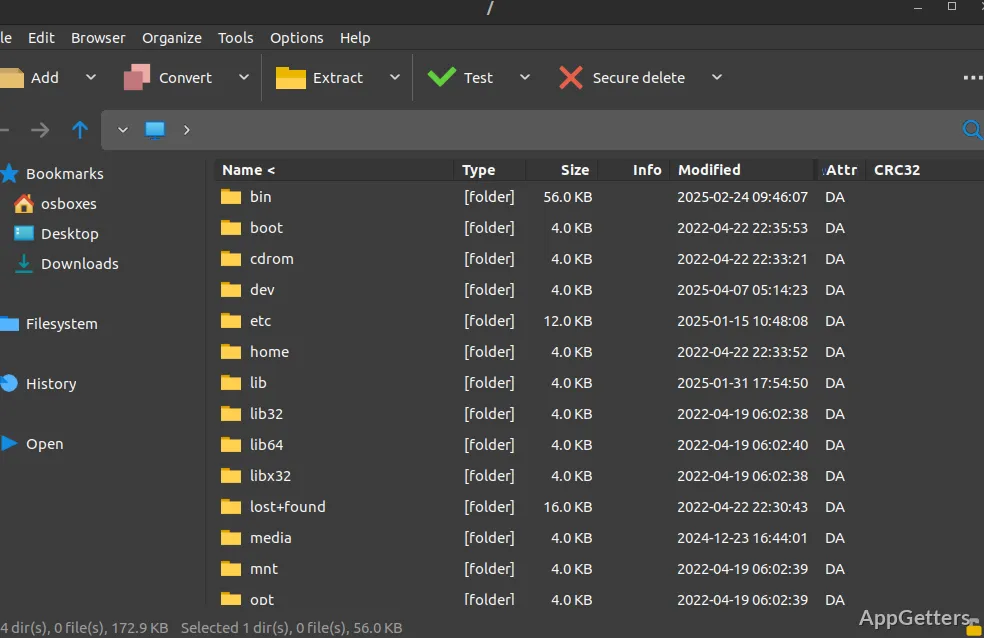
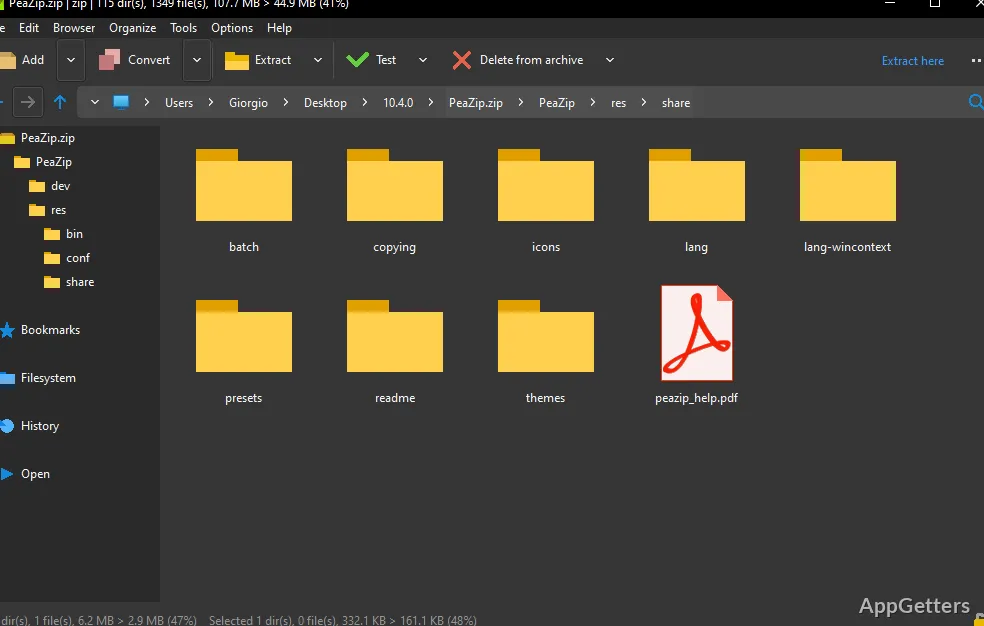
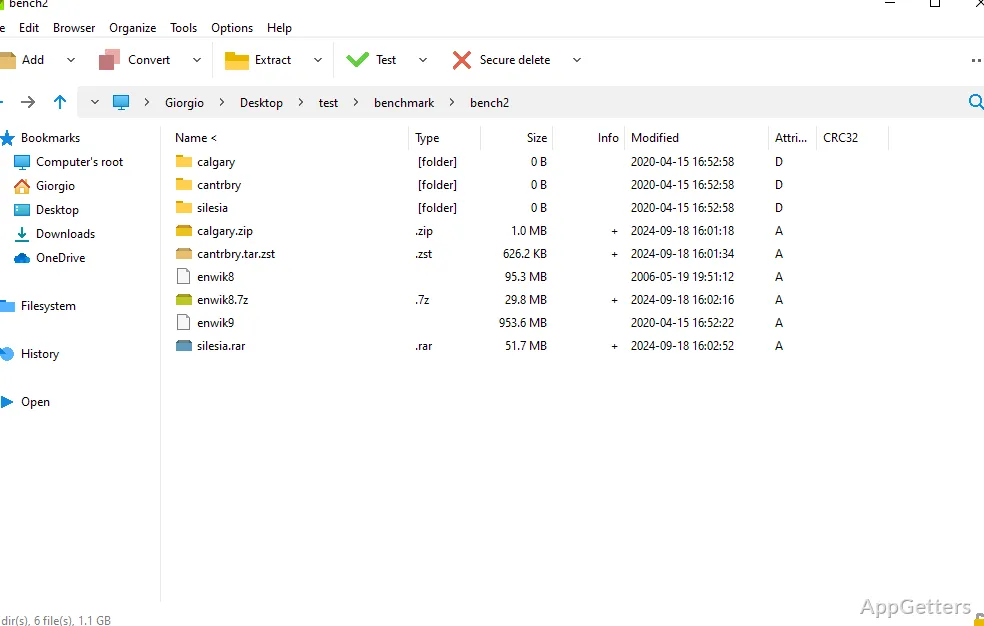
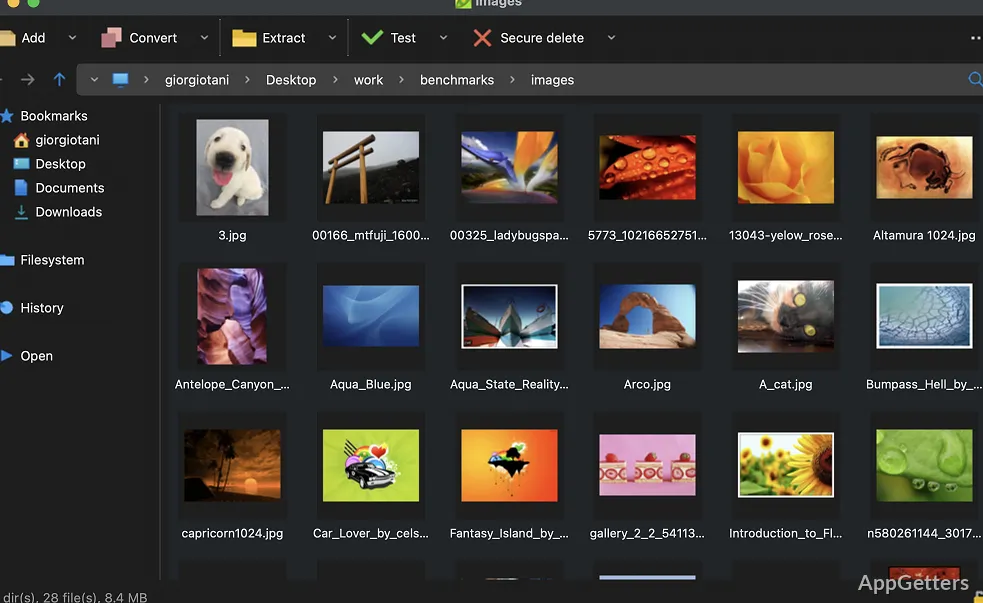
Browse files in the archive manager, select items to compress, or open an existing archive to extract its contents. PeaZip can open more than 200 archive formats, including 7Z, RAR, TAR, ISO, ZIPX, and WIM. It can create archives in formats such as ZIP, 7Z, TAR, PEA, Brotli, and Zstandard.
The portable package runs without a traditional installation. Extract it to a folder or removable drive and launch PeaZip from there.
Protect archives and check file integrity
For formats that support encryption, PeaZip offers password protection and an optional keyfile as a second authentication factor. Encryption options include AES, Twofish, and Serpent. The program also includes an encrypted password manager and tools for checking file hashes and archive integrity.
Turn archive tasks into command-line scripts
Set up a compression or extraction task in the graphical interface, then use the Console tab to export it as a command-line script. This gives the task a reusable form for later runs or automation. PeaZip’s file-management tools also include archive searching, duplicate finding, archive conversion, bookmarks, and tabbed browsing.
Pros
- Opens more than 200 archive formats, including RAR, ISO, and ZIPX
- Creates ZIP, 7Z, TAR, Zstandard, and other archive types
- Can export archive tasks as command-line scripts
- Supports password-and-keyfile encryption for compatible formats
Cons
- Creating RAR archives needs WinRAR installed
System requirements: Windows 7, Windows 8, Windows 8.1, Windows 10, Windows 11 · 32-bit and 64-bit
Can PeaZip Portable extract RAR files?
Yes. PeaZip can open and extract RAR archives.
Can it create RAR archives?
RAR creation requires WinRAR to be installed on the computer.
Can archive tasks be reused from the command line?
Yes. Tasks created in the graphical interface can be exported as command-line scripts from the Console tab.