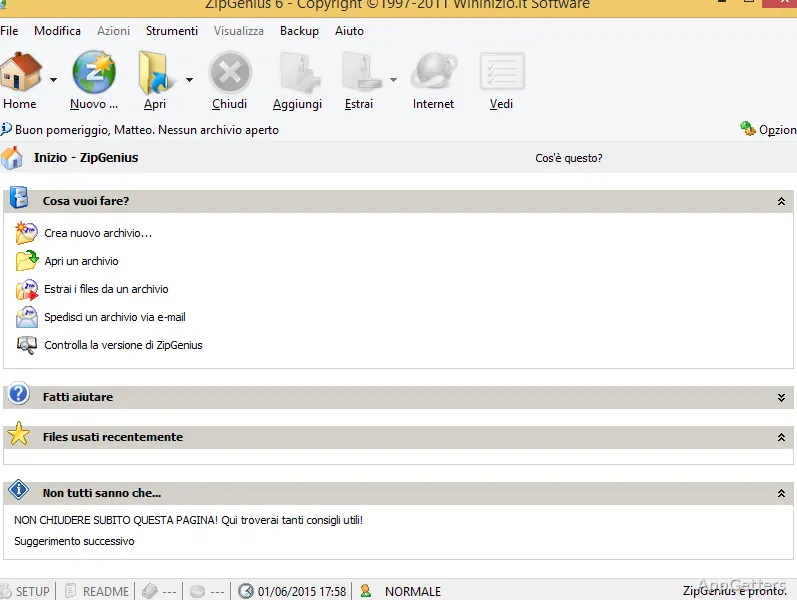
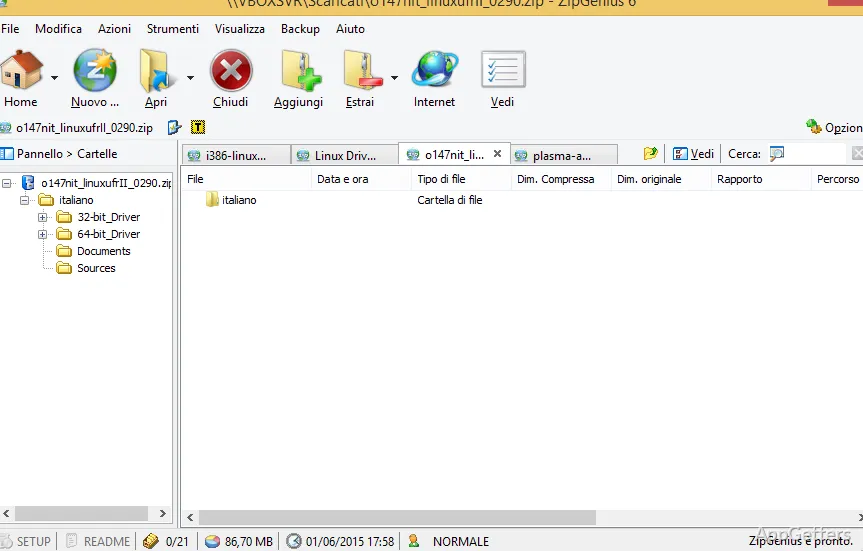
Still running into old ARJ, LHA or ZOO archives alongside everyday ZIPs? ZipGenius compresses and extracts files across a broad range of archive formats. It also includes tools for splitting files, sending email, and running an FTP server.
ZipGenius covers many archive formats
Besides ZIP and RAR it reads many older formats such as ARJ, ACE, LHA and ZOO, Unix-style TAR and GZ archives, Java JAR files, and encoded mail attachments like UUE and Base64.
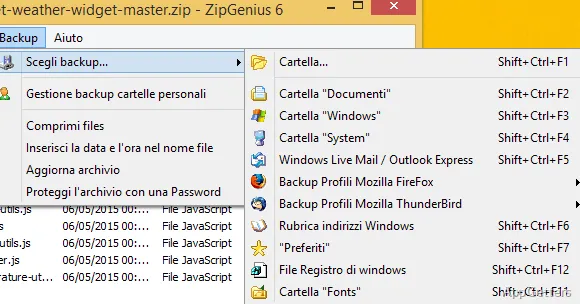
ZIP archives can be created and edited, and CZIP, ZipGenius's own encrypted format, protects an archive with a password.
File splitting supports multi-part transfers
ZipGenius can divide a file into separate parts. This gives users a way to prepare a large file as multiple pieces for transfer or storage. The parts can be kept together as a set when the file needs to be reconstructed.
Email and FTP tools extend archive workflows
Automatic email sending is built into ZipGenius, connecting archive work with sending files by email. The program also includes its own FTP server for transferring files through FTP.
Pros
- Handles formats including ZIP, CAB, RAR, TAR, and GZ
- Supports less common formats such as ZOO, LHA, and PAK
- Can divide files into multiple parts
- Includes automatic email sending and an FTP server
System requirements: Windows 7, Windows 8, Windows 8.1, Windows 10, Windows 11 · 32-bit and 64-bit
Which archive formats does ZipGenius support?
More than 20, including ZIP, RAR, CAB, TAR, GZ and JAR plus older formats such as ARJ, ACE and LHA.
Can ZipGenius split a file into parts?
Yes. It includes a feature for dividing files into multiple parts.
Does ZipGenius include file-transfer tools?
Yes. It has automatic email sending and its own FTP server.