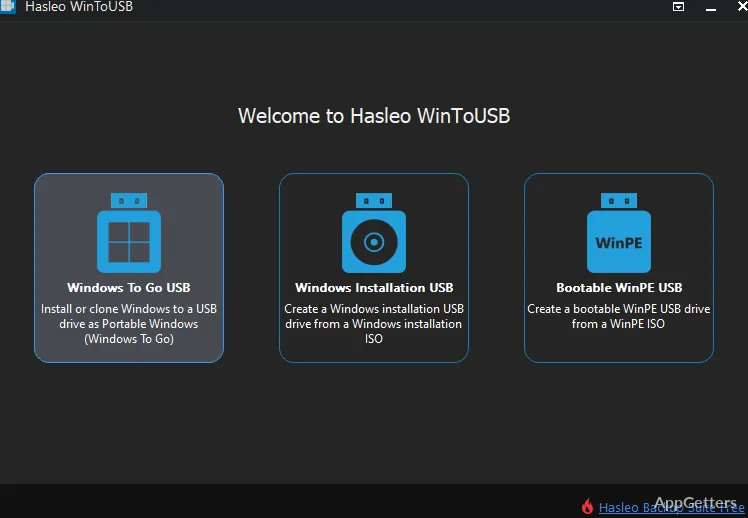
Want your own Windows desktop, apps included, on a USB drive you can boot on any PC? WinToUSB installs or clones Windows onto a USB drive as a Windows To Go system. The program also creates Windows installation and WinPE USB drives, with support for both BIOS and UEFI booting.
Portable Windows creation
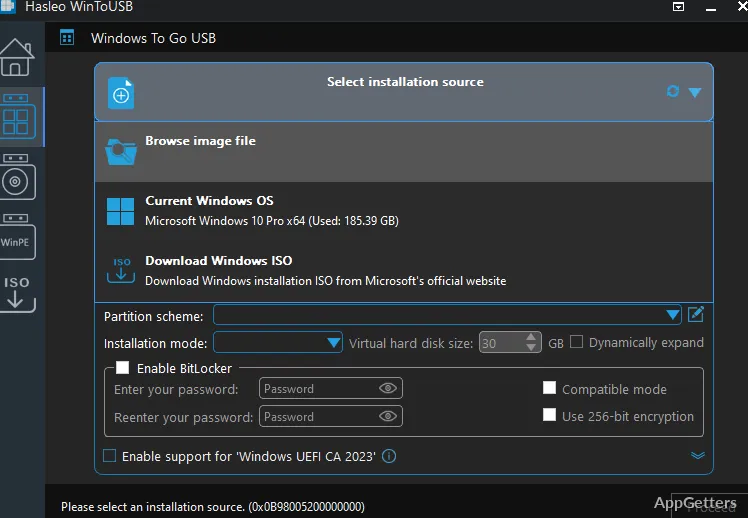
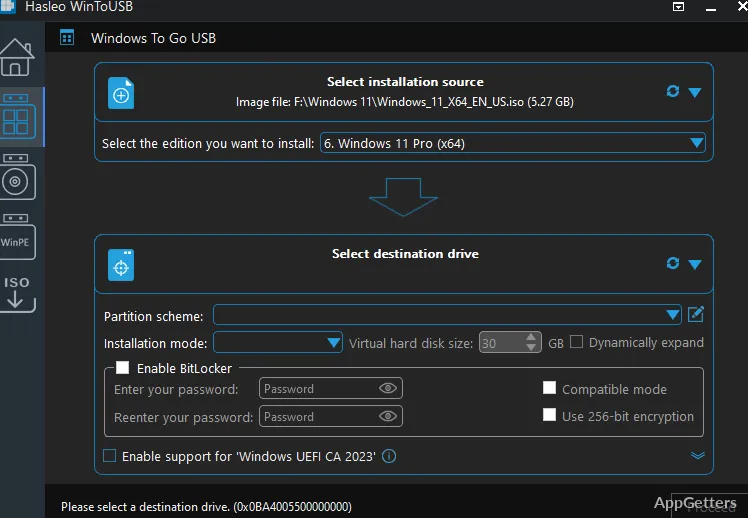
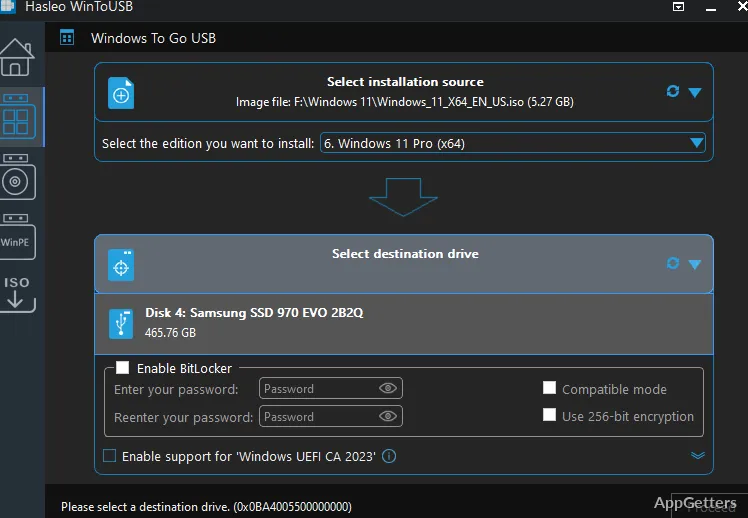
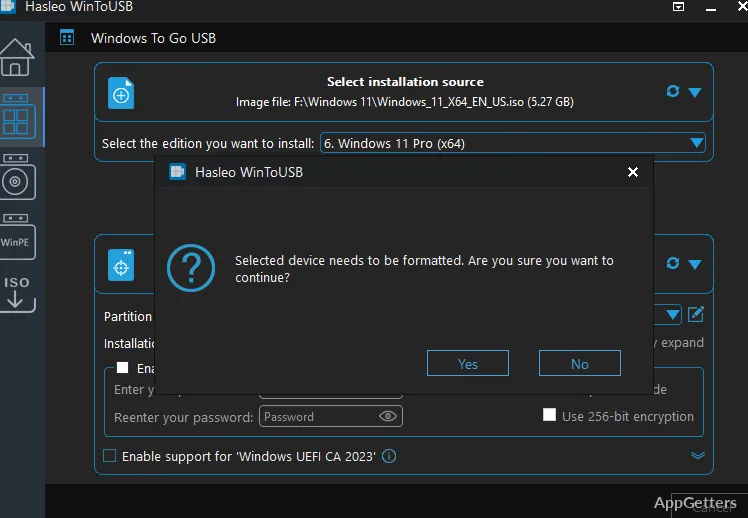
WinToUSB takes a Windows installation or an existing Windows system and places it on a USB drive as a bootable portable environment. The resulting drive can carry the installed system to multiple PCs, including its applications and settings. A three-step workflow guides creation, and the program supports Windows To Go drives made with certified or non-certified USB drives.
An existing Windows To Go drive can be updated with Delta Clone, which copies changed blocks instead of rebuilding the whole system. WinToUSB can also create a portable drive from a system image made with Hasleo Backup Suite.
Installation and WinPE media
For setup or recovery tasks, WinToUSB can create a Windows installation USB or a WinPE boot drive. Both BIOS and UEFI boot modes are supported for this media.
- Choose this workflow to prepare bootable Windows setup media.
- Use the WinPE option to create a bootable environment for maintenance and recovery work.
BitLocker protection
WinToUSB can encrypt a portable Windows installation with BitLocker. This adds drive encryption to a Windows To Go USB drive, protecting data stored on it when the drive is lost or accessed outside its intended use.
Pros
- Creates portable Windows drives by installing or cloning a system
- Can build a Windows To Go drive from a Hasleo Backup Suite image
- Delta Clone updates an existing Windows To Go drive
- Creates BIOS- and UEFI-compatible installation or WinPE USB drives
System requirements: Windows 7, Windows 8, Windows 10, Windows 11
Can WinToUSB create a portable Windows system from an existing installation?
Yes. It can copy the Windows system you already use onto a USB drive and make it bootable as Windows To Go.
Can WinToUSB update a Windows To Go drive without rebuilding it?
Yes. Delta Clone updates an existing drive by cloning changed blocks.
Can WinToUSB make a Windows setup or recovery USB?
Yes. It creates Windows installation USB drives and WinPE USB drives, with BIOS and UEFI support.