Need Linux development tools alongside your Windows apps? Windows Subsystem for Linux (WSL) runs a Linux distribution such as Ubuntu or Debian in a Windows environment, so you can work with Linux commands without rebooting into another operating system.
Linux distributions and terminal
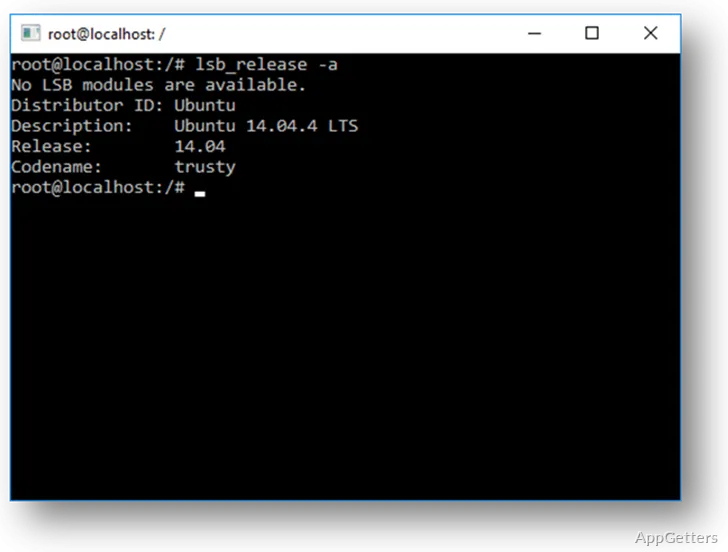
WSL provides a Linux environment through a distribution such as Ubuntu or Debian. Each distribution includes its own Linux user space, where you can work in a shell, install packages, and run command-line tools. This fits workflows that use Linux-oriented scripts, build tools, or package managers.
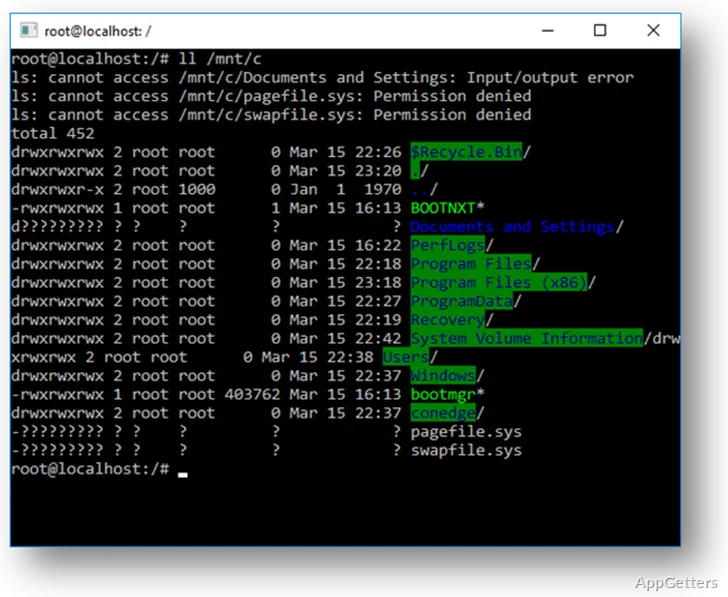
Windows and Linux can take part in the same development routine. Open a Linux shell to run commands and local services, then use Windows applications for editing or other desktop tasks. Linux files are available within the distribution, while Windows drives can be reached from Linux through paths such as /mnt/c.
WSL 2 and graphical apps
WSL 2 uses a Linux kernel and supports Linux applications with graphical interfaces through WSLg. This lets supported Linux desktop apps appear alongside Windows programs, while terminal-based work remains available in the same distribution.
- Use Linux command-line tools and run development tasks in a distribution.
- Launch supported graphical Linux apps from a WSL 2 environment.
Working across Windows and Linux files
A common workflow is to keep project files in the Linux distribution when using Linux development tools, then access Windows resources through mounted drives. WSL also supports calling Windows programs from Linux and running Linux commands from Windows, which reduces the need to switch between separate desktop sessions.
Pros
- Runs Ubuntu, Debian, and other Linux distributions
- Provides a Linux terminal for shell commands and development tools
- WSL 2 supports Linux apps with graphical interfaces
System requirements: Windows 10, Windows 11 · Windows 10 version 2004 or later
Does WSL include Ubuntu or Debian automatically?
WSL runs distributions such as Ubuntu or Debian; choose and install a distribution to create its Linux environment.
Can WSL run Linux apps with a graphical interface?
Yes. WSL 2 supports graphical Linux applications through WSLg.
Can Linux commands access Windows files?
Yes. Windows drives can be reached from Linux using mounted paths such as /mnt/c.