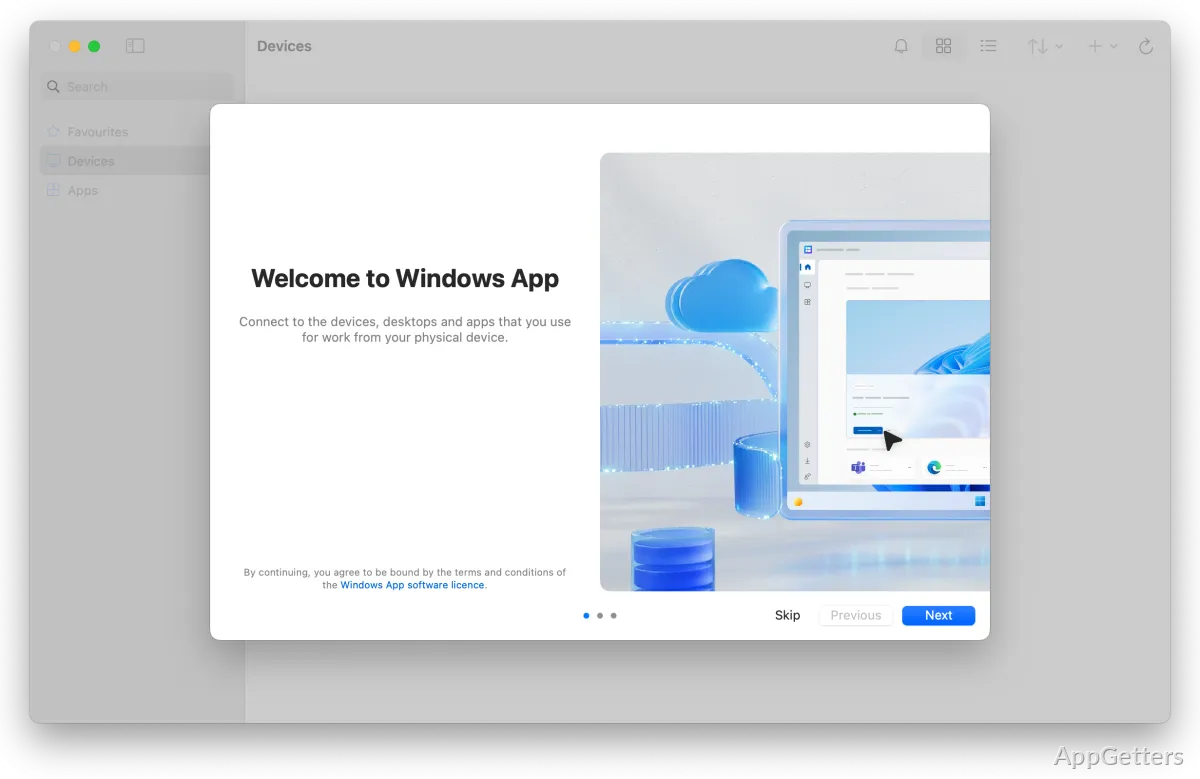
Does your company give you a Windows 365 Cloud PC or an Azure Virtual Desktop? Windows App is Microsoft's free client for reaching it, and it replaced the retired Microsoft Remote Desktop app in May 2025.
Cloud PC connections
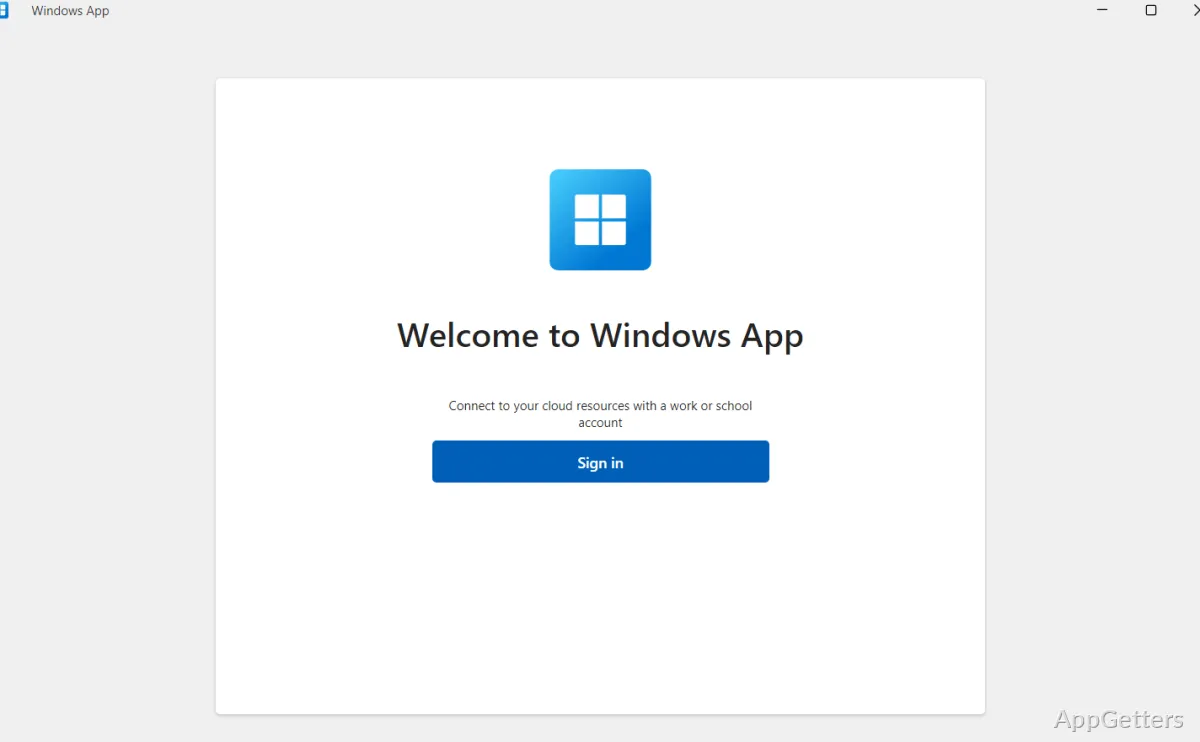
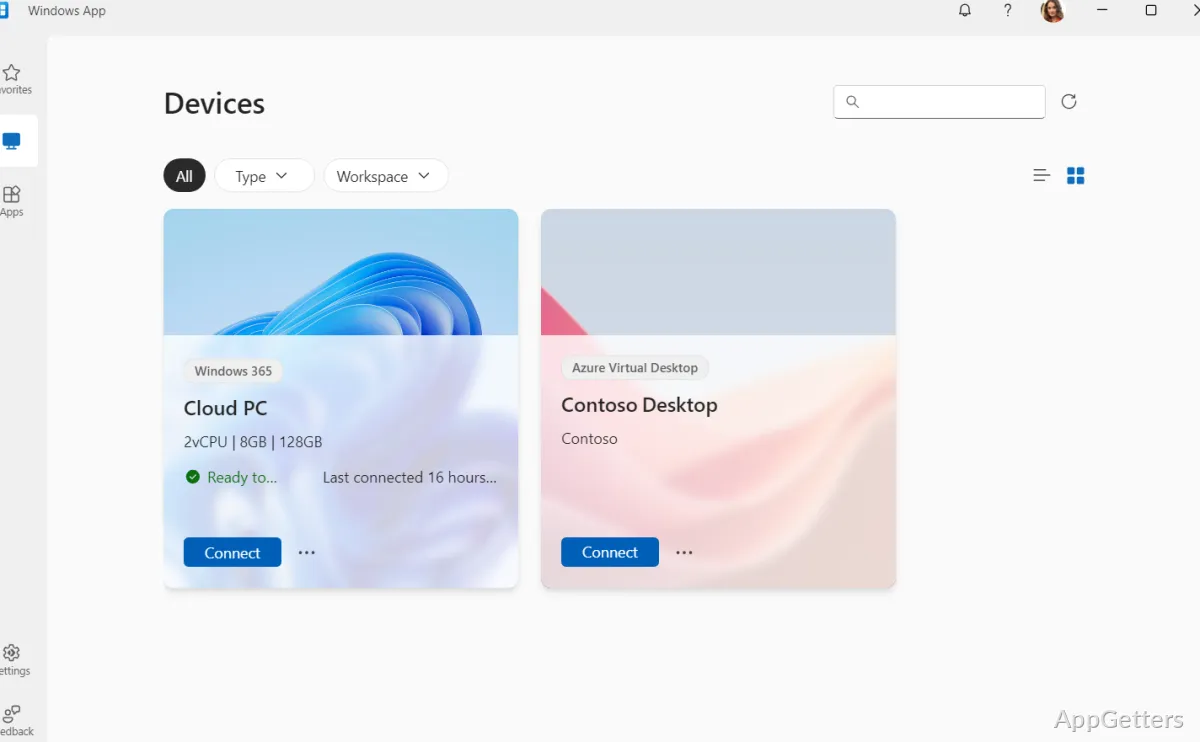
Sign in with your work or school account to see the Cloud PCs, Azure Virtual Desktops, Dev Boxes and Remote Desktop Services resources your organization assigned to you. The session list shows whether a machine is ready to connect and when it was last accessed. If more than one Microsoft account is used, sessions from different accounts can be kept available in the app.
Each virtual machine’s information includes its core count, memory, and available storage. These details make it easier to identify the cloud desktop needed for a task before opening a session.
What can be adjusted during a session?
Windows App supports multi-monitor setups and lets users customize display resolution and scaling. Taskbar settings and other screen elements can also be adjusted to suit the remote desktop setup.
Connected peripherals can work with the cloud session, including keyboards, mice, webcams, printers, and external storage. This lets a remote Windows desktop interact with devices attached to the local computer.
Microsoft app shortcuts
Shortcuts provide quick access to Microsoft apps such as Word, Excel, PowerPoint, Outlook, and Teams alongside cloud PC connections. This brings common work apps within reach from the same place used to find and open virtual machine sessions.
Pros
- Shows active cloud PC sessions and connection readiness
- Displays each virtual machine’s CPU cores, RAM, and storage
- Supports multiple monitors and adjustable display settings
- Offers shortcuts to Word, Excel, PowerPoint, Outlook, and Teams
Cons
- Needs a work or school account with an assigned service
- Not for connecting to home PCs with a personal account
System requirements: Windows 10, Windows 11
What does Windows App connect to?
Windows 365 Cloud PCs, Azure Virtual Desktop, Microsoft Dev Box and Remote Desktop Services, using a work or school account.
Does Windows App replace Microsoft Remote Desktop?
Yes. The Store Remote Desktop app was retired on May 27, 2025, and Windows App is its successor.
Can I use multiple monitors with a cloud PC?
Yes. Multi-monitor setups, custom resolution and scaling are supported, and local webcams, printers and USB drives can be redirected.
Is Windows App available on Mac or phones?
Yes. Versions exist for macOS, iOS, iPadOS, Android and web browsers.