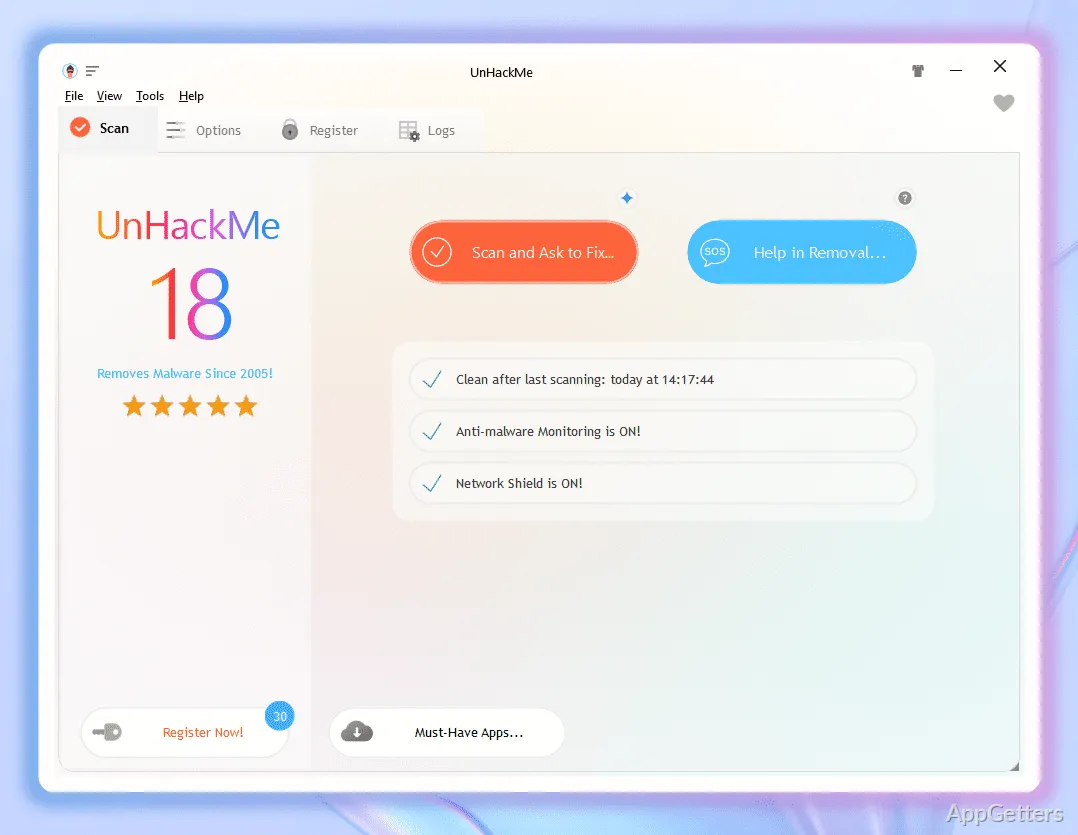
Rootkit detection is UnHackMe’s central task: it looks for malware that hides deep in Windows and may escape ordinary antivirus scans. Greatis Software also provides controls for reviewing suspicious findings and choosing what to remove.
Rootkit and hidden-malware checks
Rootkits can conceal malicious activity by changing how processes or other parts of the system appear. UnHackMe is designed to find rootkits and hidden malware, including suspicious software that a conventional antivirus scan may miss.
The program is also intended for examining potentially unwanted or persistent items. Its findings are meant to be inspected so you can decide which suspicious entries should be removed.
What happens after a suspicious item appears?
UnHackMe gives you control over removal decisions. Use its results to examine an item, then choose whether to remove it; the workflow is not simply an automatic cleanup of every flagged entry.
- Review suspicious findings.
- Decide which items to remove.
Scheduled scans alongside antivirus
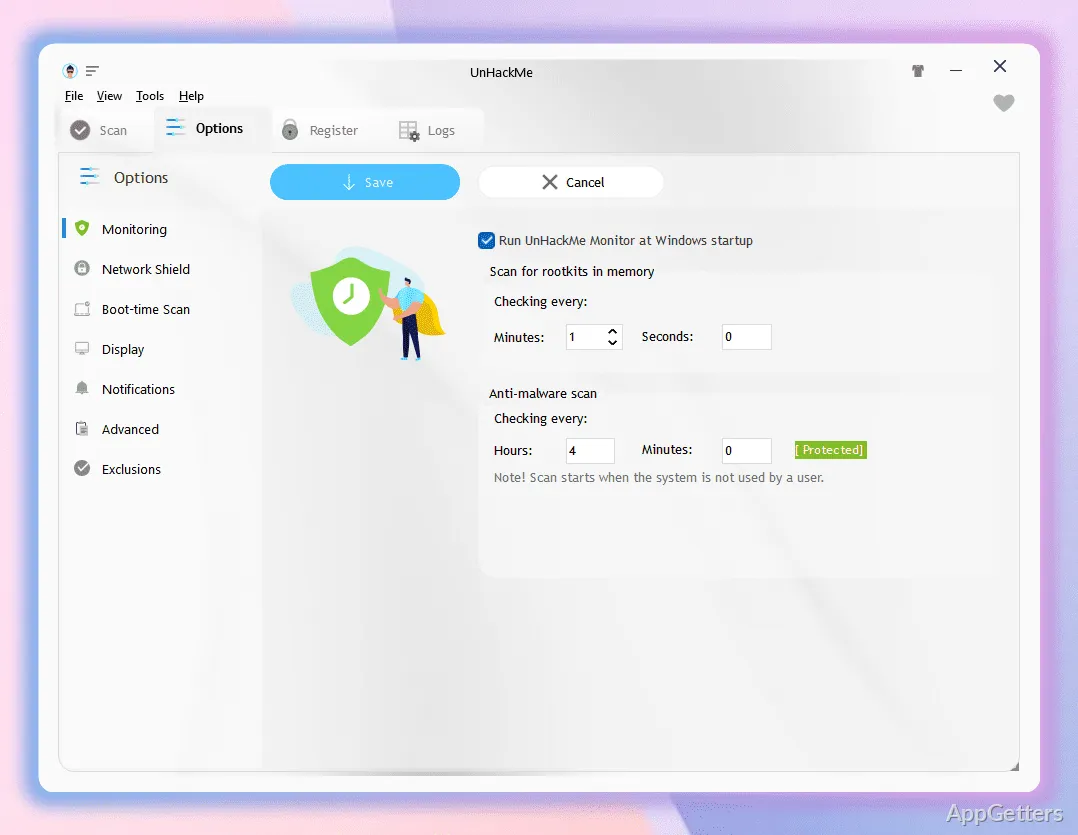
UnHackMe can run on a scan schedule that you customize. This lets you set when its checks take place instead of relying on continuous real-time scanning.
The developer presents UnHackMe as an addition to antivirus software. Its focus on rootkits and hidden threats gives it a specific role alongside an existing antivirus program.
Pros
- Targets rootkits and other hidden malware
- Lets users inspect suspicious items before removing them
- Supports a customizable scan schedule
Cons
- Scans are scheduled; UnHackMe does not provide real-time scanning
System requirements: Windows 7, Windows 8, Windows 8.1, Windows 10, Windows 11 · 32-bit and 64-bit · 100 MB free disk space
What threats does UnHackMe look for?
It targets rootkits and other hidden malware, including suspicious software that may evade ordinary antivirus scans.
How do you remove a suspicious item?
Inspect the finding and choose which item to remove.
Can UnHackMe run alongside an antivirus program?
Yes. It is designed to work as an additional tool alongside antivirus software.