Worried a keylogger or hidden screen recorder is watching what you do? SpyShelter Antispyware watches keystroke capture, screenshot attempts and app behavior to expose spyware. It also lets you control which executables may start and what actions apps can take.
Inspect what running apps are doing
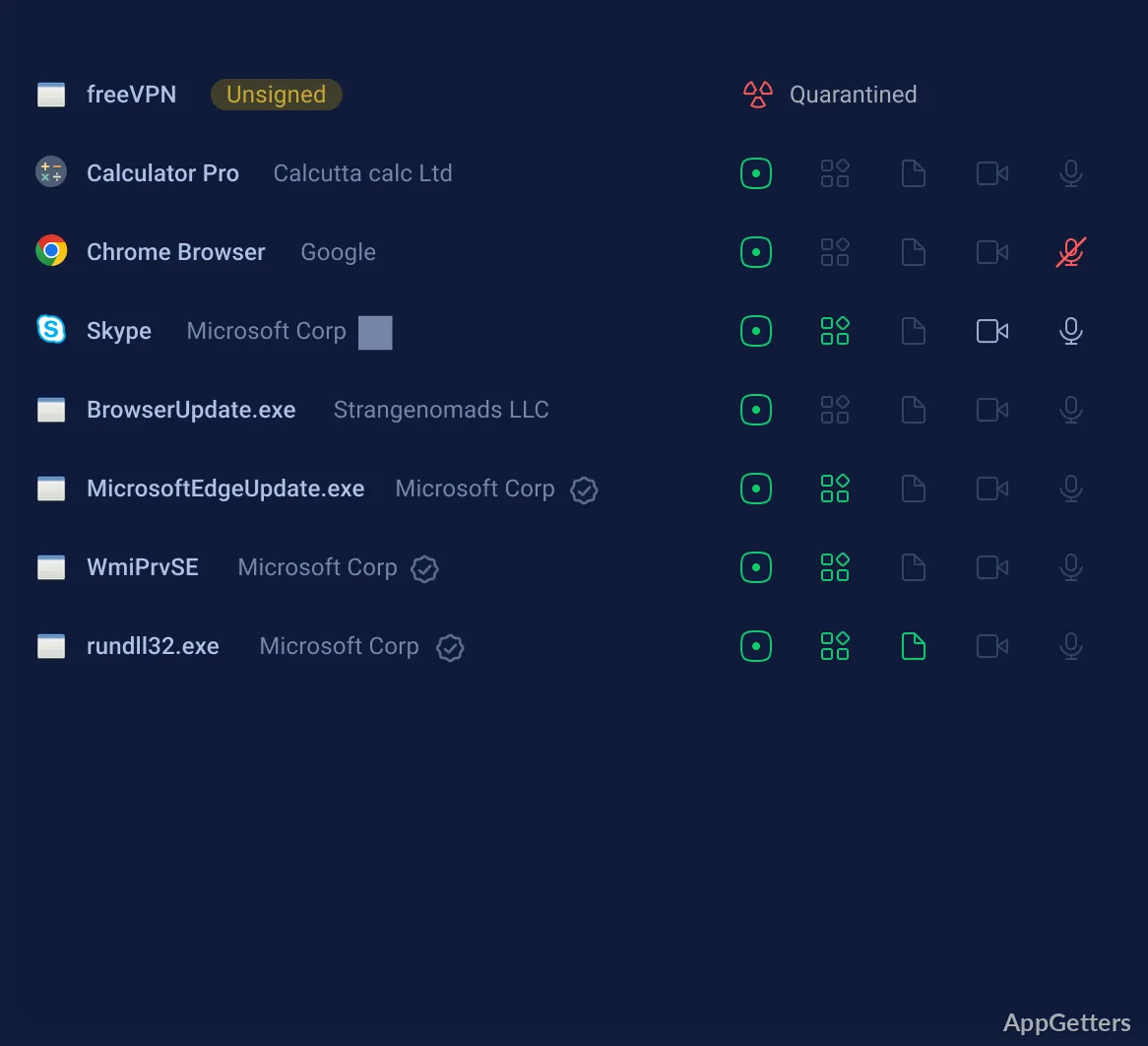
SpyShelter tracks behaviors associated with spyware, including attempts to capture keystrokes or take screenshots. Its monitoring also exposes app access to the camera and microphone, along with changes to important registry keys.
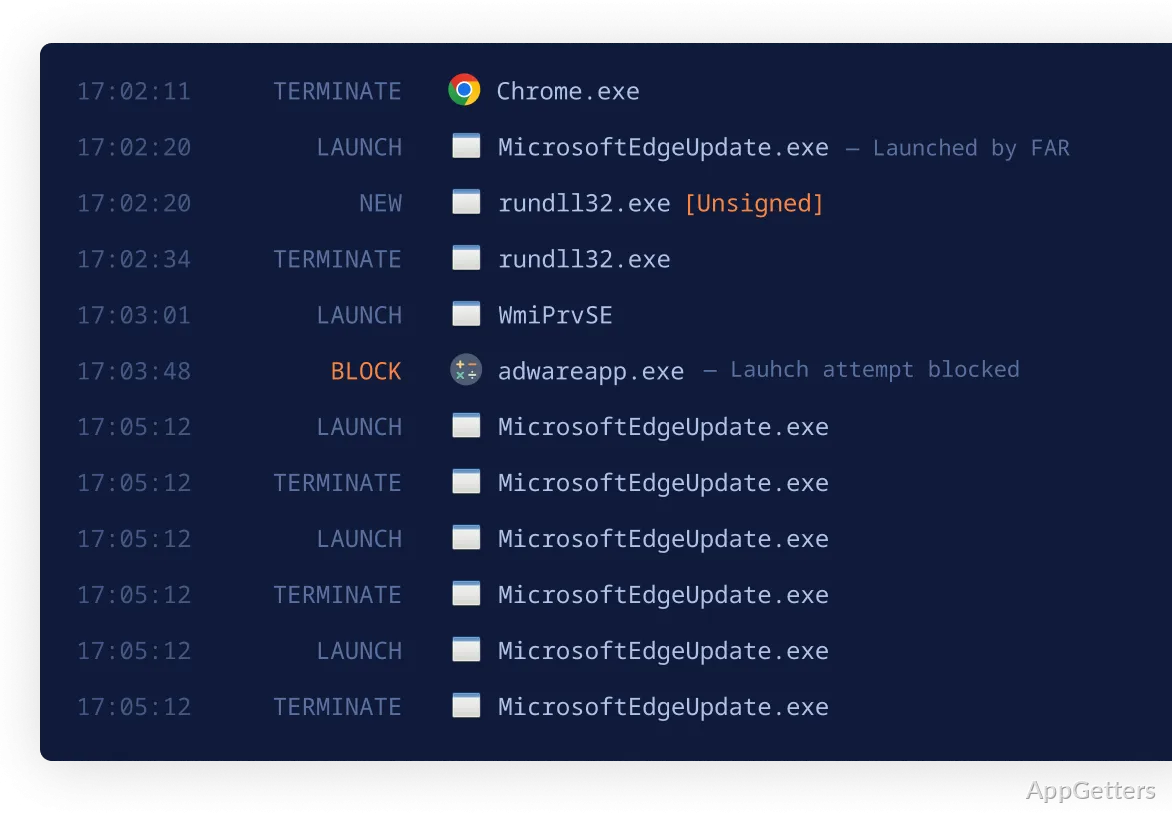
The program can reveal Windows processes that start and stop too quickly to appear in Task Manager.
Decide which executables may start
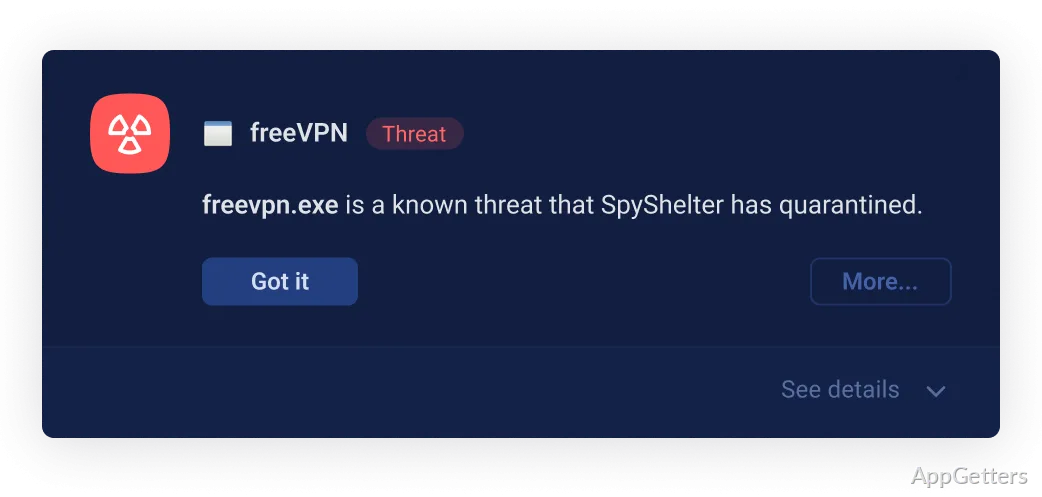
When an executable tries to launch, SpyShelter monitors the attempt and provides application controls for deciding whether that program is allowed to run. These controls also let you manage what apps are permitted to do, including when a Windows process behaves unexpectedly.
Block screen-recording spyware
Enable Screenshot Protection to interfere with covert screen recording. SpyShelter’s protection causes screen-recording spyware to capture black images, preventing it from obtaining usable screen contents through that method.
Control processes from Windows Terminal
Command-line controls let Terminal users manage which processes are allowed to run. This workflow provides access to application control without relying on SpyShelter’s graphical interface.
Pros
- Monitors keystrokes and blocks unauthorized screen captures
- Controls whether executables are allowed to start
- Reveals camera, microphone, and registry activity
- Supports process control from Windows Terminal
Cons
- It does not provide general antivirus scanning
System requirements: Windows 10, Windows 11 · ARM64 and x64
What does SpyShelter Antispyware monitor?
It monitors keystrokes, screen-capture attempts, app behavior, camera and microphone access, and registry changes.
How does Screenshot Protection affect screen recorders?
It causes screen-recording spyware to capture black images instead of usable screen contents.
Can processes be controlled from the command line?
Yes. SpyShelter supports process controls through Windows Terminal.