When a Linux installation or recovery job calls for removable boot media, UNetbootin can write the needed files to a USB drive from Windows. Choose a distribution from its built-in list or provide an image file, then select the target device.
Two ways to choose a Linux system
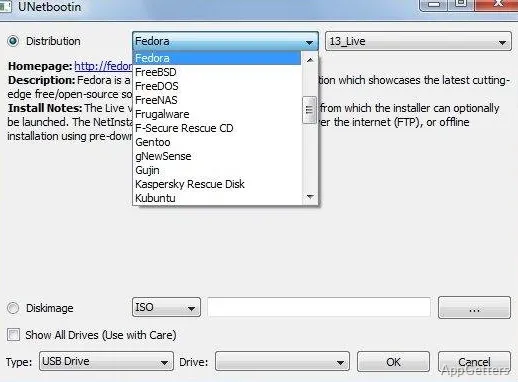
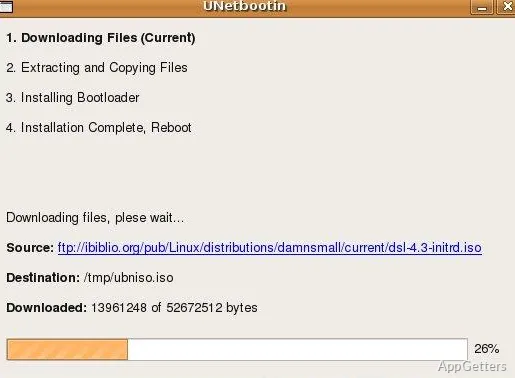
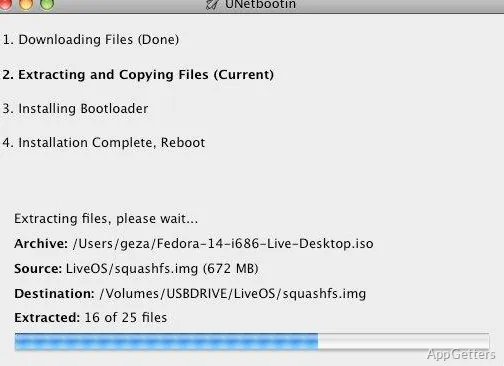
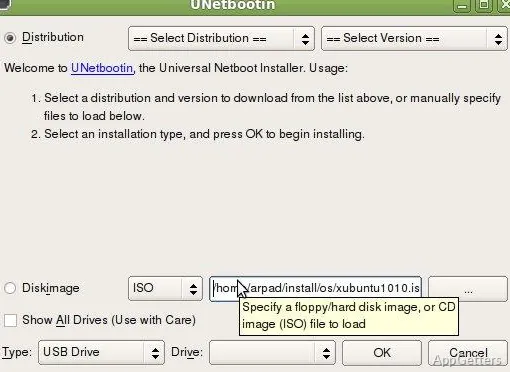
UNetbootin's Distribution option lets you pick a Linux distribution and release from the program's catalog. It downloads the selected files and prepares them on the chosen removable drive, so a separate ISO download is not needed when that distribution is available there.
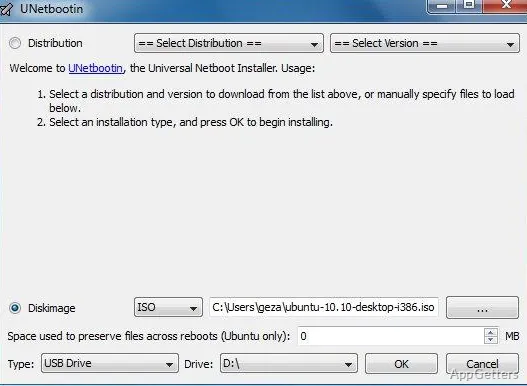
For an image already saved on the computer, choose the Diskimage option and browse to the ISO. UNetbootin also supports supplying kernel and initrd files for setups that use those boot components.
What do the device settings control?
After selecting a distribution or image, choose the installation type and the target drive. For a USB setup, the drive field identifies the removable device that will receive the boot files. Confirm that the selected target is the intended USB drive before starting, since the operation writes to that device.
Bootable media for Linux tasks
The resulting USB is intended to start a computer into a Linux environment or installation process. That makes UNetbootin suited to preparing installation media and Linux recovery tools without burning a CD. The exact startup behavior depends on the distribution and the computer's boot settings.
The built-in catalog covers only the distributions available through its download option. For a distribution that is missing there, provide its disk image or the relevant kernel and initrd files instead. The download option requires an internet connection; choosing a locally stored image avoids fetching the distribution through UNetbootin.
Pros
- Offers a built-in list of Linux distributions to download
- Creates USB media from ISO disk images
- Accepts kernel and initrd files for distributions outside the online list
Can UNetbootin create a bootable USB from an ISO?
Yes. Select Diskimage, choose the ISO file, and set the USB drive as the target.
Can I download a Linux distribution from inside UNetbootin?
Yes. Choose a distribution and release from its built-in list; an internet connection is needed for the download.
What if my distribution is not in the built-in list?
Use its ISO image, or supply the kernel and initrd files when that setup requires them.