EXE
Home » Video Streaming » Stremio for Windows
Stremio for Windows

Stremio for Windows

  • By Stremio
  • Free
  • Version: 5.0.16
  • 68.94 MB
  • Security Report:

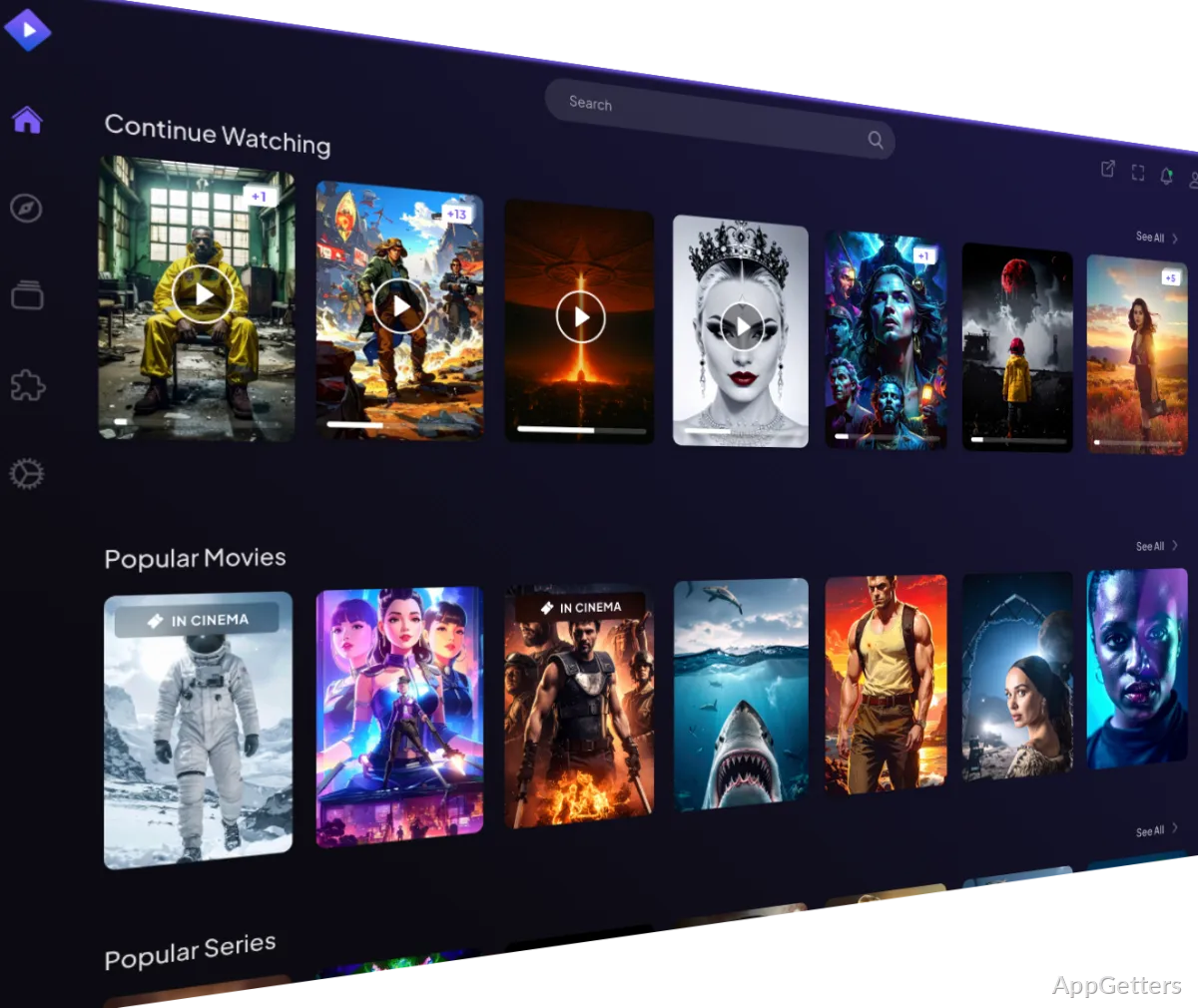
Locating and organizing streaming content is becoming a very complex task for Windows users. Programs and movies are scattered on many services. Every one of them has a different interface, subscriptions, and content. So people usually end up spending quite some time searching for something to watch instead of actually watching. Stremio solves this problem in a way hardly anyone else would. Stremio is not a streaming service; it is more like a media discovery and management platform that aggregates your content sources and presents them through a single interface. For those who want to have a centralized viewing experience on Windows, Stremio provides an efficient method to monitor, arrange, and access different media. It does so without the hassle of constantly changing between applications and websites.

One-stop shop for media discovery

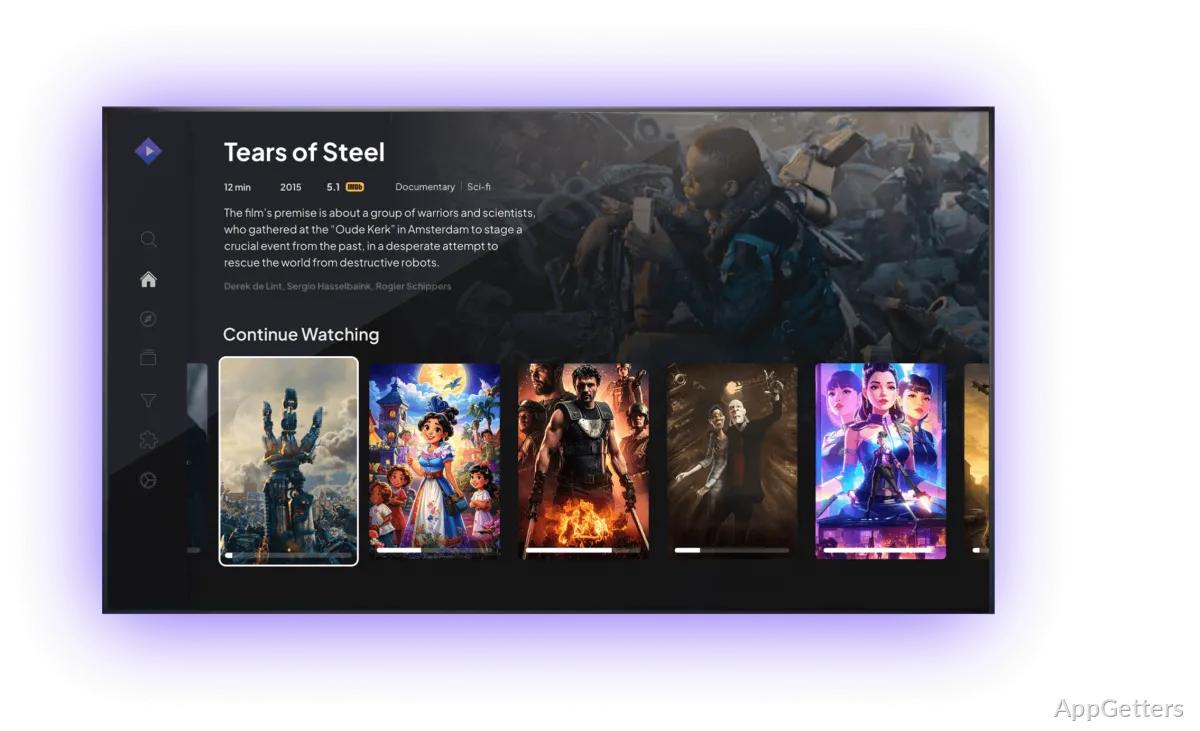
The first thing that you will notice about Stremio is the importance they give to content organization. Once you install the program, you receive an easy-to-use interface that has movies, TV shows, newly released items, as well as your libraries in emphasis. You do not have to carry various watchlists maintained on disparate services. As with Stremio, you can largely consolidate your watch activity at a single point.

The platform UI has been designed in such a simple way that even layman outsiders can easily operate it. Locating things through search results, recommendations, and movie details is a very easy way to get your way around. Active Windows users who are looking to access content coming from multiple sources will definitely appreciate this centralized method. It greatly simplifies their everyday media consumption. Barely a few parts of your experience will be fragmented compared to you having to frequently change between different streaming sites.

Stremio: Add-Ons System and Diversity

The add-ons feature of Stremio very well explains the added advantage of the platform. The additional implementations get the platform from simple to a very useful tool by providing metadata, subtitles, content catalog sources, and many other kinds of integrations. Such a modular feature allows users to enjoy changing features of the platform according to their own tastes, as opposed to being stuck with a fixed set of features.

Add-ons give users in real life a degree of freedom that older media apps could hardly even fantasize about. However, on the other hand, different add-ons may seem a bit daunting for some people. Newbies might even be puzzled by the very idea of add-ons, as well as the huge number of choices available to them at the beginning. Although the system is not complicated to use, the users, who want simply to plug in and operate, may take a while to explore the functions of the system and to get acquainted with it.

Performance and Stremio’s Reliability as an Everyday Companion

Stremio is a light program when it comes to its hardware requirements on Windows platforms. The user interface is highly responsive. The content information is delivered without delay, and the video plays without any interruptions, as long as the underlying sources are correctly set up. Also, synchronization is available between the devices. It is very convenient for users who switch regularly between a computer and a mobile device.

The exact add-ons and content sources users choose to use will influence user experience. They may lead to quite different experiences of reliability. As Stremio is a media hub and not a completely closed streaming ecosystem, the question of consistency might even be considered an issue. This is especially true when compared to subscription services that control all content on their own. Most users will find the platform stable for regular daily use. But one should come to terms with the fact of being sometimes restricted by the sources. It is part of the experience.

Multi-service media viewers will appreciate Stremio.

For people who do their watching from many different platforms, and are looking for an organized way to keep track of their viewing habits, Stremio is a perfect tool. Students, home users, and entertainment fans are those who will benefit the most. They can have at their disposal within one single application the tools for discovery, watch lists, and options for playback.

One of the biggest strengths of this one that isn’t so obvious is doing a great job of guiding users through different streaming services. It does this instead of trying to replace them completely. Your single point of access to the whole entertainment world can be Stremio. It can combine media tracking, content discovery, and playback management in a single tool. This simplifies the overall complexity of modern-day streaming. To some, the add-on system will be a challenge. The results may well depend on how well it is configured.

Software Details of Stremio 5.0.16

License
Free
Version
5.0.16
File Size
68.94 MB
Downloads
0
Language
English
Category
Op. System
Windows
Developer
Last Updated
March 13, 2026

Version History

3 versions
5.0.16
Latest
68.94 MB
March 13, 2026
5.0.15
68.93 MB
December 31, 2025
4.4.168
112.92 MB
April 25, 2024

Leave a Comment

Your email address will not be published. Required fields are marked *

Software Icon
Security Report

Loading scan data...

Scroll to Top