EXE
Home » Video Streaming » Open TV for Windows
Open TV for Windows

Open TV for Windows

  • By Fredolx
  • Free
  • Version: 1.8.3
  • 94.96 MB
  • Security Report:

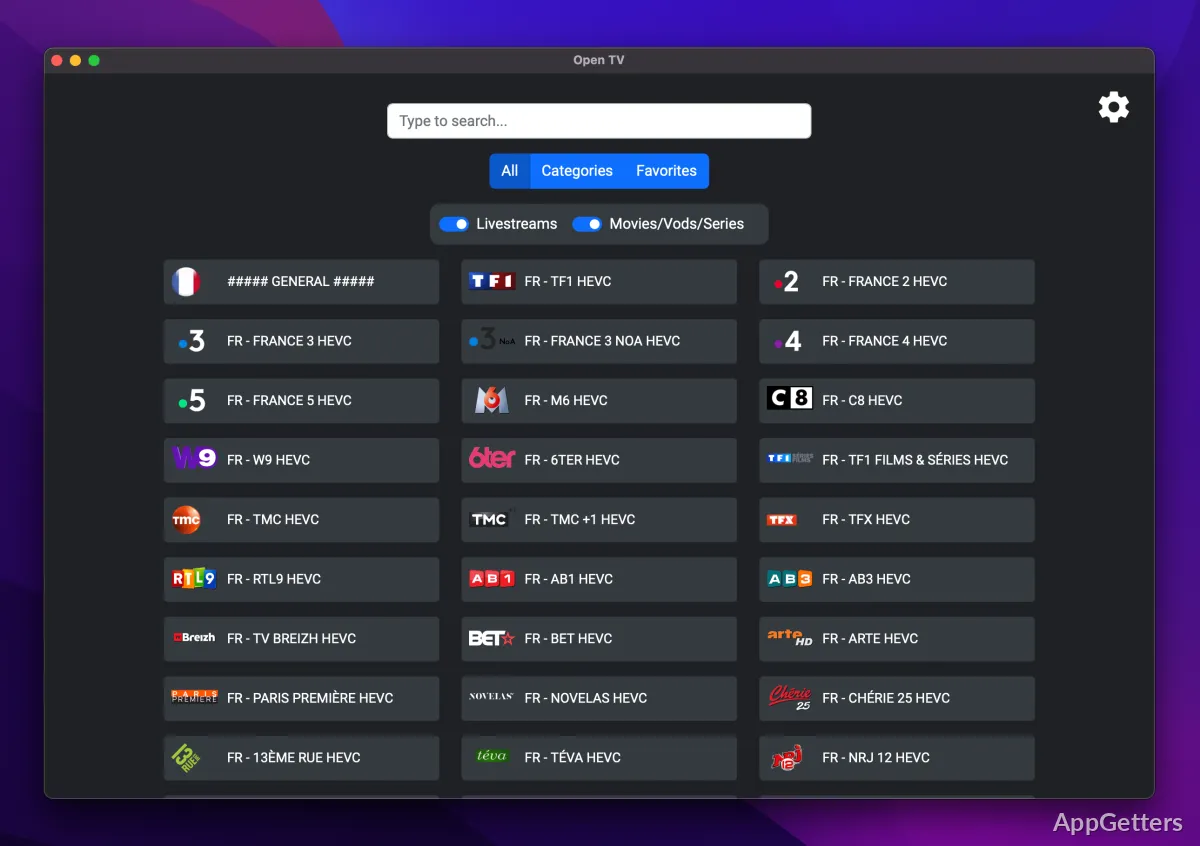
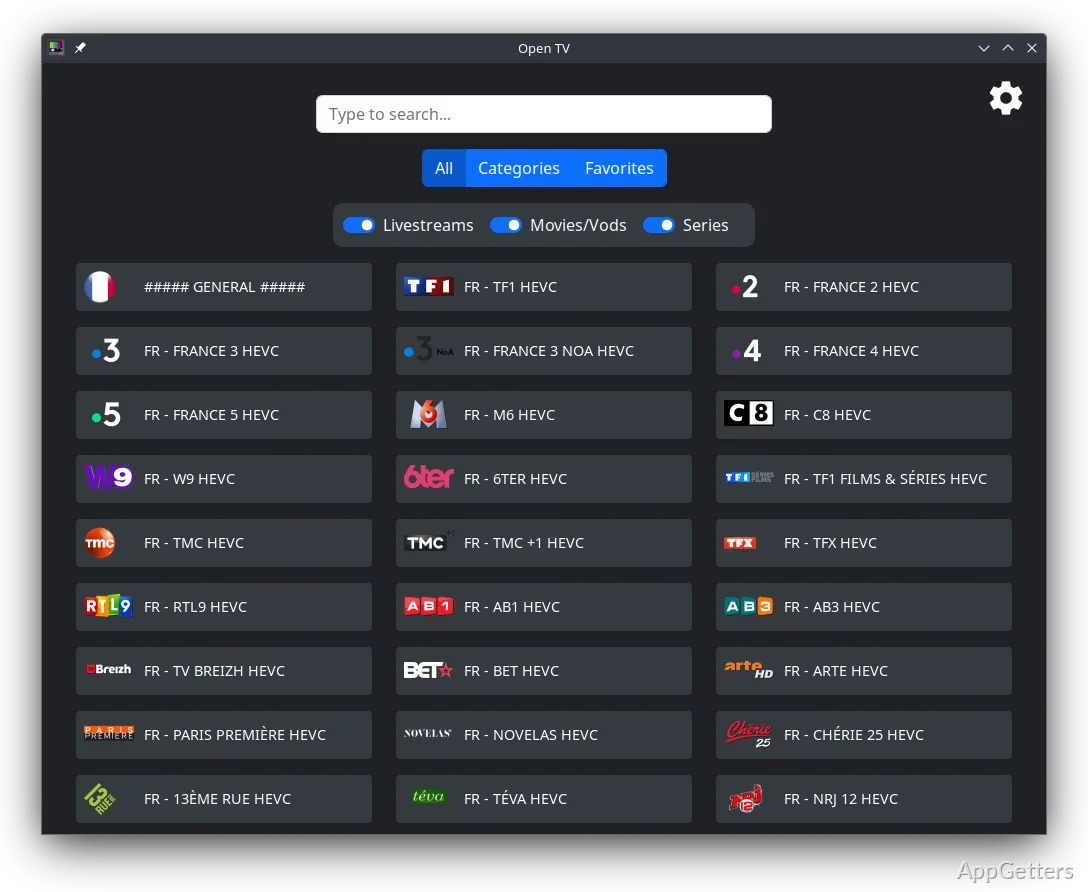
It’s a tough task to locate a simple means of watching TV shows on your Windows PC. Plenty of programs favor subscription streaming services plus playing local videos. Thus, those users who want access to TV broadcasts or compatible TV equipment will definitely be on the hunt for other alternatives. Open TV meets this requirement by giving a platform that is capable of working with the television sources supported, while providing an easy-to-use viewing experience on desktops.

Instead of giving priority to the glitzy features, the program intends to make TV viewing and other related activities available to the users through a well-known Windows interface. It has the potential of becoming a great asset to one’s entertainment arrangements for daily use if the user has the right equipment.

Simple and Easy Watching Experience

Open TV supports Product as such; it is developed to be user-friendly, so that the user can scroll through channels and TV programs without coming across a very complicated interface. The composition, in fact, has an inviting nature, which makes it appropriate for households exposed to the potential broadcasts on their computers only. The users who switch from traditional TV hardware to computer-based watching should find things fairly straightforward, as their experience will be only slightly different. The menus revolve around the fundamental operations rather than the detailed setting possibilities. New users will find the software easy to understand very shortly.

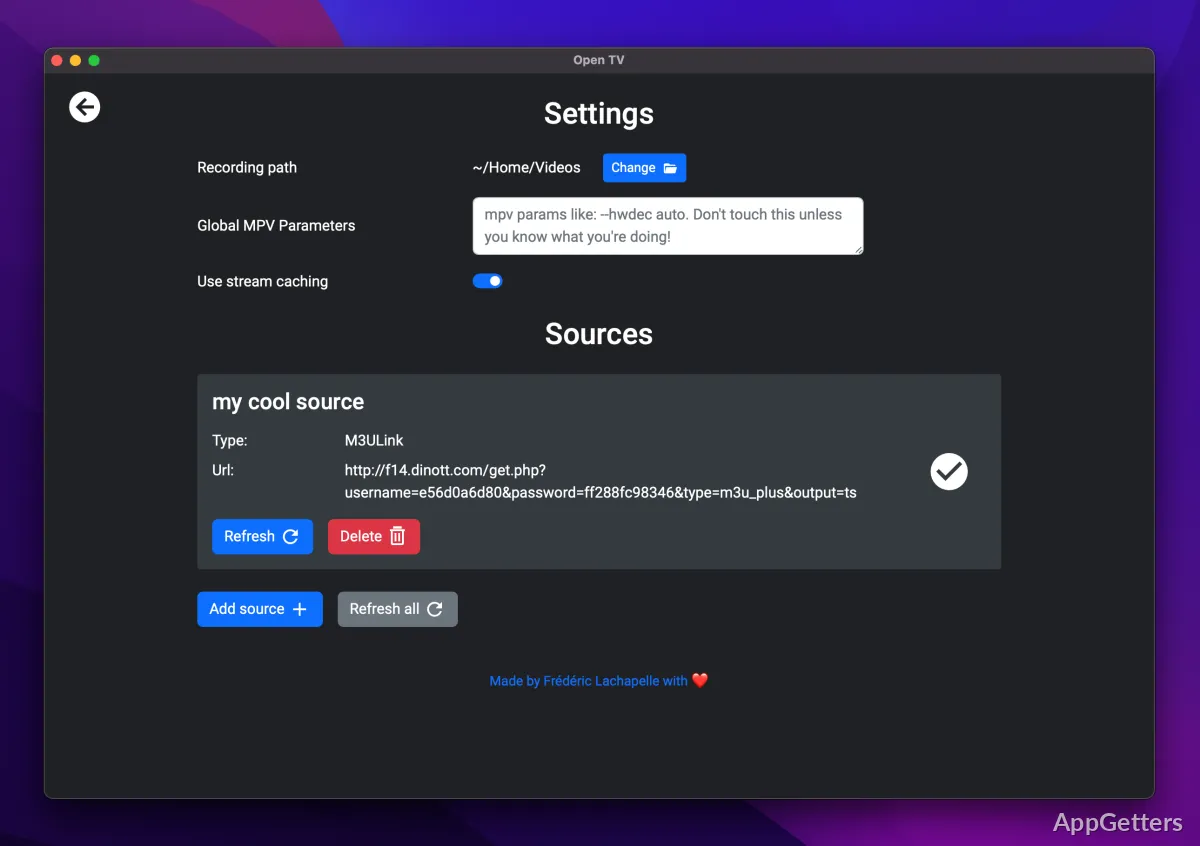
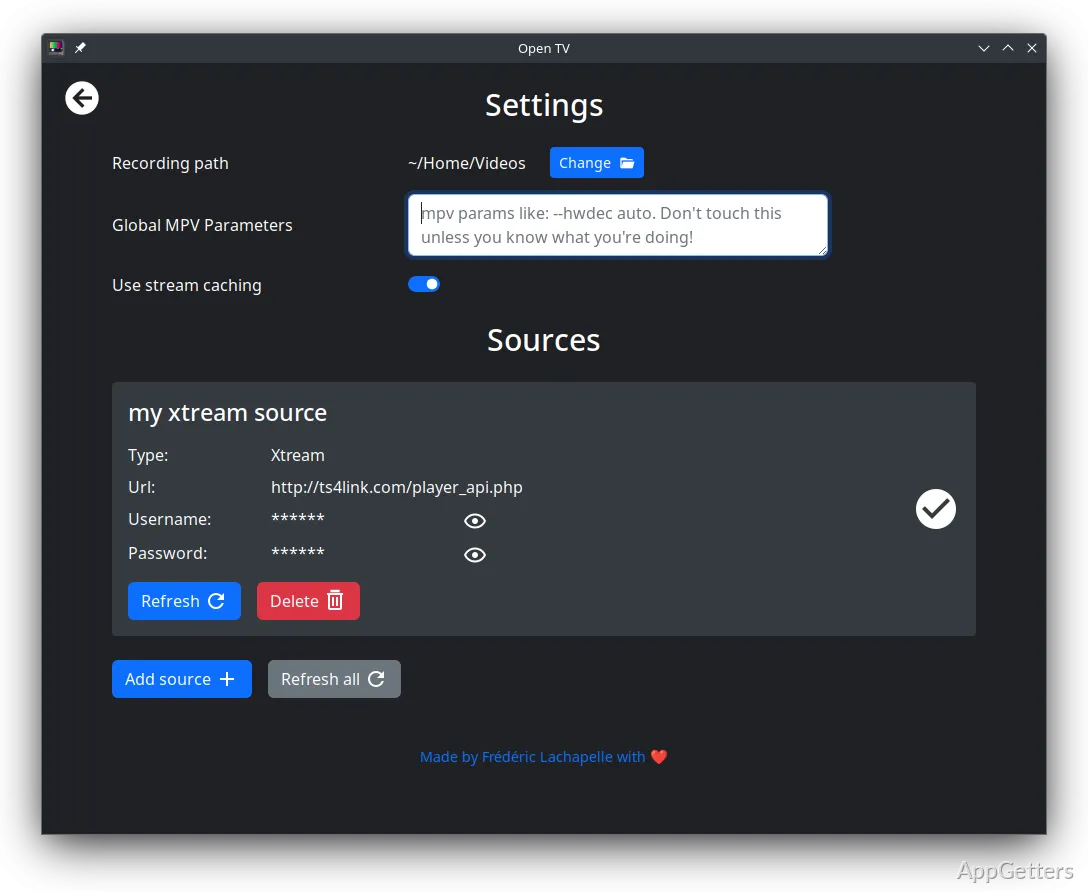
Open TV’s relaxing atmosphere is more focused on the ease of use than on the ability to personalize, which is probably a good thing for some. But if you are a heavy user, you might be left with the desire for more controls.

Performance and Cinema Day Workflow

As a rule of thumb, Open TV will aim to position itself as a tool to transform Windows PCs at least into media centers or secondary entertainment devices. Students in dormitories, families that have a shared computer, and people who work in isolation may feel that it is very handy and also saves space. They can run television content through a single device without the need for separate hardware.

Playback may reach a level that is even beyond adequate for performance. This is possible on compatible devices and if the signal is good enough. Also, the application is capable of managing channels and performing simple navigation activities up to a certain level quite efficiently. Actually, this feature considerably reduces the requirement for frequently switching between different tools.

Yet, speed and functionality are dependent on having the appropriate hardware and a good television signal. Two different computer setups, for instance, may result in two different user experiences.

Practical Strengths and Limitations that are Realistic

The biggest advantage of Open TV is its single-mindedness to focus on what it was meant to do, and it does it very well. The application doesn’t try to serve everyone by providing everything. It simply confines itself to offering a TV experience within a Windows environment. Those users who are interested in TV only will be glad of the simplicity of usage. They do not need any power features, complex operations, or TV functionalities superfluous to the basic TV.

This houseware is, however, very unlikely to be the right thing for someone. It is not ideal for those who are after extensive media editing tools or a tightly integrated live streaming operation. For one thing, the power user’s craving for deep customization will only be partly satisfied. This is especially true if one goes by the tough prosumer apps on the market as a measure. Nevertheless, for many average users, simplicity equates to having an easy time. Less hassle with settings will, more often than not, result in a quicker set-up and less frustration during operation.

Ideally Suited to Home Viewing Configurations

As for Windows users, a set of Open TV can satisfy the mission of securing a smooth TV watching experience. On one hand, it offers a reliable solution.
It does so without throwing in feature fatigue on the other hand. Open TV contributes, practically, towards bringing TV-compatible features to the Windows PC desktop, be it a laptop or a desktop. It does so without adding to the proliferation of invisible and unnecessary features. The designs are very simple. Home users who are enamored of the idea of having broadcasts on their PCs will find the product functional. At the same time, the relatively open workflow or programming will be very much appreciated by novices to PC-based TV.

Still, if your job is in the broadcast profession or you are looking for media management with a high-end feature set, then you cannot expect Open TV to be your final solution. Operating within a limited set of parameters, Open TV can rely on the support of normal TV viewing on Windows. In fact, it runs a very balanced and easy mode of operation from the user perspective.

Software Details of Open TV 1.8.3

License
Free
Version
1.8.3
File Size
94.96 MB
Downloads
0
Languages
English English, Spanish
Category
Op. System
Windows
Developer
Last Updated
October 1, 2025

Version History

4 versions
1.8.3
Latest
94.96 MB
October 1, 2025
1.4.1
112.84 MB
February 25, 2025
1.0.2
112.4 MB
October 16, 2024
1.0.1
111.46 MB
October 15, 2024

Leave a Comment

Your email address will not be published. Required fields are marked *

Software Icon
Security Report

Loading scan data...

Scroll to Top