Antivirus missed something that keeps coming back at every startup? RegRun Reanimator scans for adware, spyware, Trojans and some rootkits, then lets you choose whether to fix identified issues.
Scan and choose what to fix
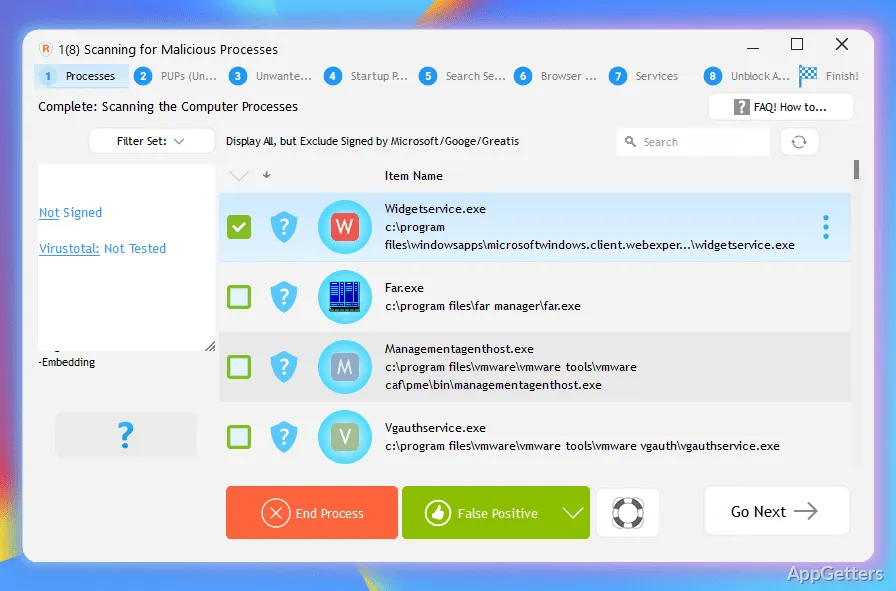
Start a malware scan from the Fix Problem screen by selecting Fix Malware Issues. Reanimator scans automatically and presents detected threats for inspection. The user can choose to fix an issue or mark it as a false positive; restarting the PC completes the fix.
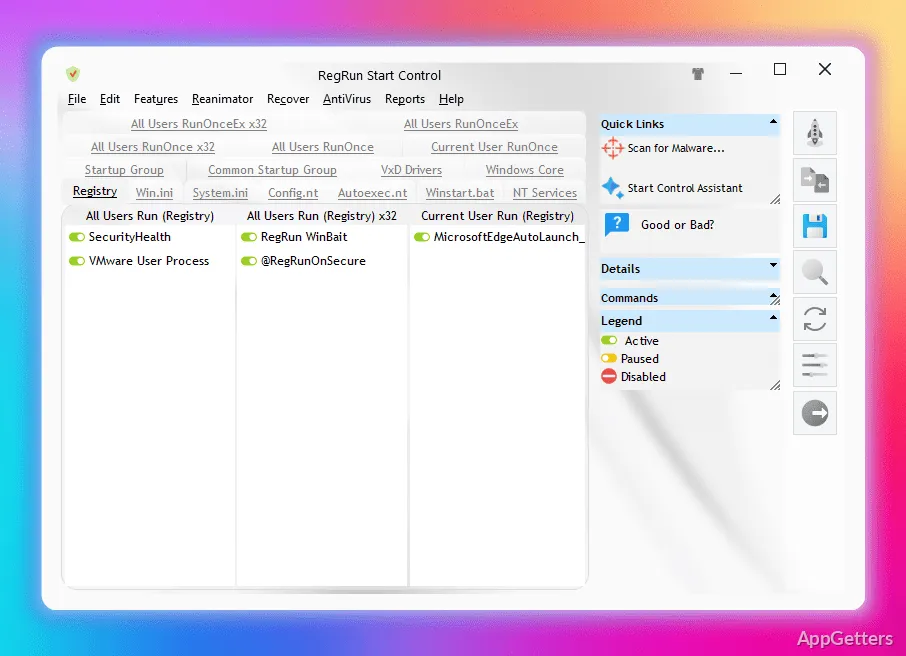
It looks for adware, spyware, Trojans and certain rootkits. RegRun Reanimator also focuses on startup entries, which can help address malware that interferes with programs launching or keeps unwanted changes in place.
When should you send a report to support?
If a threat needs a tailored cleanup, Reanimator can produce a detailed system report named regrunlog.txt. Send that report to Greatis Software support for analysis. The support team can provide an RNR command file containing cleanup instructions for Reanimator to execute.
RNR files are plain-text command files. Reanimator reads the commands and records their results in a log, so this workflow gives support a way to respond to an individual system report.
RNR cleanup files
A received RNR file can be opened from Reanimator using the option for opening an RNR file. The program runs its commands and saves an execution log.
- Use scan results to choose which detected issues to fix or flag.
- Use an RNR file when cleanup instructions have been prepared for the system.
Pros
- Scans for several malware types, including some rootkits
- Lets users mark detected items as false positives
- Can apply commands from RNR files
- Creates detailed regrunlog.txt reports for support
System requirements: Windows 7, Windows 8, Windows 8.1, Windows 10, Windows 11 · 32-bit and 64-bit
What kinds of threats does RegRun Reanimator target?
It targets Trojans, adware, spyware, malware, and some rootkits.
Can a detected item be marked as a false positive?
Yes. The scan results let you mark a finding as a false positive instead of fixing it.
What is an RNR file used for?
It contains commands that Reanimator can execute for a cleanup, often prepared after support reviews a regrunlog.txt report.