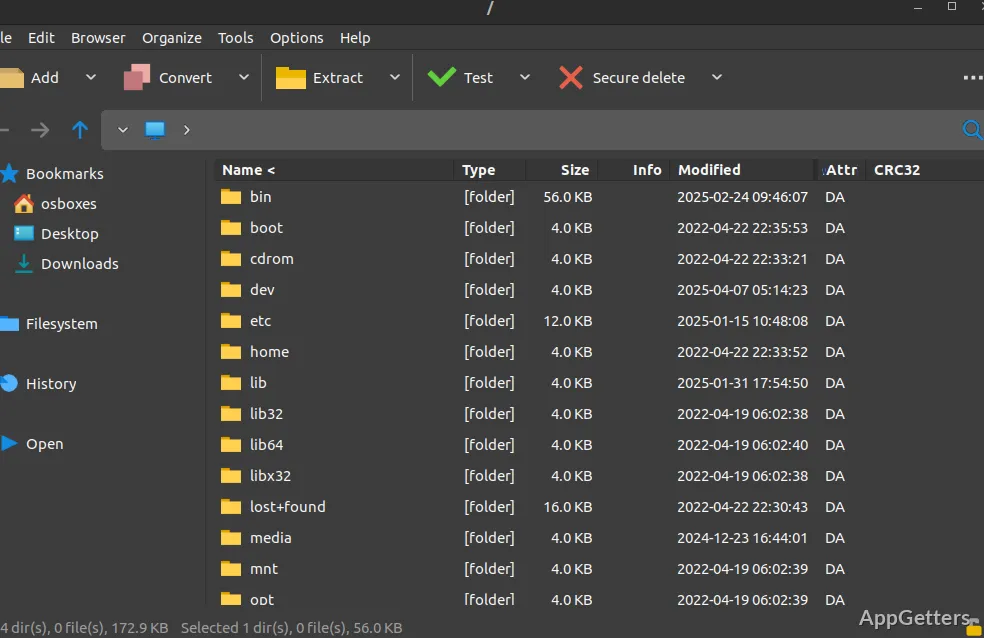
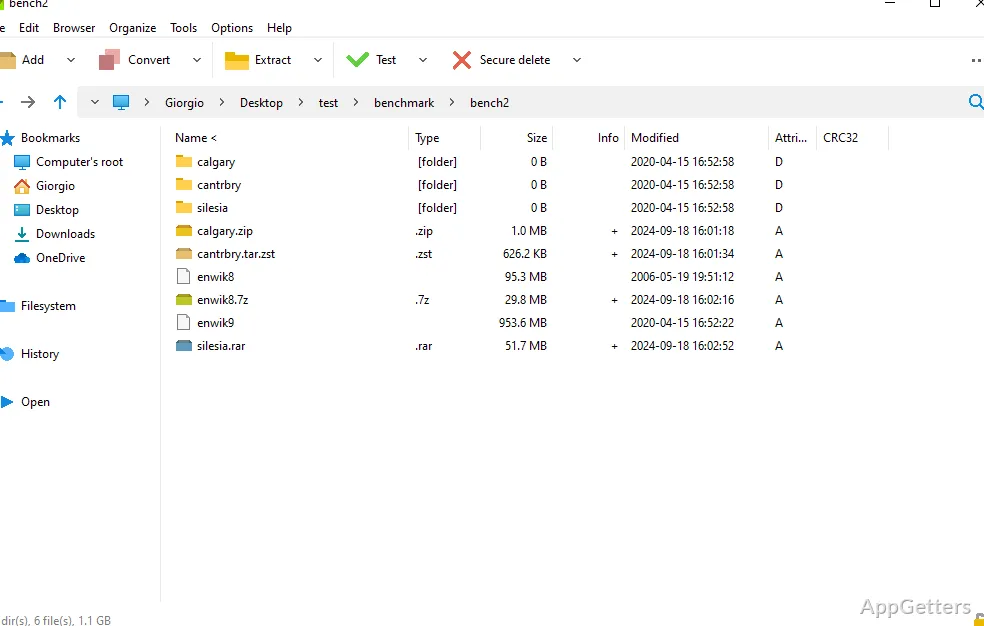
Got an archive in a format Windows can't open? The free, open-source PeaZip opens more than 200 types, creates encrypted ZIP and 7Z files, and provides archive browsing and file-management tools in the same Windows application.
Create archives from selected files
Choose files in PeaZip’s file manager, then set the archive format and options in the creation screen. The program can write ZIP and 7Z files, along with formats such as TAR, PEA, Brotli, and Zstandard.
For supported formats, encryption options include AES, Twofish, and Serpent. PeaZip also offers password-plus-keyfile authentication, adding a second credential to the encryption workflow.
Open and extract unfamiliar archives
PeaZip can open and extract more than 200 archive types, including RAR, ZIPX, ISO, CAB, and 7Z. Browse archive contents in the file manager before extracting them, or convert archives into another supported format.
RAR extraction is supported; creating RAR archives requires WinRAR on the computer. ACE files need an extra plugin for opening and extraction.
Search, verify, and automate file tasks
Archive work sits alongside file-management features for searching inside archives, finding duplicate files, and checking file hashes. Tabs and bookmarks support navigation between folders and archive contents.
The Console tab in the archive creation and extraction screens can export a GUI-defined task as a command-line script. That script can be reused or adjusted for automated compression, extraction, or backup jobs.
Pros
- Creates ZIP and 7Z archives and opens more than 200 formats
- Offers AES, Twofish, and Serpent encryption
- Exports archive tasks as command-line scripts
- Includes checksum, duplicate-finding, and archive-search tools
Cons
- Creating RAR archives needs WinRAR installed
System requirements: Windows 7, Windows 8, Windows 8.1, Windows 10, Windows 11 · 32-bit and 64-bit
Can PeaZip extract RAR files?
Yes. PeaZip supports opening and extracting RAR archives.
Can PeaZip create RAR archives?
Yes, if WinRAR is installed. PeaZip can create ZIP and 7Z archives without that requirement.
Can PeaZip export a task as a command-line script?
Yes. The Console tab in the creation and extraction screens can export tasks configured in the graphical interface.