EXE
Home » Software » Windows » Compressors » NanaZip for Windows
NanaZip for Windows

NanaZip for Windows

  • By M2Team
  • Free
  • Version: 6.0.1650.0
  • 11.11 MB
  • Security Report:

Unzipping files on Windows seems to be an easy task until it comes to daily use. You cannot get the downloaded archives to open. Big folders must be zipped to be sent by mail. You may want more power than that of the default Windows extractor. A lot of users, after that, have to install quite old tools that are very dated. They also have a lot of features. That is exactly the point where NanaZip can be found.

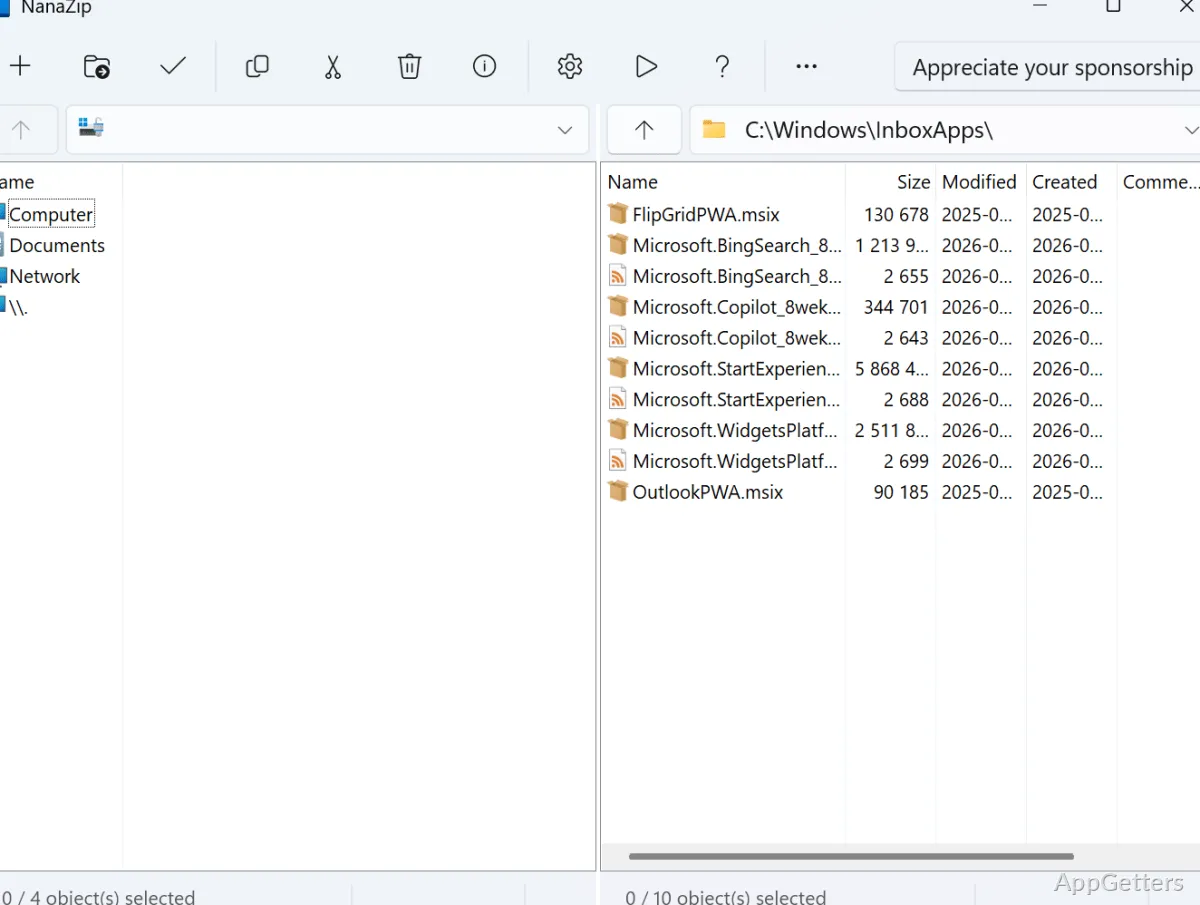
NanaZip provides a mostly feature-free experience as a native Windows 10/11 archiver. At the same time, the user can expect a good level of compression. There is also natural and complete compatibility with Windows 10/11. After using it for a while, the potential user cannot even feel that they are using only the standard Windows extractor. The program comes very close to a perfect operating system extension.

Native Windows Integration Without Weakness

After installing NanaZip, one of the very first things a user will notice is how naturally the app fits into the Windows ecosystem. The interface particularly follows modern design guidelines. Especially in Windows 11, the context menu integration is optimized. It is in accordance with other parts of the system. It does not clutter the system. Rather, it extends the right-click menu in a very neat and natural manner.

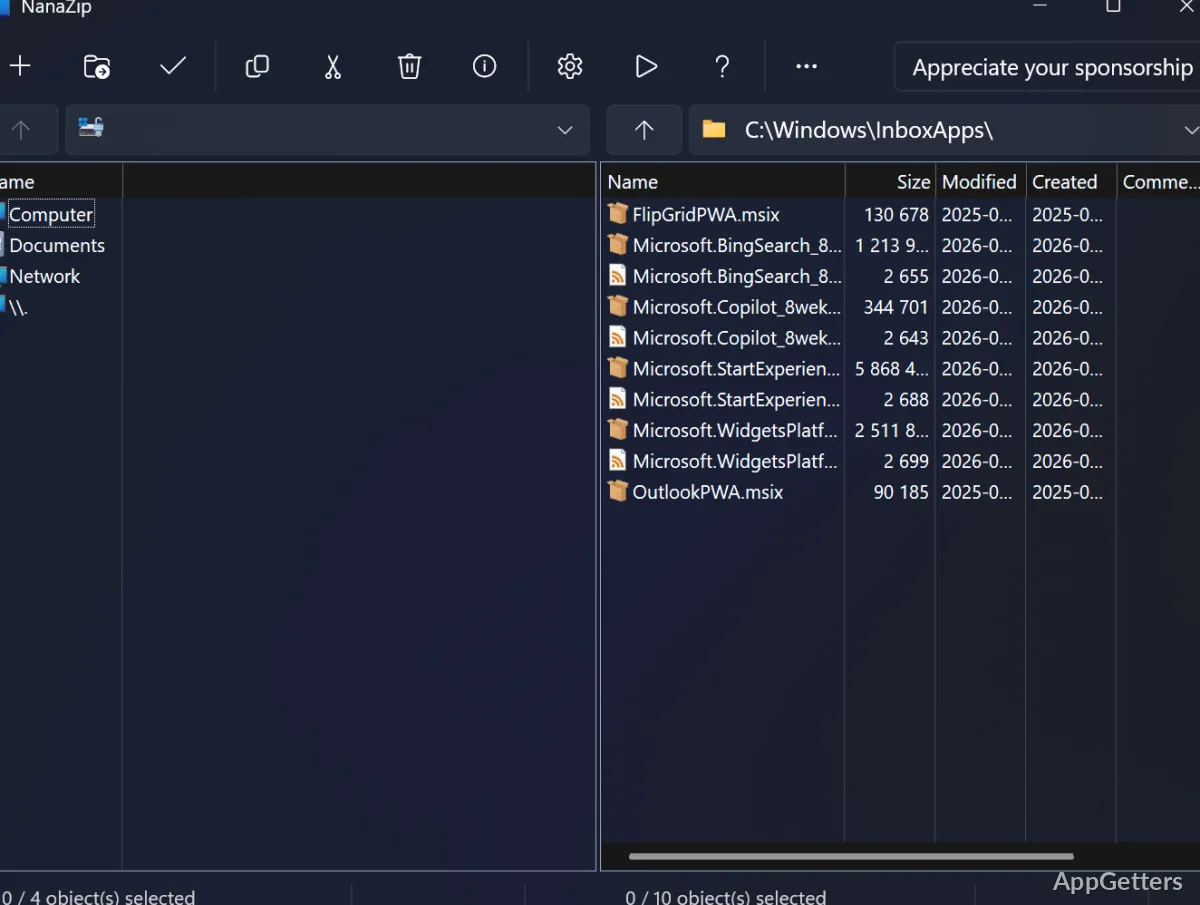
Accessing archives is very fast and simple. A ZIP, 7z, or any supported format file opens directly after the user double-clicks it. This is followed by a view that shows a simple file manager. Most families and students will open the files they want without any preparation or advanced learning. What is more, there is no complex control panel or too many commands to choose from. The tool is very intuitive. Users can easily retrieve their downloads or prepare their homework assignments.

Powerful Compression/Decompression Capabilities Provided by 7-Zip Technology

From the user’s point of view, the system is based on the open-source 7-Zip core. It has been well known to produce the highest compression levels. It has also run quite efficiently for a long time. To put it in simpler words, you can pack your big folders, music files, and software installation packages. The program will still treat you to a very fast response time.

When packing a few thousand folders, the application keeps running silently without any freezes. This remains true even if the notebook is of average standard. With the 7z type, you can still get a high compression level. This is especially noticeable when comparing it with the common ZIP. It means a lot for those people who keep their data backed up in the cloud. They also retrieve it from there. The higher the efficiency, the more space you get for the same money.

However, it should be noted that during compression work, the system speed is a matter of the hardware you have. If you have a low-end computer, it may take quite a few minutes to create a heavily compressed file. NanaZip reveals this fact in its usual straightforward manner. At the same time, the user will see a clearly marked status. They will also see the work pattern.

Just Right Features: No Overloaded Functions

NanaZip ensures the solidity of things. It covers the basics such as new archive creation, unpacking, defragmentation, and password-protected file usage. When the archive is password-secured, you will automatically be able to open the file only if you have such a token. This is necessary in the case of private information shared in the form of an email. Thanks to these software improvements, the incoming and outgoing files are well kept. Thus, the life of the storage device is extended.

What really makes one sit back and think is the fact that it doesn’t have aggressive upgrade promotions, irrelevant programs, or unnecessary background services. This user attitude should be greatly appreciated by users who rely solely on cross-platform archiver functionality.

On the other hand, some options for advanced automation are quite heavily restricted in comparison to certain legacy archiving suites. Those who are power users and depend on elaborate scripting or enterprise-level deployment tools might find NanaZip too basic. For regular use, however, the program ticks all the boxes.

An Ideal Tool for Everyday Windows Users

NanaZip is most beneficial for students, home users, and office workers who mainly download compressed files from the internet. They zip files to send or share them. They also keep such files on the computer or some storage device. It stealthily sustains the flow of work. It does not randomly break the harmony.

Files can be opened faster than when using the default Windows handler. There is an ample range of compression options. The totality of the experience is quite up-to-date and fresh.

File compression, as such, has not been revolutionized by this tool. However, it has been made much more efficient for modern Windows-based PCs. Basic archive managers remain the same over the years. NanaZip continues to make the experience of extracting and compressing files a single-click wonder without the bloat.

Software Details of NanaZip 6.0.1650.0

License
Free
Version
6.0.1650.0
File Size
11.11 MB
Downloads
1
Language
English
Category
Op. System
Windows
Developer
Last Updated
March 9, 2026

Version History

7 versions
6.0.1650.0
Latest
11.11 MB
March 9, 2026
6.0.1638.0
11.11 MB
February 26, 2026
6.0.1632.0
11.1 MB
February 19, 2026
5.0.1263.0
10.68 MB
December 10, 2025
5.0.1252.0
10.68 MB
February 4, 2025
2.1.451.0
15.41 MB
May 24, 2023

Leave a Comment

Your email address will not be published. Required fields are marked *

Software Icon
Security Report

Loading scan data...

Scroll to Top