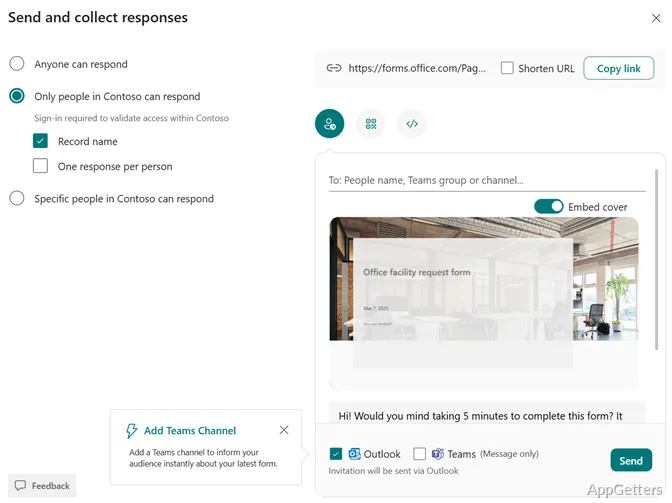
Need to gather survey answers, quiz results, or customer feedback in one place? Microsoft Forms lets you build forms online, share them with respondents, and follow incoming answers from a Windows device using a web browser.
What can you create with Microsoft Forms?
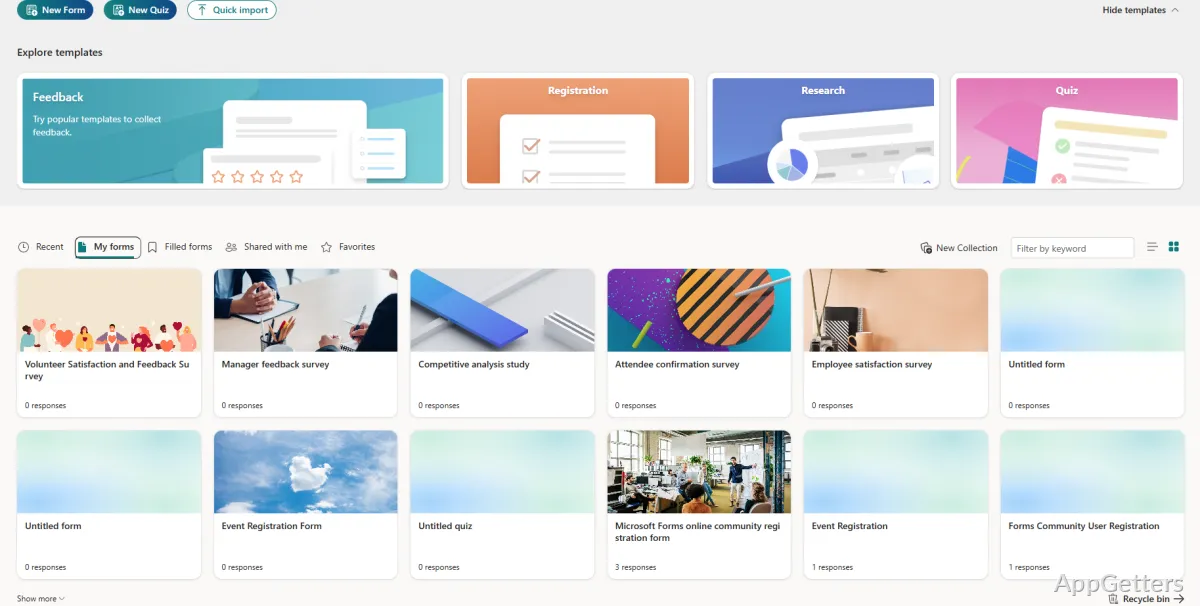
Start with a blank form or choose a template, then add questions for a survey, quiz, exam, registration, or feedback request. The templates give common tasks a ready-made structure, so you can adapt the questions and wording to the information you need.
AI-powered suggestions can propose questions and help shape a survey around its goal. This is especially relevant when you have a topic in mind but need ideas for what to ask.
How do you review submitted answers?
The response view gathers submissions as people complete the form. Charts provide a visual breakdown of answers, making it easier to spot patterns without first arranging each response by hand.
- Use a quiz to collect learners’ answers to assessment questions.
- Share a survey to gather opinions from customers or event participants.
- Export response data to Excel when you need to work with it in a spreadsheet.
Can Forms support a team workflow?
Forms suits recurring collection tasks such as asking for feedback or registering participants. A shared response record gives the form owner a place to monitor submissions, while Excel export provides a route to more detailed spreadsheet analysis. The browser-based workflow also means form creation and response review do not depend on a dedicated Windows desktop editor.
Pros
- Templates provide starting points for surveys, registrations, and feedback forms
- Response charts show answer patterns as submissions arrive
- Export responses to Excel for further analysis
- AI suggestions can speed up question creation
Cons
- Only Windows 7 through 11 are listed as supported operating systems
Can Microsoft Forms create both surveys and quizzes?
Yes. It supports surveys, quizzes, exams, feedback forms, and registration forms.
How can responses be analyzed?
Forms displays response charts, and answers can be exported to Excel for further analysis.
Does Microsoft Forms offer help when writing questions?
AI-powered suggestions can offer question ideas and help focus a survey on its goal.