Clicking through folder after folder in every Save As dialog? Listary lets you type a few letters instead, to find files, jump to folders or start apps. It adds a searchable results window and Quick Switch to common Windows file workflows.
Search for files and launch apps
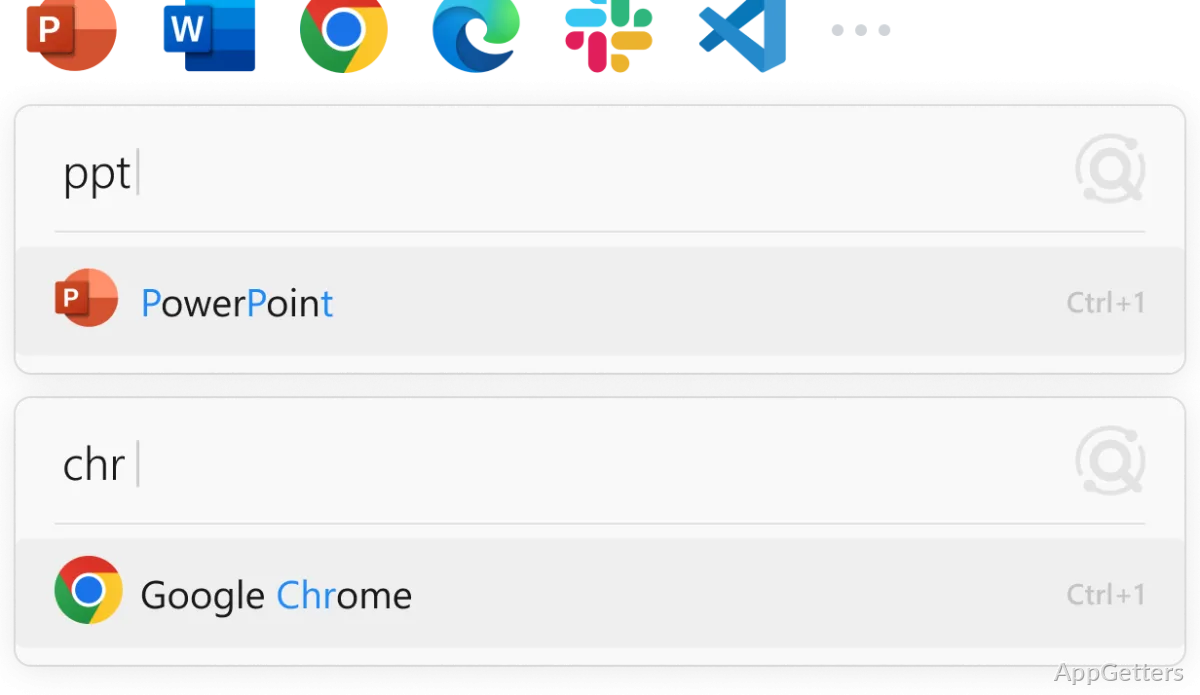
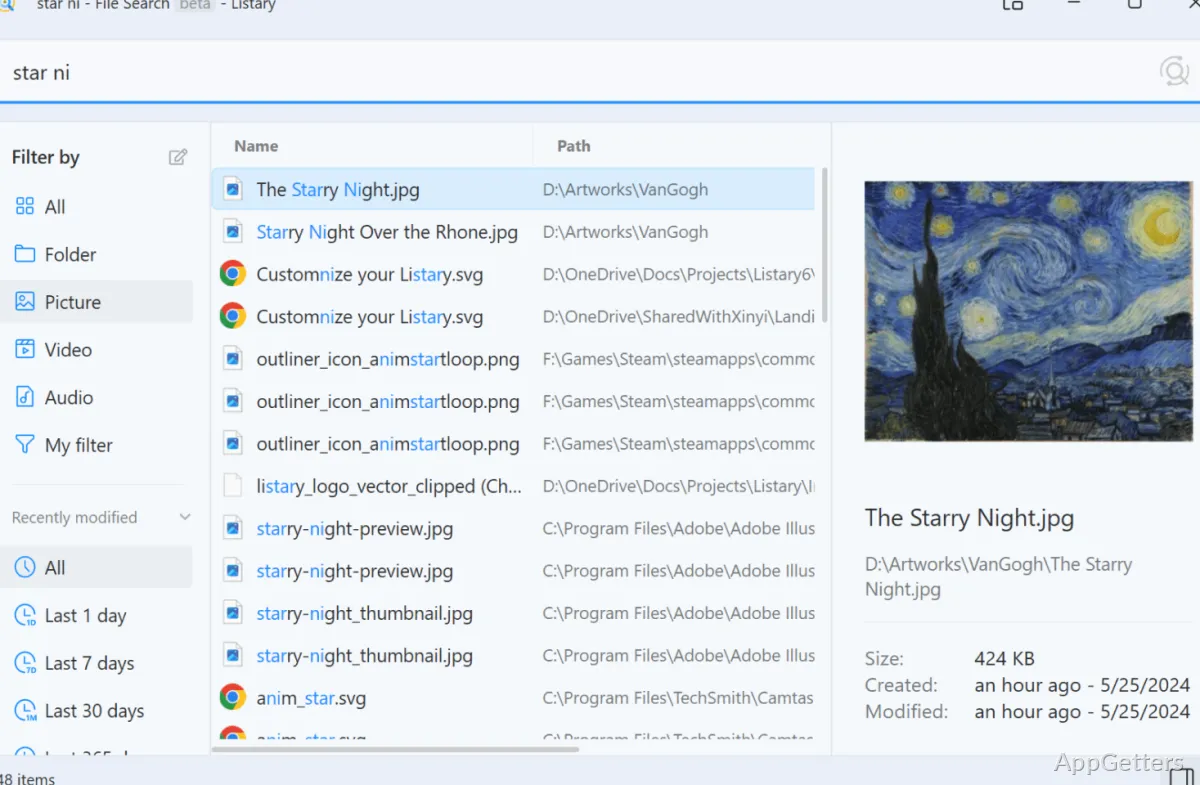
Type a name or part of a name to bring up files and applications in Listary’s search window. Fuzzy matching can surface a result even when the typed text is not an exact match. Results are ordered using your habits, so frequently chosen items can rise in the list.
The search window presents results for browsing and lets you narrow them with filters. File-type and date filters help reduce a long list when the exact filename is unclear. From a result, actions include copying the item or copying its path.
Jump to a folder with Quick Switch
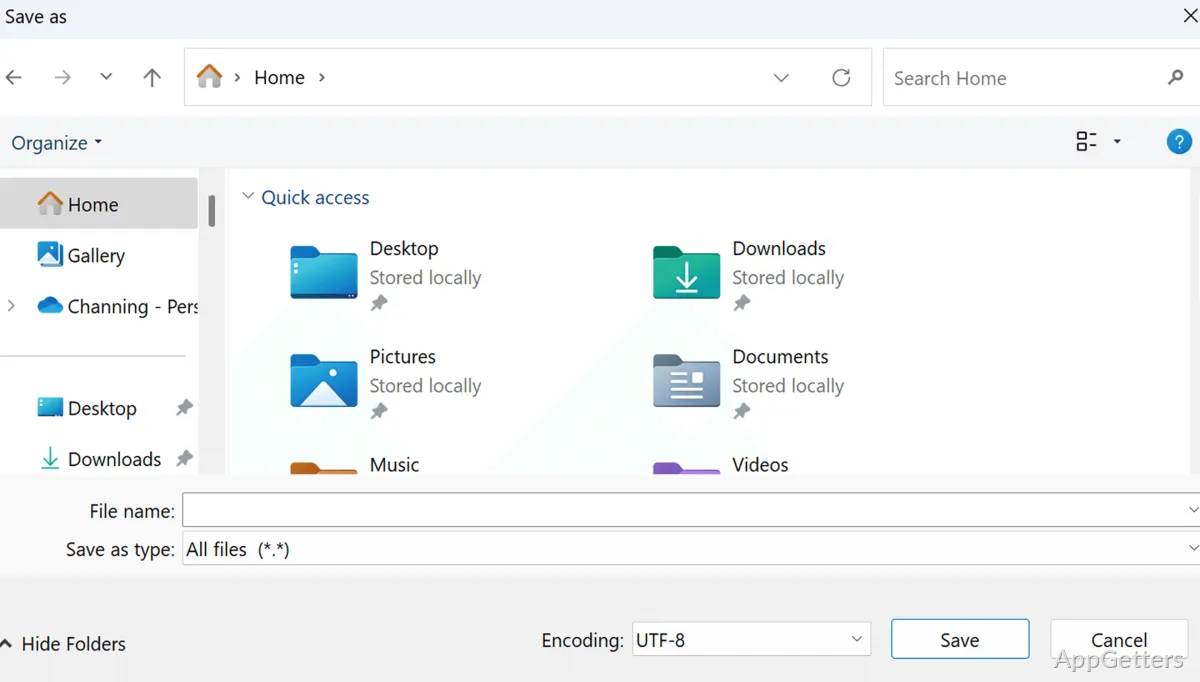
Quick Switch is designed for the moments when an Open or Save dialog is already on screen. Search for a destination folder and jump there directly, instead of navigating through each parent directory.
Listary also provides access to frequently used folders through menus.
Run commands and act on results
The search bar can launch applications or run system commands.
Choose an action on a result to copy the item or its path.
Pros
- Quick Switch jumps to a searched folder from file dialogs
- Fuzzy matching finds files and apps from partial search terms
- Filters narrow results by file type and date
- Result actions include copying a file or its path
System requirements: Windows 10, Windows 11 · 64-bit only
Can Listary launch applications as well as find files?
Yes. Search for an app and launch it from Listary’s search interface.
What does Quick Switch do?
It searches for a folder and jumps to it from a Windows file dialog.
Can search results be narrowed or acted on?
Yes. Filters include file type and date, and result actions include copying an item or its path.