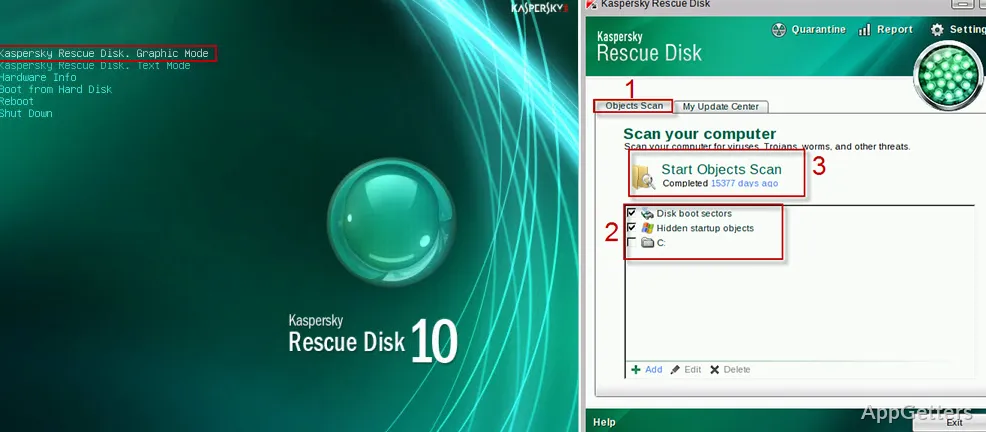
Is malware stopping Windows from starting, or blocking your antivirus? Kaspersky Rescue Disk is a free bootable scanner: write it to a USB stick or DVD, start the PC from it, and it cleans infections from outside Windows, where the malware cannot fight back.
How does the rescue environment start?
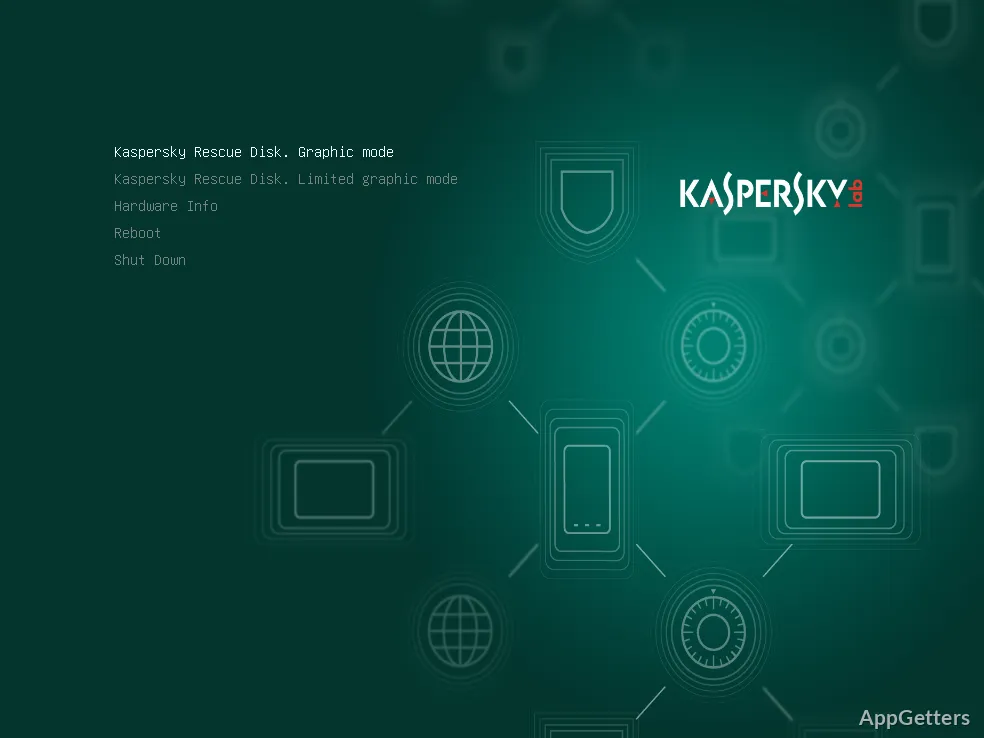
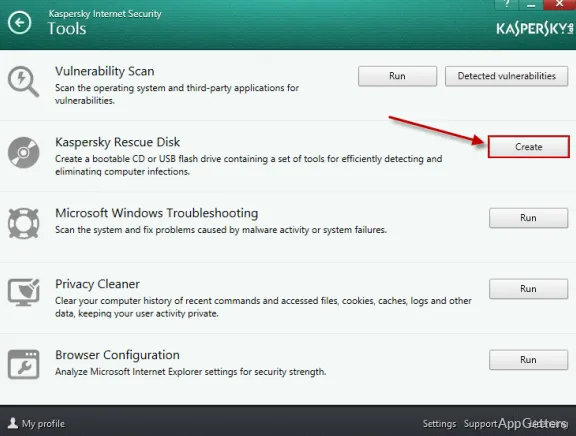
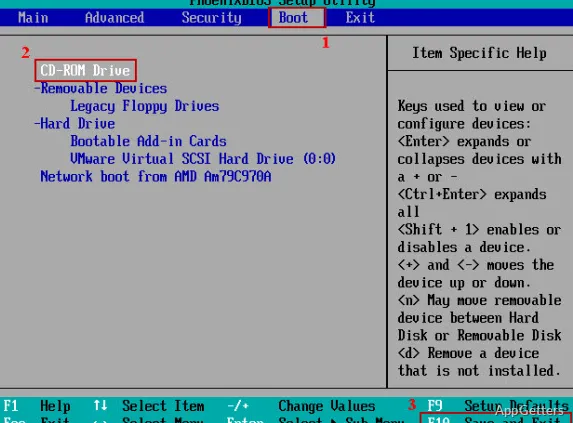
Kaspersky Rescue Disk is designed for cases where malware interferes with normal antivirus software or Windows startup. The rescue image is written to a USB stick or DVD, and the affected computer is started from that media. This loads a separate environment for scanning instead of launching the installed operating system first.
The rescue system is Linux-based and boots on both UEFI and older BIOS PCs. Because Windows is not running, rootkits and locked files can be scanned and removed.
Can the malware database be updated before scanning?
The rescue environment can connect to the internet to retrieve updated malware database information. This update step is available before scanning, so the scan can use current detection data when a connection is available.
What can you scan and clean?
After the rescue environment loads, choose the areas to examine and start the scan. The tool checks the selected targets for malware and can remove threats it detects. Scan scope can be tailored to the computer, including choosing connected storage for examination.
- Select which areas of the computer to scan.
- Update the malware database using internet access.
- Scan the selected targets and remove detected threats.
Pros
- Starts from USB or DVD outside the installed operating system
- Can update malware databases through an internet connection
- Lets users choose what to scan
- Can remove detected threats
Cons
- Kaspersky software sales and updates are banned in the US since 2024
- Needs a USB stick or DVD and a reboot
- Rescue system interface is basic
System requirements: Windows 7, Windows 8, Windows 8.1, Windows 10, Windows 11
Does Kaspersky Rescue Disk run inside Windows?
No. It boots from a USB drive or DVD into its own Linux-based system and scans Windows from outside.
Is it free?
Yes. Kaspersky provides the rescue disk image free of charge.
Can I use it in the United States?
The US banned Kaspersky software sales and updates in 2024, so US users should pick another rescue disk, such as one from ESET or Bitdefender.