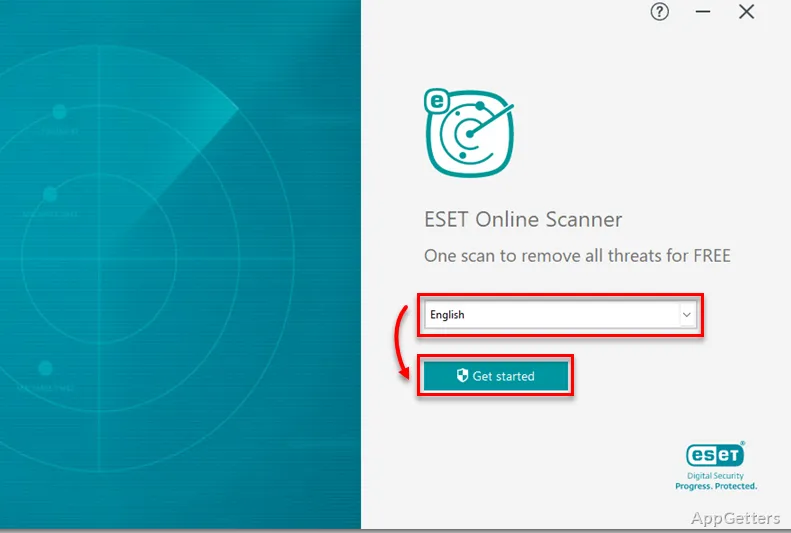
Seeing unexpected pop-ups or browser changes and want to check for malware? ESET Online Scanner runs a one-time malware scan on a Windows PC and can remove detected threats.
What threats can ESET Online Scanner find?
The scanner checks a Windows computer for malware, including viruses, spyware, ransomware, trojans, and adware. Use it as a one-off check when something seems wrong, or as an occasional second opinion.
How does a scan work?
Launch the scanner and start a full system scan. A progress bar and status indicators show that scanning is underway. When it finishes, the results report identifies detected items so you can see what was found.
- Detected threats can be removed or placed in quarantine.
- Quarantined items can be reviewed and restored if needed.
Does it keep watching the PC afterward?
No. ESET Online Scanner runs on demand and does not provide continuous threat monitoring or real-time protection after the scan ends. Its role is to check for existing malware and handle detections from that scan.
Pros
- Scans for viruses, spyware, ransomware, trojans, and adware
- Shows scan progress and provides a report of detected items
- Quarantined items can be reviewed and restored
Cons
- Scans on demand only; no real-time protection after the scan
System requirements: Windows 7, Windows 8, Windows 8.1, Windows 10, Windows 11 · 32-bit and 64-bit · 350 MB minimum disk space; 400 MB optimum · 500 MB memory
Does it delete the threats it finds?
Yes. It can remove detected threats or place them in quarantine for review.
Can quarantined items be restored?
Yes. Quarantined items can be reviewed and restored if necessary.
Does the scanner check a website or a single file?
No. It scans a Windows computer; it is not an in-browser website or file checker.