Windows won't boot, or ransomware has locked the desktop? Dr.Web LiveDisk is Doctor Web's free rescue system: it starts the PC from a USB stick or disc into its own Linux environment and scans and cleans Windows from outside.
Dr.Web Live Disk scans outside Windows
The USB-booted Linux environment runs separately from the Windows installation on the computer’s drive. That gives the antivirus scanner access to the installed system even if Windows is unstable, will not start, or malware interferes with security software running inside it.
After booting into the environment, run a malware scan of the computer’s storage. Dr.Web Live Disk can remove detected malware, including threats that are difficult to address while the affected Windows session is active.
Prepare a USB drive, then boot the affected computer
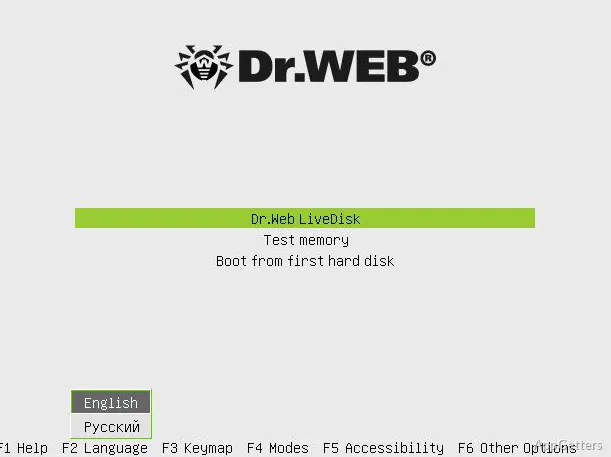
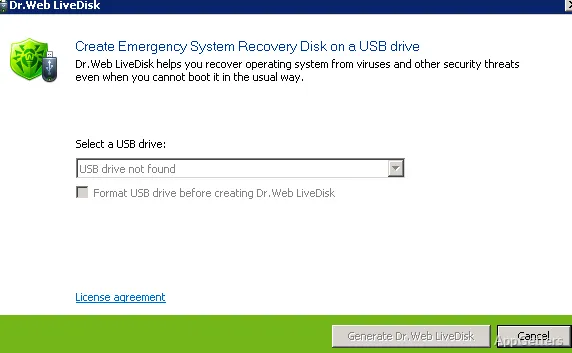
Run the downloaded setup file on a healthy PC to write LiveDisk to a USB stick (an ISO version for CDs and DVDs is also offered), then plug the stick into the problem PC and boot from it.
This process launches the recovery environment before the installed Windows system. The scan and cleanup take place there, so Windows does not need to load normally first.
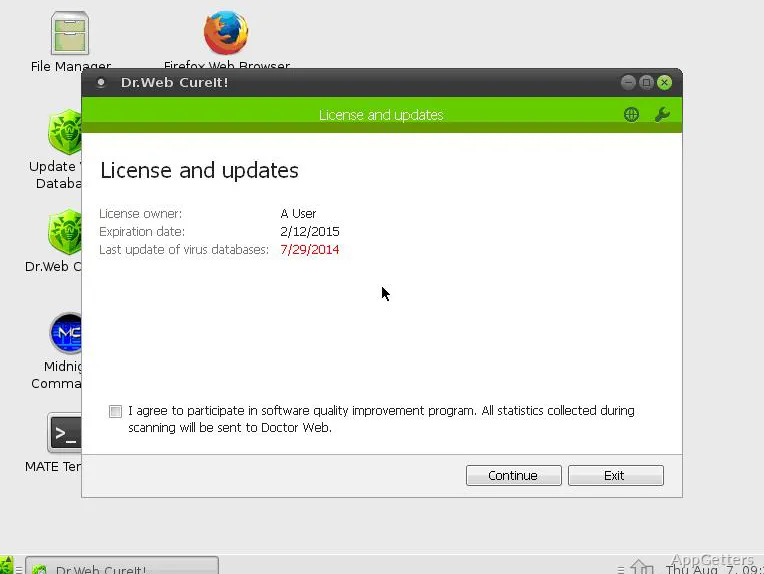
Connect to the internet to update the malware database
Once online, the rescue system downloads the latest virus definitions before you scan. Besides the scanner, it includes a file manager for copying important files to safety, a registry editor and a web browser.
Pros
- Scans and removes malware outside the installed Windows session
- Boots from a prepared USB drive
- Can update its malware database over the internet
Cons
- Needs a second, clean PC to create the USB stick
- Booting from USB may require changing BIOS or UEFI settings
System requirements: Windows 7, Windows 8, Windows 8.1, Windows 10, Windows 11
Can Dr.Web Live Disk scan a PC that will not start Windows?
Yes. Boot the PC from a prepared USB drive to load its separate Linux-based recovery environment and scan the computer’s storage.
Does Dr.Web Live Disk need an internet connection?
An internet connection lets it update its malware database before a scan.
Can the USB drive be prepared on the infected PC?
Better not: create it on a clean computer so the stick itself is not infected.