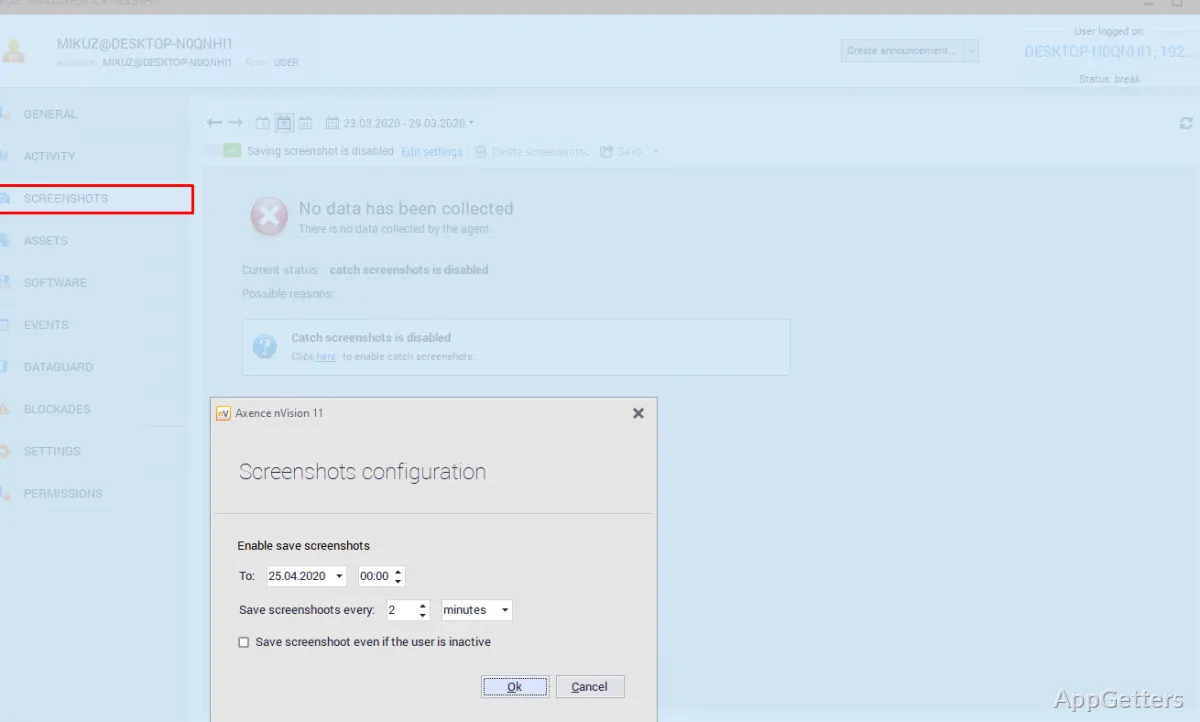
Network administrators responsible for multiple connected devices can use Axence nVision to monitor their network and manage IT tasks from one platform. It brings together device and service monitoring, asset inventory, remote support, and security controls.
Device and service monitoring
nVision provides a central view of devices connected to the network, with status updates available in real time. Administrators can also monitor whether email is working and whether an SQL server is functioning, bringing these service checks alongside device monitoring.
This view is intended for tracking the state of network resources from a single management platform. It can give an IT team a place to spot changes in device or service status without checking each system individually.
- Monitor connected devices
- Check email service status
- Check SQL server status
Inventory and remote support
The platform includes asset inventory and remote support alongside its monitoring tools. This combination gives administrators a way to keep track of network assets and address support needs within the same IT management environment.
Port access controls
nVision can block ports on connected devices. The source describes this control as a way to prevent copying information to USB flash drives or other devices, making port restrictions one of the platform’s security functions.
Pros
- Shows connected-device status in real time
- Monitors email and SQL server availability
- Includes asset inventory and remote support
- Can block device ports to restrict USB copying
Cons
- The full-featured software requires a trial license
- 64-bit Windows is required
System requirements: Windows 7, Windows 8.1, Windows 10, Windows 11 · 64-bit only · Console: 2 CPU cores, 2 GB RAM, 400 MB free disk space. · Agent: 1 CPU core, 128 MB RAM, 100 MB free disk space. · Server: Windows Server 2019 or newer; 2.8 GHz or higher CPU recommended. Windows 7 is installable but no longer supported.
What does Axence nVision monitor?
It monitors connected-device status in real time and can check email and SQL server operation.
Can nVision restrict USB access?
It can block ports on connected devices to prevent copying information to USB flash drives or other devices.
Does Axence nVision include asset inventory and remote support?
Yes. Asset inventory and remote support are included alongside network monitoring and security controls.