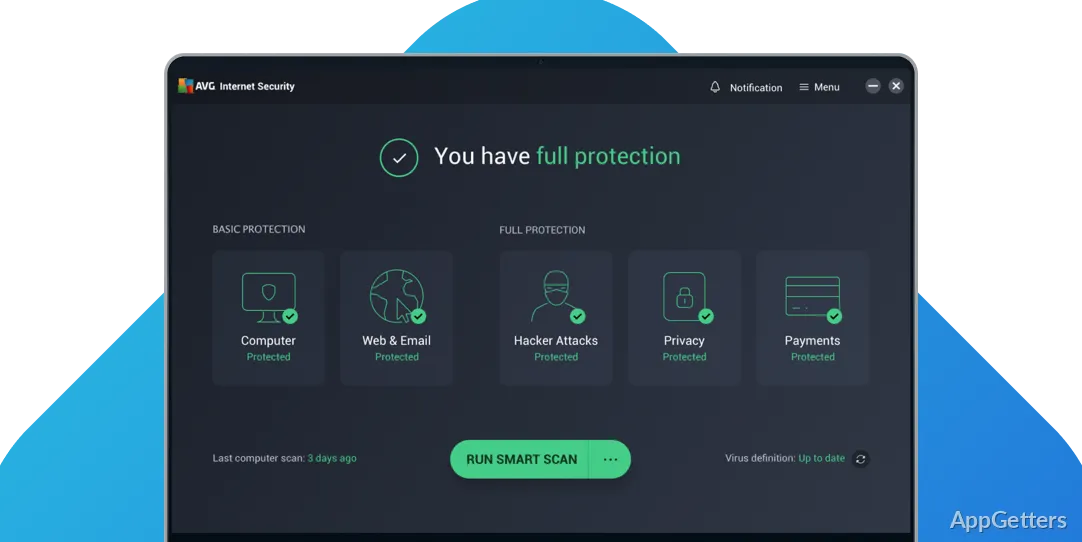
When a link in an email leads to a fake sign-in page, or an attachment carries malware, AVG Internet Security can check those risks before they reach your PC. It combines malware scanning with protections for browsing, email, saved passwords, and personal files.
How does AVG check links, downloads, and email?
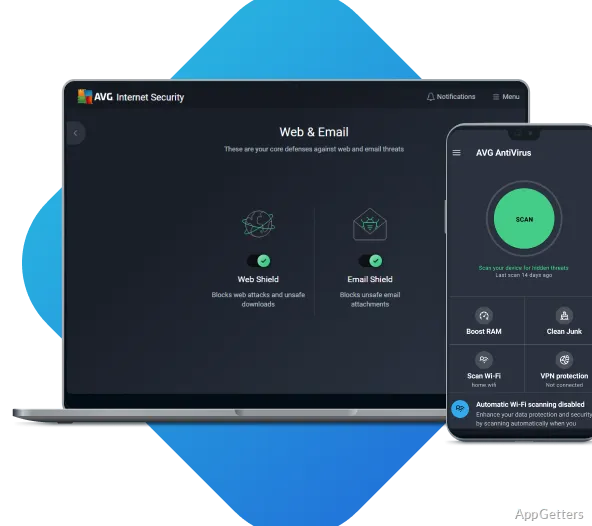
Link Scanner examines web links for signs of suspicious or harmful content. Web Shield checks files for malware before they are downloaded, while Email Shield blocks suspicious attachments associated with phishing attacks.
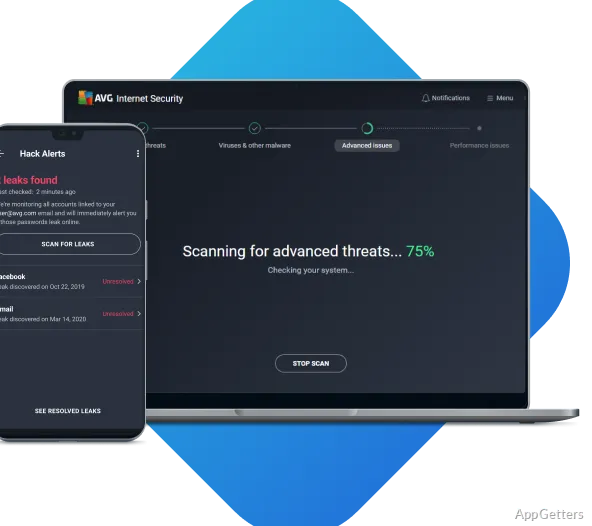
The antivirus scanner also checks the PC for threats such as viruses, ransomware, and spyware. A behavior alert can flag software that starts acting suspiciously, including activity that may indicate malware.
How does it protect files and passwords?
Ransomware Protection lets you control which apps can change or delete selected personal files and photos. The firewall adds a network barrier against unauthorized access to private files.
Password Protection restricts blocked apps from reading or changing passwords saved in web browsers. AVG also includes a secure-deletion feature for removing selected files and data.
What alerts does it provide while browsing?
Wi-Fi Guardian warns when the PC connects to an unsecured wireless network. AVG can also alert you to unusual activity on the computer that may point to malware. Webcam protection blocks untrusted apps from using the camera.
Pros
- Link Scanner checks web links for suspicious content
- Web Shield scans files before they download
- Ransomware Protection controls which apps can change personal files
- Password Protection blocks apps from accessing saved browser passwords
System requirements: Windows 7, Windows 8, Windows 8.1, Windows 10, Windows 11 · 32-bit and 64-bit · 4 GB RAM · 2 GB disk space · Windows Starter and RT editions are excluded.
Does AVG Internet Security check email attachments?
Yes. Email Shield blocks suspicious attachments that may be part of phishing attacks.
Can I choose which apps change my personal files?
Yes. Ransomware Protection lets you control which apps may change or delete protected files and photos.
Will it warn me about unsecured Wi-Fi?
Yes. Wi-Fi Guardian alerts you when the PC connects to an unsecured wireless network.