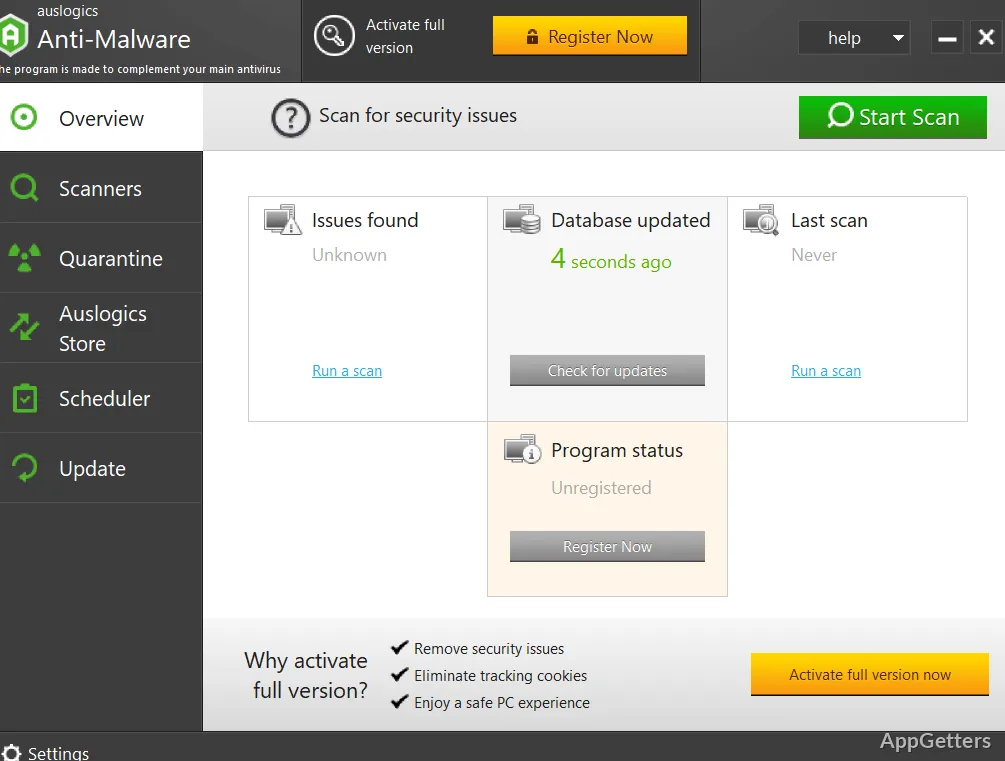
Pop-ups, slowdowns or a browser that keeps changing its homepage? Auslogics Anti-Malware scans Windows for adware, spyware, viruses, tracking cookies and other suspicious items. Choose a quick check of key areas, a deep scan of the system, or a custom scan of selected files and folders.
Choose the areas to scan
A quick scan checks important locations where threats may be found. Deep scan examines the entire system, while custom scan lets you select particular files and folders. The program also checks system memory, temporary and system folders, registry entries, tracking cookies, and programs set to start through Task Scheduler.
Quarantine suspicious detections
After a scan, inspect the detected items and choose to quarantine suspicious files. Quarantined files can be restored later if needed. Anything you trust can be put on an exclusion list so later scans skip it.
Set a scan schedule and detection level
Schedule scans to run automatically at chosen intervals. The heuristic setting adjusts how the detection engine looks for previously unknown malware: raise the level for more aggressive detection, or lower or disable it to reduce the chance of false positives.
Pros
- Quick, deep, and custom scan options
- Quarantine lets you restore flagged files later
- Scheduled scans and adjustable heuristic detection
- Ignore list excludes chosen files and folders from scans
System requirements: Windows 7, Windows 8, Windows 8.1, Windows 10, Windows 11 · 32-bit and 64-bit
What is the difference between quick, deep, and custom scans?
Quick scan checks key areas, deep scan examines the whole system, and custom scan checks files and folders you select.
Can a quarantined file be recovered?
Yes. Quarantined files can be restored if you decide they should not have been removed.
Can scans run automatically?
Yes. Set a schedule to run scans automatically at specified intervals.