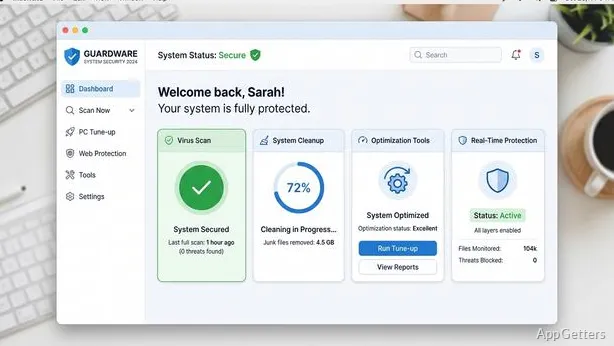
Want antivirus and a PC cleaner in one free package? 360 Total Security scans Windows for malware and adds cleanup and startup-management tools. Its dashboard brings virus detection, privacy options, and system-maintenance tasks together.
Malware and web protection
The protection system combines antivirus scanning with layers that watch for suspicious programs and attack-like behavior. Web protection checks sites during browsing and shopping for malicious or fraudulent content.
It draws on five antivirus engines. Scan results and protection alerts give users a way to review detected threats and choose an action when a warning appears.
Cleanup and startup controls
The cleanup tools remove junk files and plug-ins. Deeper cleanup options can look for duplicate files and show how disk space is being used, giving users more detail than a basic junk-file sweep.
- Use startup optimization to identify programs and services that do not need to launch with Windows.
- Monitor application traffic to spot unusual data usage.
Privacy tools
Privacy controls can clear browsing history and block targeted ads. Users can select data to protect, restrict unauthorized camera access, and permanently erase files to make recovery more difficult.
Using the tools
Start with a malware scan when checking for threats, or open cleanup to find removable clutter. Startup optimization focuses on programs and services that launch with the PC; traffic monitoring shows network use by application.
Pros
- Layered protection checks suspicious programs and attack behavior
- Web protection flags malicious and fraudulent sites
- Startup tools identify programs and services to disable
- Cleanup tools find junk, plug-ins, and duplicate files
System requirements: Windows 7, Windows 8, Windows 8.1, Windows 10 · 32-bit and 64-bit · 512 MB memory · 1.6 GHz CPU · 1 GB free disk space
What does 360 Total Security scan for?
It scans for malware and uses layered protection to detect suspicious programs and attack behavior. Its web protection also identifies malicious or fraudulent sites.
How can I find programs that slow down startup?
Open startup optimization to identify programs and services that do not need to start with Windows.
Can 360 Total Security clean browsing data or erase files?
Yes. Privacy controls can clear browsing history, and a file-erasing tool permanently deletes selected files to hinder recovery.