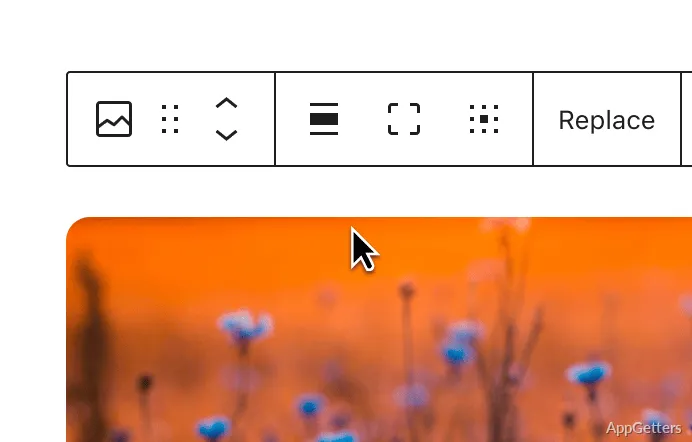
The dashboard brings site editing and administration into one place, with posts, pages, media, and appearance settings available from its menus. WordPress content is edited in the Block Editor, where blocks can be added, moved, and arranged while a preview shows how the page is taking shape.
Block Editor and previews
The Block Editor builds posts and pages from individual content blocks. Text, images, and other page elements can be added, edited, or rearranged in the editing view; a live preview shows the layout as it changes. This suits workflows that involve drafting content and adjusting its structure in the same session.
WordPress also provides tools for managing published material through the site dashboard. Posts support ongoing publishing, while pages handle content such as information that belongs in the site's navigation. Media uploaded for site content can be managed alongside that work.
Themes and site design
A theme supplies a site's visual design, and WordPress lets site owners choose one or customize its appearance. Block-based editing extends beyond individual posts and pages: site elements can be arranged and adjusted through visual editing tools without writing code for every change.
- Preview the site while adding or rearranging content.
- Use themes to establish a site's design.
- Add plugins for features such as a store, analytics, newsletters, or social media integration.
Publishing from Windows
WordPress is typically managed through its dashboard in a web browser. From a Windows desktop, users can write or revise content, upload media, adjust page layouts, and publish through the site they administer. The WordPress software itself runs in a web-server environment, which may be hosted online or set up locally for development.
Pros
- Block Editor lets users rearrange content blocks while editing
- Live preview shows changes as content is edited
- Themes and plugins extend site design and features
Cons
- Running the self-hosted software requires a web server and database
Is WordPress a standalone Windows desktop editor?
WordPress is website software managed through a browser dashboard. Running the self-hosted software requires a web-server environment and a database.
How does the Block Editor work?
It builds posts and pages from blocks that can be added, edited, and rearranged, with a preview of the evolving layout.
Can WordPress add features beyond publishing?
Yes. Plugins can add features such as a store, analytics, newsletters, and social media integration.