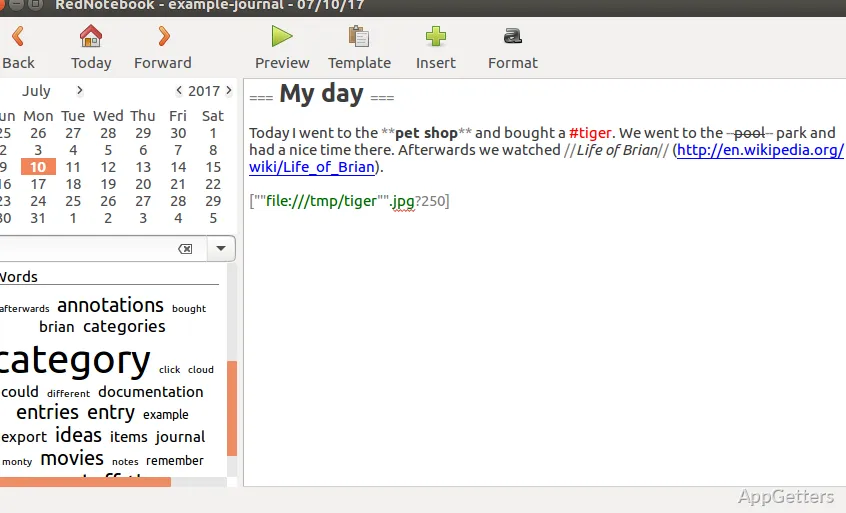
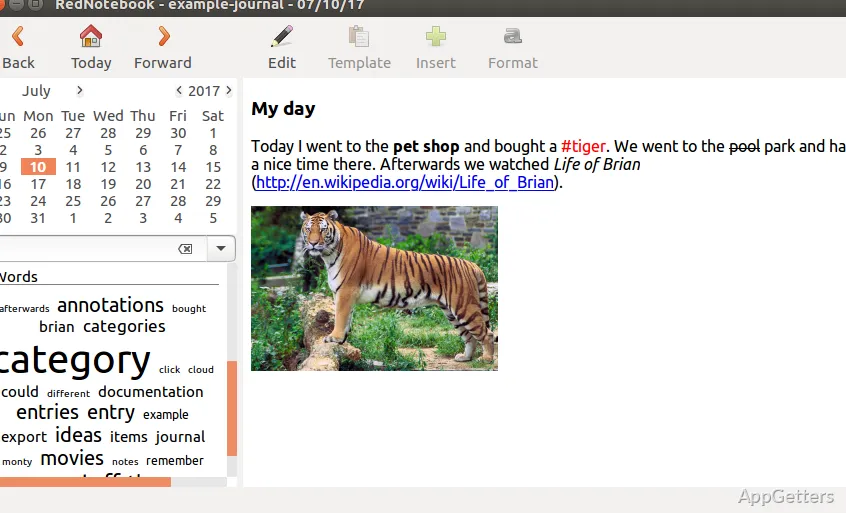
RedNotebook organizes journal entries by date, with calendar notes, tags, and search for finding past writing. The editor supports formatted text and images, while a preview shows how an entry will look.
Dated entries and journal browsing
RedNotebook centers writing around a calendar: choose a date to create or revisit that day's note. This date-based layout suits a diary or a running record of activities, thoughts, and ideas. Tags add another way to organize entries, and search can locate words or topics across the journal.
Templates provide a starting layout for entries that follow a recurring pattern. For example, a template can supply prompts or headings to fill in each time. The calendar, tags, search, and templates address different parts of the same workflow: recording a note, categorizing it, and returning to it later.
What happens in the editor and preview?
Write and format an entry in the editor, adding images when a note needs more than text. Switch to preview to see the rendered result, then return to editing if it needs changes. This editing-and-preview flow is handy for checking formatting before keeping an entry in its finished form.
- Use the calendar to select the date for a note.
- Add tags to make entries easier to group or retrieve.
- Search journal text when the date of an entry is unclear.
Exporting journal pages
RedNotebook can export journal content in formats including plain text, HTML, LaTeX, rich text, and PDF. HTML is suited to viewing pages in a browser, while plain text provides a simple text copy. LaTeX is an option for documents prepared with that typesetting system. Exporting pages gives users a way to keep or share journal material in formats beyond the application's editing view.
Pros
- Calendar-based entries keep journal writing arranged by date
- Tags and search provide two ways to find older notes
- Templates give entries a reusable starting structure
- Exports include text, HTML, and LaTeX
How does RedNotebook organize journal entries?
Entries are associated with dates in a calendar. Tags and search provide additional ways to organize and find notes.
Can RedNotebook entries include images?
Yes. Images can be inserted alongside formatted text in an entry.
Which formats can RedNotebook export?
Export options include plain text, HTML, LaTeX, rich text, and PDF.