Slimjet for Windows is a Chromium browser with extra built-in tools
A browser can look like Chrome and still behave differently once ads, downloads, extensions, and privacy settings enter the picture. Slimjet for Windows is a web browser from FlashPeak Inc. It uses the Blink engine and is built from the Chromium open-source project, but it adds several controls directly into the browser.
The official Slimjet pages describe it as freeware, including personal and commercial use. They also list Windows 7 or later as the Windows requirement for the current desktop browser line. Check the download card and the browser’s About screen before relying on any version number copied from an older page.
Slimjet is mainly for users who want a Chrome-style browser with more built-in controls. The confirmed feature list includes an ad blocker, download manager, customizable toolbar, QuickFill form filler, translation options, screenshot tools, proxy switching, and Chrome extension compatibility. Test only the features you actually plan to use.
Do not treat a Chromium browser as a Chrome clone
Slimjet for Windows should come from FlashPeak’s official download page or the supplied download card. Continue only when the file came from the official developer source or another trusted source you intentionally chose. Avoid modified installers, cracked editions, serial key pages, and unknown mirror downloads.
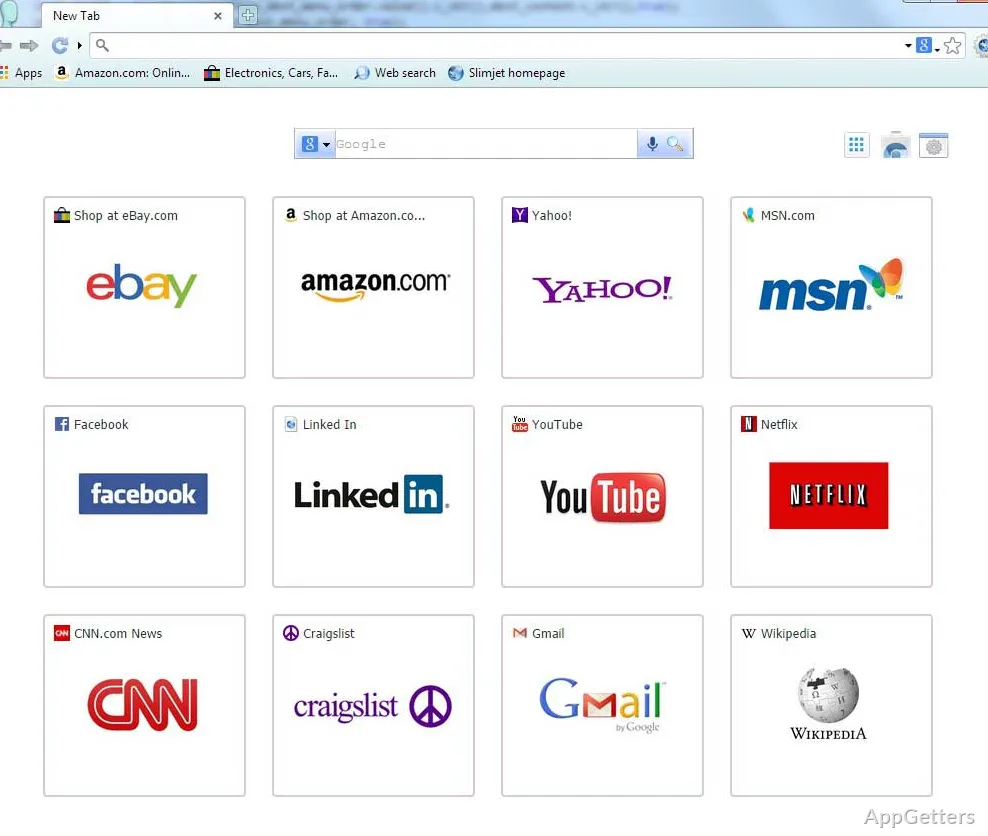
The Chrome-like interface can make the first launch feel familiar, but Slimjet keeps its own settings and adds browser controls that Chrome does not include by default. Start with normal browsing first. Email, search, a work dashboard, and one media site will reveal more than a random homepage.
Windows may show a security warning during setup. Check that the installer came from the FlashPeak source you meant to use before continuing. A browser stores sessions, cookies, extensions, downloads, and sometimes passwords, so the file source deserves more attention than a small offline utility.
Chrome extensions usually need a real test
Slimjet’s FAQ says it is compatible with almost all Chrome extensions and that extensions can be installed from the Chrome Web Store. That does not mean every extension will behave exactly the same. Test password managers, content blockers, shopping add-ons, and developer tools one at a time.
Sync can connect it back to Google
Slimjet says it does not send data to Google’s servers unless bookmarks and other data are synced with a Google account. That distinction matters. If the goal is to keep Slimjet separate from Chrome, review sync choices before signing in.
Ad blocking is useful, but it can break parts of a site
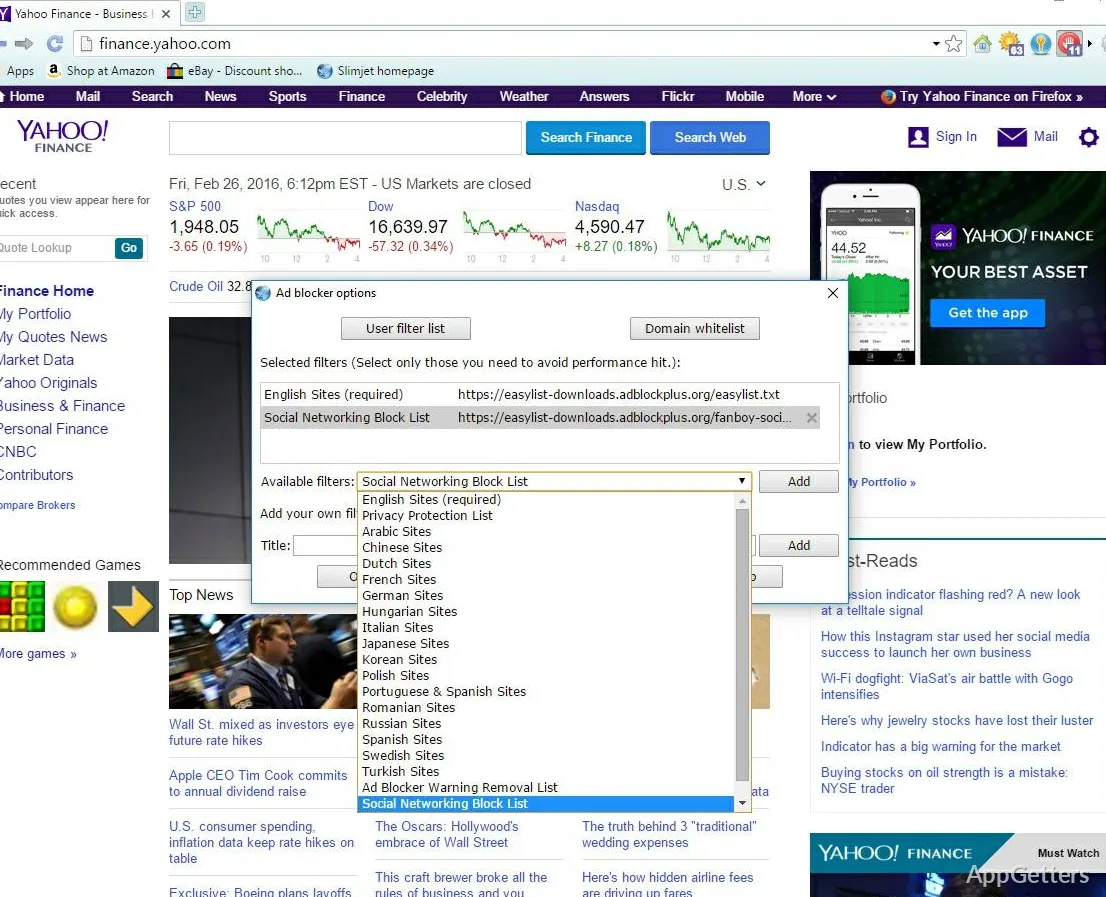
The built-in ad blocker is one of Slimjet’s main differences from a plain Chromium browser. It can reduce page clutter and stop many advertising elements without adding a separate extension. It can also hide a login box, payment button, video player, or comment widget on some sites.
Slimjet’s FAQ gives a direct fix for useful items that disappear: disable the ad blocker for a single site or domain from the browser menu. Use that before replacing the browser. If one shopping page or banking page fails, a per-site ad-blocking change may explain the problem.
Users who want a mainstream Chromium baseline can compare Google Chrome. Users who want a browser with built-in blocking and a different privacy model may also compare Brave Browser. Test the same sites, not just the feature names.
A page loads but buttons are missing
Missing page controls often point to blocking, scripts, or extension behavior. Open the same page with Slimjet’s ad blocker disabled for that site. If the button returns, the browser is not broken; the page needs a site-specific exception.
Video sites may react to blocking tools
Some video pages depend on scripts, pop-ups, cookies, or advertising checks. If playback fails, test one known video site with fewer extensions and a site-level ad-blocking change. Reinstalling the browser should not be the first move.
Downloads, forms, and toolbar buttons need careful setup
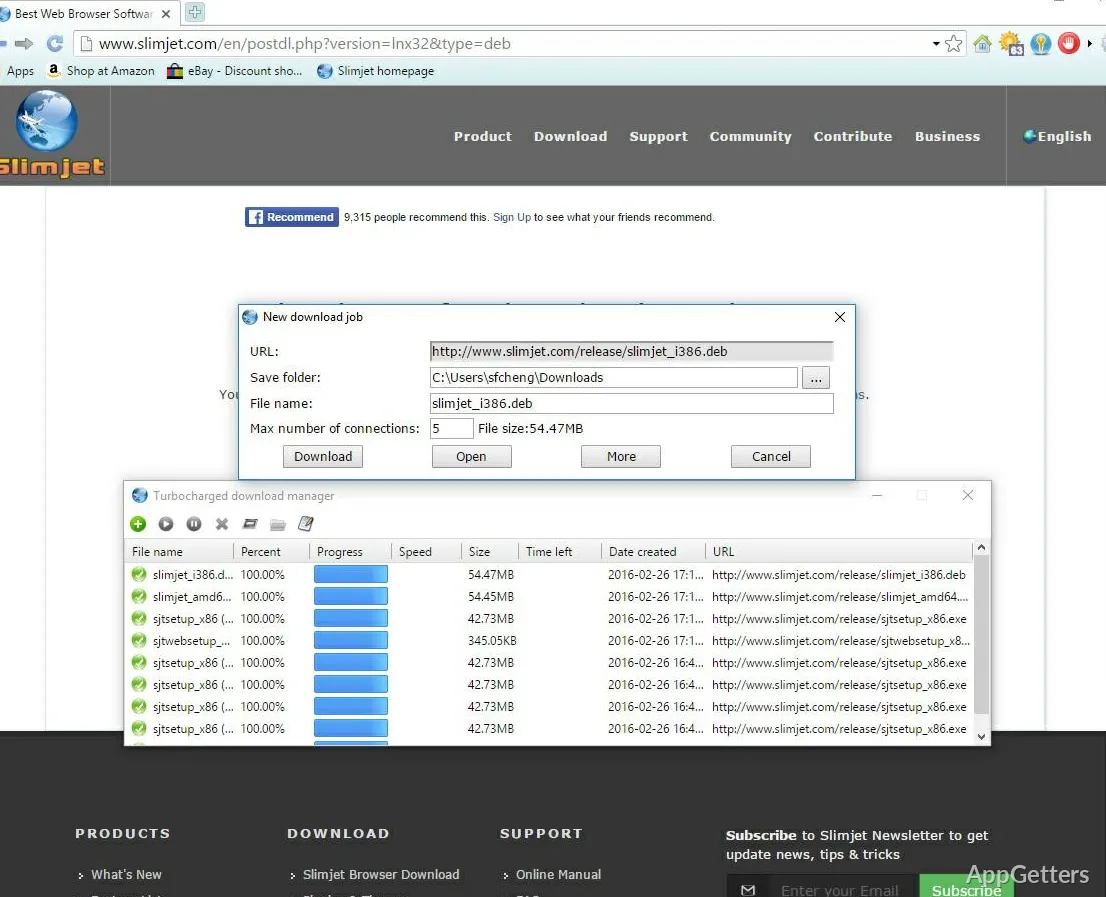
Slimjet lists a turbocharged download manager among its built-in features. That can be useful for large files, interrupted downloads, or users who prefer browser-managed downloads. Compare the completed file name and size with the site where the download started, especially when the file matters.
QuickFill is another Slimjet feature, but form filling deserves caution. Use it first on low-risk forms before trusting it with payment pages, government portals, or business logins. A form filler is only helpful when the saved details match the field labels correctly.
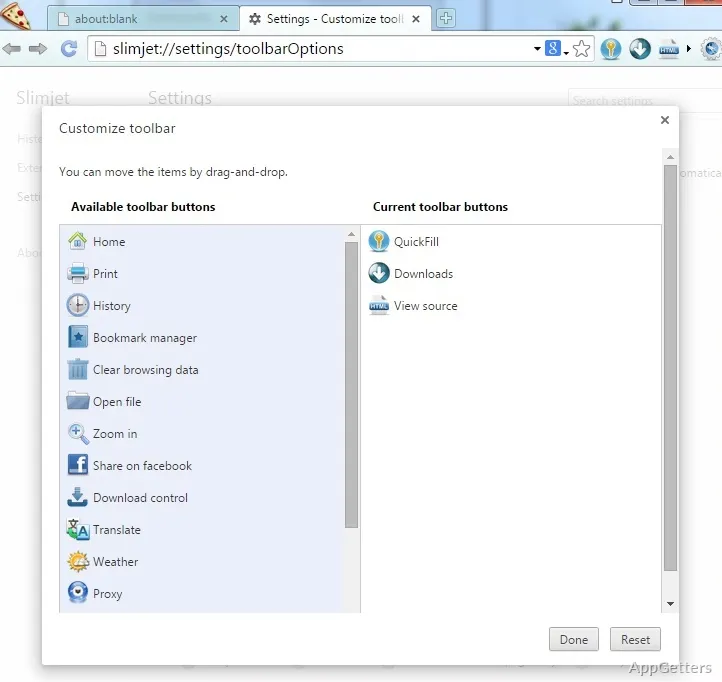
The customizable toolbar can become crowded quickly. Add the buttons you use every day, then leave the rest hidden. A crowded browser toolbar makes download controls, translation tools, and ad-blocking switches harder to notice when a site needs a quick change.
Downloaded files stop or restart
If a download fails, check the site first and then the browser’s download manager. Some servers do not handle resumed downloads well. Try the file again from the original page, and compare the completed download with the details shown on that site.
QuickFill should not be tested on important forms first
A saved form profile can place the right text into the wrong box when a website uses unusual fields. Test QuickFill on ordinary forms first. For account recovery, tax, banking, or purchase pages, review each field before submitting anything.
Updates and older pages can cause confusion
Slimjet’s download pages and older mirrors may show different package details. Use the version shown on the current download card, then compare it with the version screen inside Slimjet after installation. Older posts and third-party pages may keep stale screenshots, dates, or file names.
Slimjet’s FAQ says a regular installed version can be upgraded by running the newer installer over the existing version. That is different from the portable edition, where the profile and folder handling matter more. Do not mix regular and portable instructions when updating.
The official download page also notes that Slimjet is freeware and that redistribution must keep it in original form. That helps explain why modified bundles should be avoided. If a download page wraps Slimjet inside another installer, use a more direct source or the supplied download card instead.
Antivirus warnings need a source check
Slimjet’s FAQ mentions that protection tools may occasionally flag its executable files. Do not rush past that warning. Check whether Windows security or another protection tool shows a warning for the installer or one of its components, then verify the file source before continuing.
Portable and regular builds should stay separate
Slimjet also has portable-version instructions, but that workflow is not the same as the regular Windows installer. Portable settings live under the extracted folder. Regular installer updates should follow the normal installed-browser path, not portable-folder habits.
When Slimjet is not the right browser choice
Slimjet for Windows makes sense when the built-in ad blocker, toolbar controls, download manager, form filler, and Chrome extension support match the way you browse. It may not fit users who need a browser managed by workplace policy, the newest Chrome behavior immediately, or support from a company IT desk.
For Microsoft account integration, Windows policy support, and enterprise browser controls, Microsoft Edge may fit better. For users who want another highly customizable Chromium-style browser, Vivaldi may be worth testing against the same tab and toolbar habits.
Do not judge the browser only from its feature list. Open your actual websites, sign in where needed, test downloads, check extensions, and see whether ad blocking interrupts pages you use often. Browser choice becomes clearer when the same routine is tested in two or three browsers.
Some workplaces may not support it
Company portals, identity tools, and managed browser settings often expect Edge, Chrome, or another approved browser. Slimjet may open the site, but policy features or support instructions might not match. Keep the approved browser available for work accounts.
More built-in tools can mean more settings to inspect
Extra browser tools are useful only when they are understood. Ad blocking, proxy switching, form filling, translation, and download handling can all change page behavior. If a site acts strangely, check Slimjet’s built-in feature settings before blaming the website.
A focused first run for Slimjet
Begin with a small browser routine. Open a few important websites, install one extension, try one download, and test the ad blocker on a page where you know what should appear. Then check privacy settings and decide whether to sign in or keep the profile local.
Slimjet for Windows earns its place when the built-in browser tools reduce add-on clutter without breaking the sites you depend on. Keep another browser installed during the test so a failed login, missing button, or download issue can be compared quickly.
The final decision should come from real browsing: ad-blocking behavior, extension compatibility, download handling, form filling, sync choices, and how often site exceptions are needed. If those checks feel manageable, Slimjet can become a practical Chromium-based browser. If they create extra work, keep it as a secondary browser instead.