When a spreadsheet or database holds more information than a static chart can explain, Power BI Desktop gives you a workspace to shape the data and build an interactive report. Microsoft’s app combines data preparation, modeling, and report design in one desktop workflow.
Power Query Editor and data model
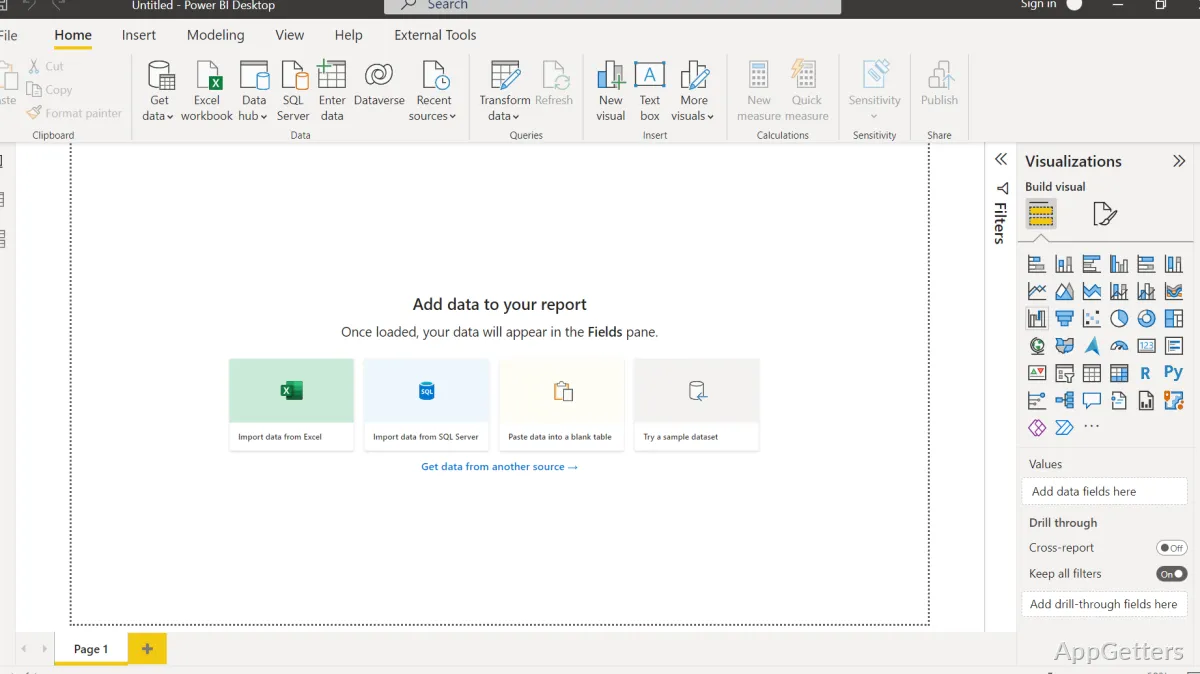
Start by connecting to sources such as Excel workbooks, databases, or online services. Power Query Editor lets you inspect incoming tables and apply transformations—such as filtering rows, changing column types, or combining queries—before loading the results into the report model.
In the model view, set relationships between tables so visuals can draw on connected data. DAX formulas add calculated columns and measures, such as totals or ratios, for analysis within the model.
Report canvas and interactions
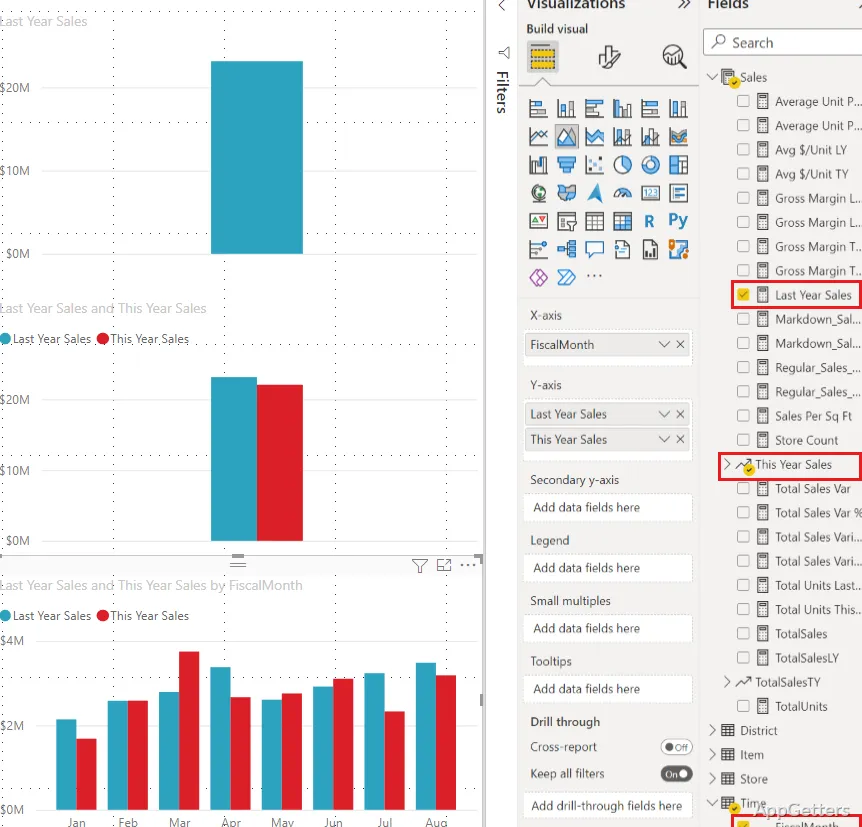
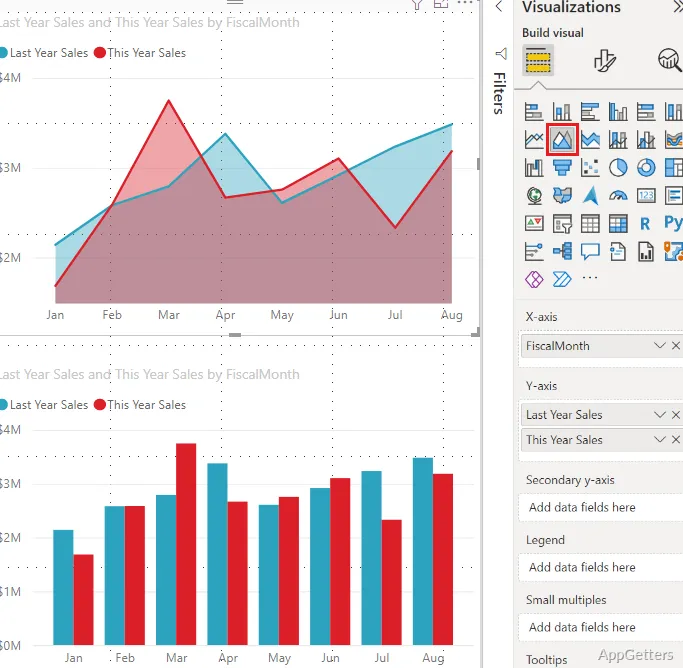
Build report pages by placing visuals such as charts, tables, cards, and maps on the canvas. The fields pane supplies model data, while formatting controls adjust how a selected visual presents it. Filters and slicers let report readers narrow the displayed data; selecting one visual can also affect related visuals on the page.
- Use separate report pages to organize different views of the same model.
- Save the editable report and its model in a PBIX file.
Publish to Power BI
After authoring a report, publish it to the Power BI service to share it online and access it through Microsoft’s web tools. A Microsoft account is needed for service-based access and project syncing. Desktop is where the report model and pages are authored; online access and sharing happen through the service.
Pros
- Power Query Editor provides tools to clean and reshape imported data
- DAX supports calculated measures and columns in report models
- Slicers and visual interactions let readers explore report data
- Reports can be saved as PBIX files and published to Power BI
Cons
- Publishing and online project access require a Power BI account
System requirements: Windows 10, Windows 11 · Windows Server 2016 or later · Requires .NET 4.7.2 or later · At least 2 GB available RAM; 4 GB or more recommended · Microsoft Edge required · Minimum display resolution: 1440×900 or 1600×900 · Windows on ARM requires the 2025-09 Cumulative Update (KB5065789)
What is the difference between Power BI Desktop and the Power BI service?
Desktop is the Windows application for connecting to data, building a model, and authoring reports. The service provides online access and sharing for published reports.
What does Power Query Editor do?
It prepares data before it is loaded into a report model, with tools for tasks such as filtering rows and combining queries.
What is a PBIX file?
It is the file format used to save an editable Power BI Desktop report and its model.