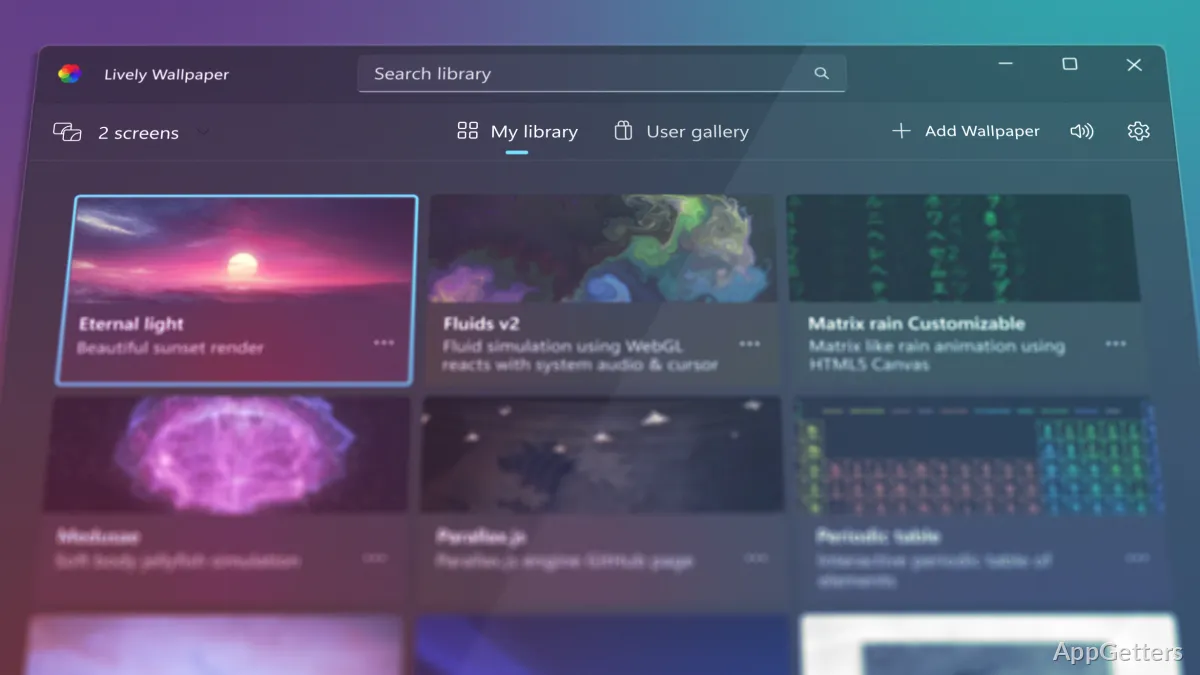
Personalizing the desktop with a wallpaper is something a lot of Windows users like to do. However, one can only keep looking at the same image for so long before it becomes boring. Animated wallpapers, which have been around for a very long time, are usually avoided. They are thought to affect system performance, drain battery, and be difficult to set up. Those who desire a moving desktop but are not willing to compromise on PC responsiveness may find it quite difficult to come across a trustworthy solution. Lively Wallpaper is a Windows app that actually allows you to have an animated and interactive wallpaper. It does so without giving up control of your system resources’ performance.
Bringing Motion to the Windows Desktop
Lively Wallpaper’s main objective is to change the desktop from a barely changed workspace to a much more visually interesting place. Its users are supported to use a variety of wallpaper formats such as videos, animations, web-based content, and even custom interactive backgrounds. This means that one can have a wallpaper that really connects with their hobbies. One can have very quiet motion effects, nature scenes, abstract animations, or information-rich displays.
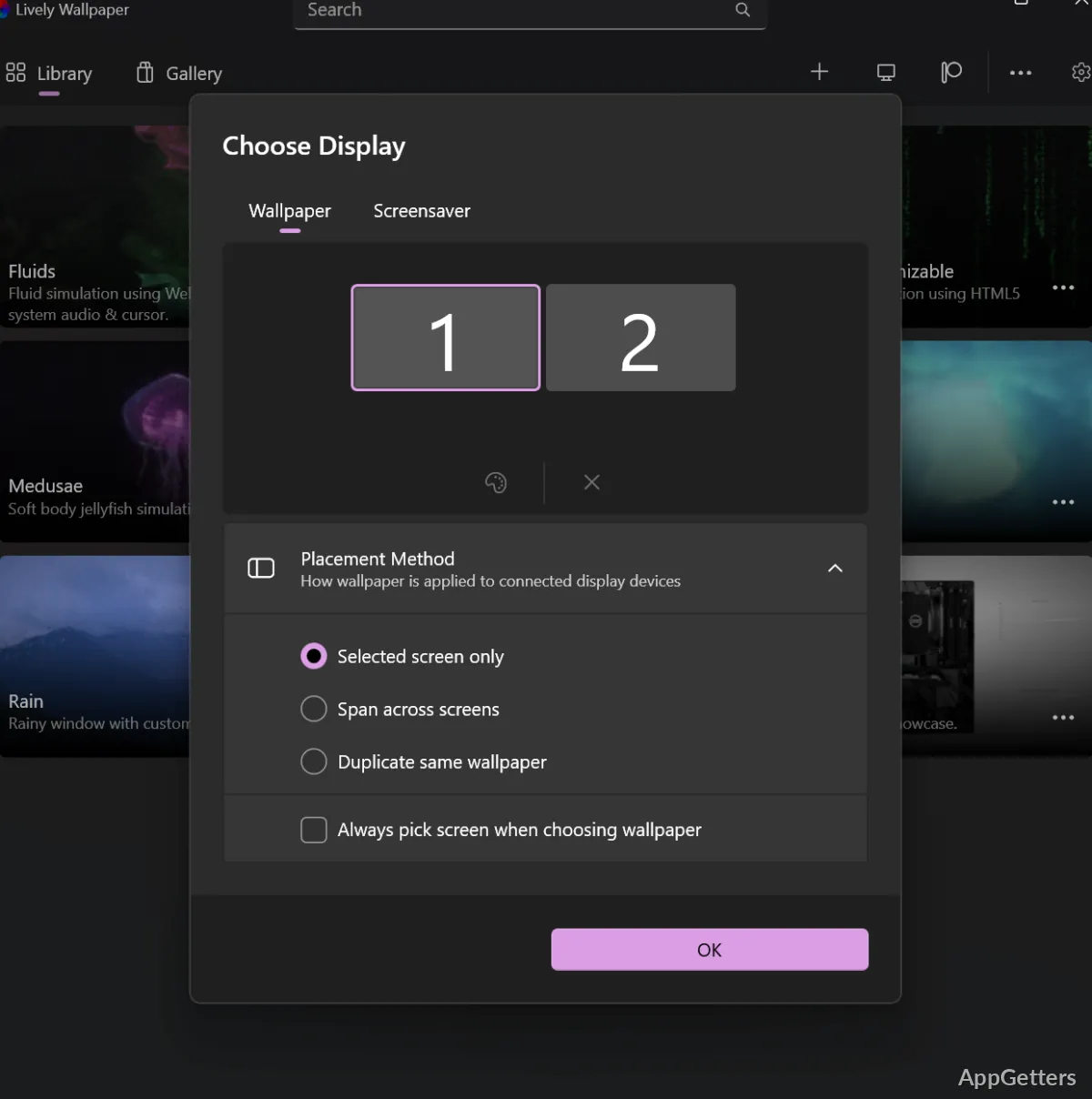
Generally speaking, the program looks and works in a way that one can easily understand, even if one has never used animated wallpapers before. You will easily find a wallpaper and download it. When you see it on your desktop, you can adjust the settings so that your wallpaper is exactly what you want. Most people are able to start working on their desktop customization a few minutes after they have installed the program. Definitely, no previous advanced knowledge is required.
Performance and System Resources
Generally, animated wallpaper software is a hot topic when it comes to the performance issue. Animation means that the system is working continuously, and the processor and graphics usage may be increased as a result. This is especially true if one has an older computer. Lively Wallpaper explains that it has done resource management through the introduction of features that aim at reducing the load on the system at times when it is not absolutely necessary.
Once the system goes into full-screen mode, the wallpaper will not be active so that the system’s resources can be preserved. This is a big win for those who have to continue their studies or work without their productivity being hampered by the desktop customizations in any way. Such users could include students, office workers, and gamers.
It should be noted, though, that resource consumption could go up with the complexity of the wallpaper. It is quite understandable that a detailed animation would consume more power than a simple video loop. The less powerful PC user will definitely have to go through a trial-and-error process, testing different wallpapers. This is in order to find the one that will give the best balance between visual appeal and system performance.
Customization and Everyday Flexibility
Lively Wallpaper is a fully-fledged customization tool that you can use in various ways. You may decide to use the default wallpapers that came with the app. Or you can create your own unique set of wallpapers that fits your personality. This is the kind of freedom that many users have been asking for from their desktop customization tools. But only a few have been able to deliver.
Another way in which Lively Wallpaper can become part of your daily life is by always being there in your background. This can happen while you are working, studying, surfing, or just enjoying a movie. Wallpaper can be a part of one’s life for hours without a person normally noticing. Most times, we probably remember our wallpaper only when we change it. To people who, from time to time, customize their desktops, these changes may turn out to be very interesting. They can make the desktop feel more like their own domain.
However, those users who are in search of a quite fully featured desktop management software, willing to pay a high price for it, may get disappointed by Lively Wallpaper. The software is an absolutely specialized one. It does desktop background customization and nothing else.
Where Lively Wallpaper Fits Best
For users who want a modern Windows desktop, Lively Wallpaper is an excellent choice. This is especially true for those who do not want to waste time with complex customization tools. Home users, students, PC enthusiasts, and content creators are some of the user groups that would appreciate the software’s aesthetics and user-friendliness.
Some of its main features make Lively Wallpaper very useful as a personalization tool. These are its practical resource management controls, ability to support many types of wallpapers, and its simple interface. If one manages desktop customization responsibly, Lively Wallpaper can show how it can help the whole experience of PC use without distracting the user.