When you start managing a large photo collection on your Windows PC, things can get more complicated than you initially expected. The folder organization is just one part of the problem. Generally, to share your albums online in a nice and easy-to-use format, you will have to resort to third-party tools. You may also need some technical skills or invest lots of manual work. Eventually, many users get to the point of searching for software that will help them in creating galleries without advanced web design. JAlbum attempts to solve this situation by merging image organizing, publishing albums, and light customizations into one single desktop application. It is primarily targeting users who fancy the idea of making web-based photo galleries, but building the website itself from scratch is not exactly their thing.
Create Galleries Without Having to Use Complicated Web Tools
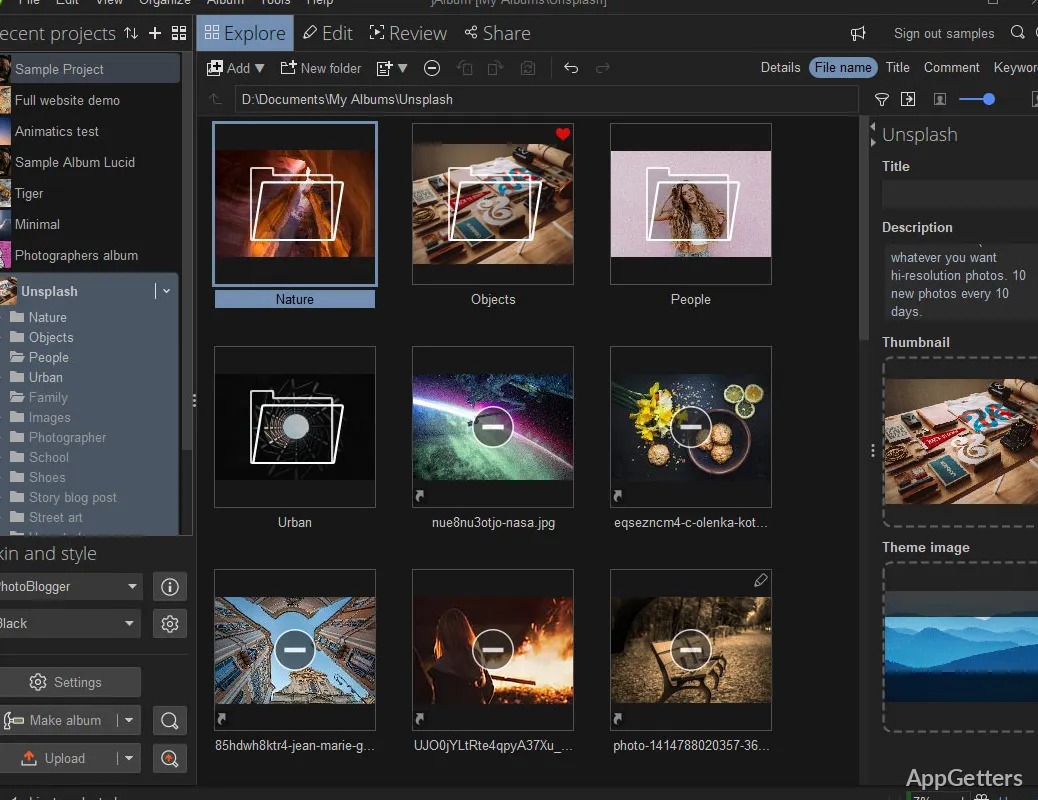
One of the very useful things about JAlbum is how easily it allows a user to create a photo gallery on Windows. You can simply drag the folders to the program, change the order of the photos, and get the whole web album done with a minimum of effort. It is not a fair statement that the look and feel of the software is quite contemporary. However, it is still working without problems in a predictable way after the user has had some time to study it.
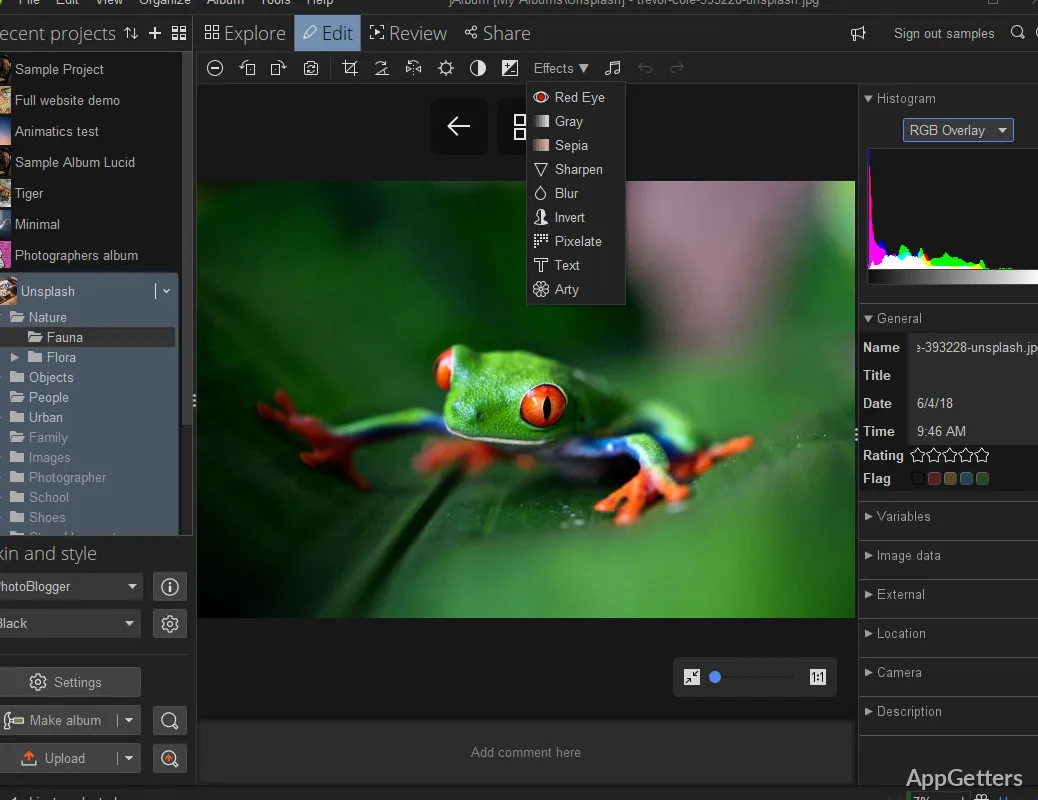
You can rely on the templates and skins for your visual design almost entirely. This is a gift to newcomers who want to make good galleries without learning HTML and web hosting thoroughly. On the other hand, customization of the layout, the way metadata is shown, navigation, and image presentation can always be done by power users if they desire so.
In the normal workflow, the program handles medium and large photo libraries without issues. There are batch processing features that improve the productivity of the user. For example, resizing images, watermarking, or generating thumbnails for the whole album can be done in one go.
Convenient Features for Long-Term Photo Arrangement
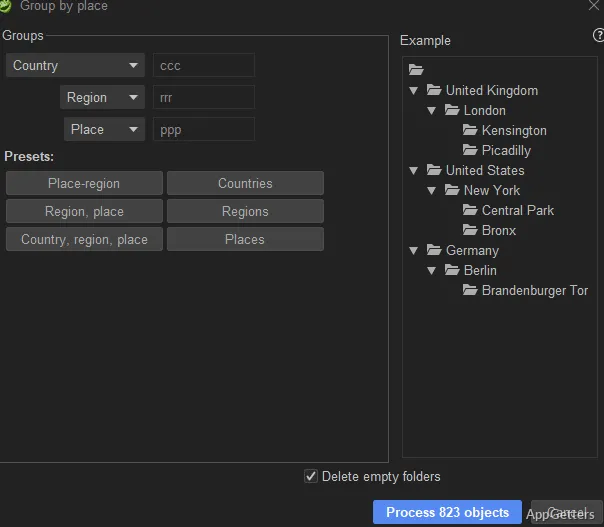
To get the most out of jAlbum, it is best to use both the publishing aspect of it and the photo organizing ones, even if the latter are limited. Usually, people who have a very well-consolidated structure of folders through the years only re-update the online albums eventually, instead of remaking them from scratch. In fact, they do album preserving with jAlbum quite well.
Metadata entry is yet another feature that helps the user. Technical details and descriptions stored in photographs are really helpful when publishing galleries where there are contextual elements. They are also useful for a person who is interested in that sort of thing. JAlbum directly supports this, especially useful for travel albums, portfolios, or educational archives.
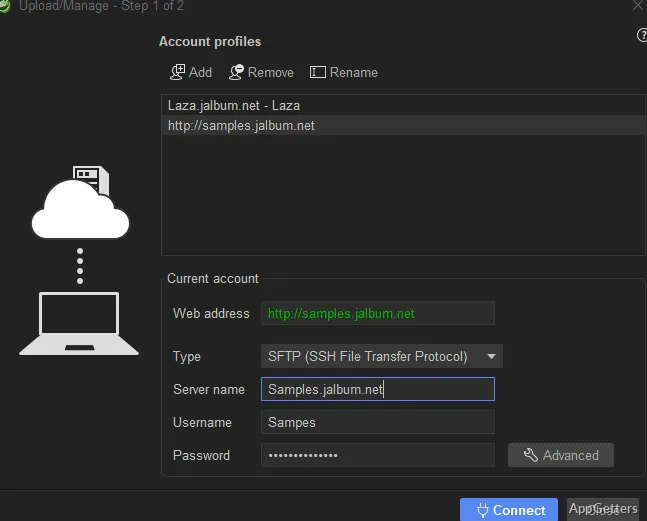
Publishing the albums is made easier through upload integration. You can export your gallery to the disk or upload it to the Internet through either the built-in hosting support or the FTP tools provided. For Windows users who do not want to get into the fine points of website management, this is a huge time saver.
On the other hand, the application may at times seem slightly advanced to average users who are used to photo-sharing platforms that have a cloud-first mentality. Some of the menus really do have quite technical options that the average user presumably will not even see. Overall, the design decision was to go for flexibility over simple minimalism.
Performance, Reliability, and Day-to-Day Limitations
From the viewpoint of stability, jAlbum is a fairly standard application when it runs on the modern Windows environment. You can expect it to behave the same way during different operations. The output of a photo album creation is quite secure, even when a large number of images are involved, assuming that the PC has sufficient storage space and memory. Major crashes and strong performance degradation are therefore not quite frequent if the usage is normal.
The software also excels in situations where it has to work with big photos. It can also make compressed web versions of them. Visitors will not have to wait for the page to load for a long time. Users also do not have to manually perform image optimization on every single picture beforehand.
Versions of some visible parts have been updated, but unfortunately, certain restrictions still remain. These reflect the long history of this program’s development. Some of the options windows are rather full and can be a bit overwhelming to an unfamiliar first-time user. Besides, switching between the part of the software used to control the project, the part used for customization, and the part used for publishing is not always fast. It is also not as smooth as newer multimedia applications.
A Relevant Option for Structured Photo Sharing
JAlbum is the software that performs best where a nice and organized photo presentation is still the first concern. The social sharing bit comes at a later stage, or even not at all. Photographers who want to create a portfolio will profit the most from this program. Schools that document events, clubs that retain archives, and home users with family collections will also benefit from it.
JAlbum stands out by doing away with the complexity and difficulties one faces when making structured online galleries. At the same time, it does not compromise the power of the tool for proficient users. They still get the maximum degree of flexibility. It is not the intention of jAlbum to be a one-stop solution for image professionals. It also does not aim to be a modern cloud-based photo storage and sharing ecosystem. Instead, it is targeted very specifically at reliable gallery publishing and long-term album management.